
More equipment choices and a way forward
Try a different blade and a fresh glow, or leave a difficult fight behind. These Premium actions give you direct control over the shop collection and the current level's finish.
Requires the Windows app and the Bytonian Mods browser extension for Chrome or Edge. Browser setup guide
Pick your favorite weapon and glow
Use Unlock weapons and colors, then reopen the shop. Select an available weapon and choose a color, such as green, to change its glow.
Move on from the current fight
Use Complete level to reach the win screen. Collect the level's reward with the normal button to continue to the next arena.
Available game actions
Complete levelPremium
Finish the current level and reach its win screen.
Press Complete level during the fight, then collect the reward to continue to the next arena.
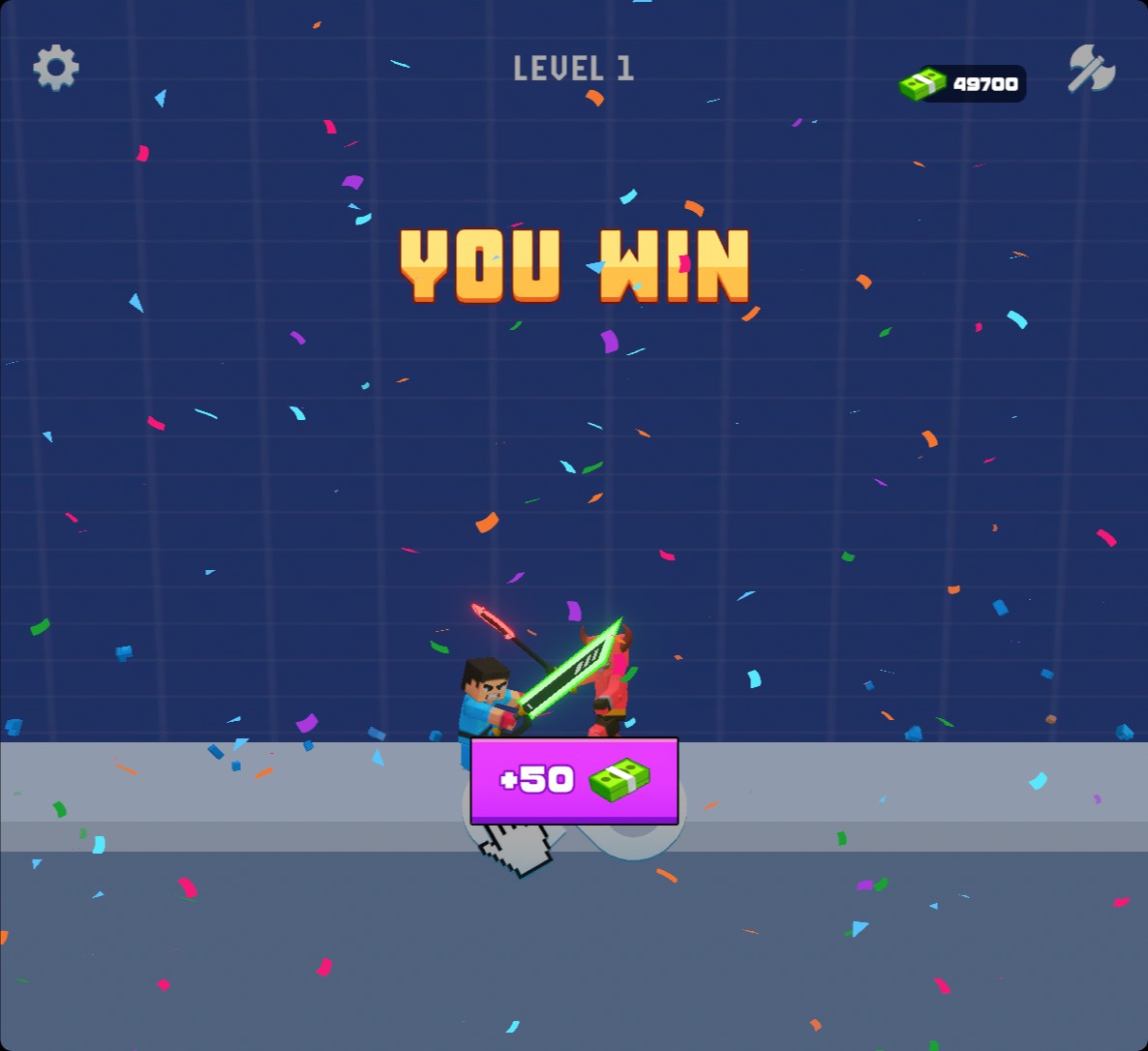
Claim the win and keep going
Finish the current level, then collect its reward and move on to the next arena.
Unlock weapons and colorsPremium
Open up the weapon and color collection so you can pick a blade and glow you like.
Press Unlock weapons and colors, reopen the shop and select your favorites.
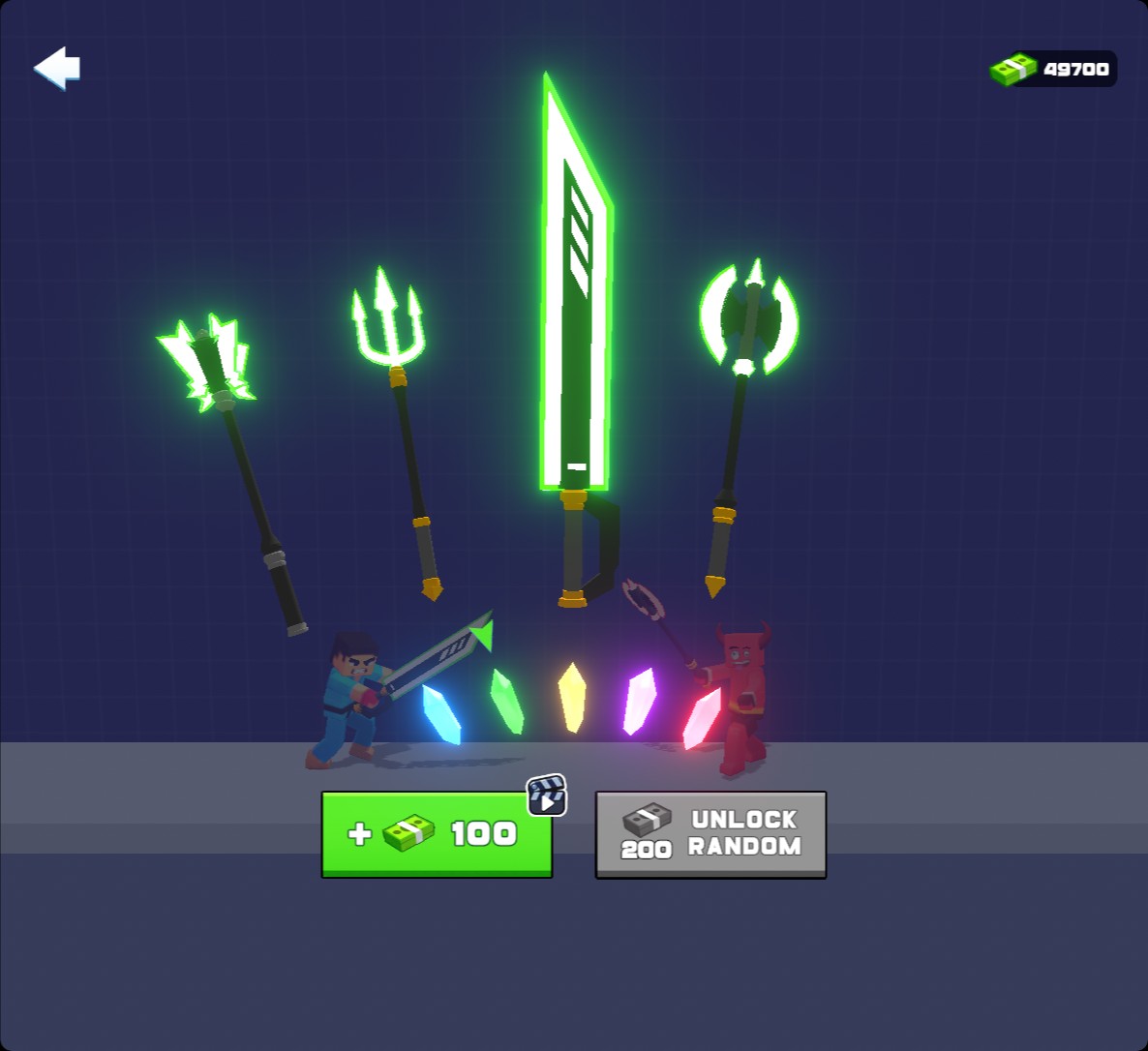
Pick your weapon and color
Explore the unlocked weapon collection and give your favorite blade a fresh green glow.
More ways to customise 3D Block Gladiator: Sword Draw
- 3D Block Gladiator: Sword Draw resources
Set the balance you use for random weapon unlocks in the shop.
Questions about game actions
- Do I need to keep an unlock switch on?
- Unlock weapons and colors is a button you press when you want to open up the collection. Reopen the shop afterward to see its choices.
Using these features
Choose the feature in the Windows app after connecting your game. Check its requirements before making a change.
Setup for 3D Block Gladiator: Sword Draw →