
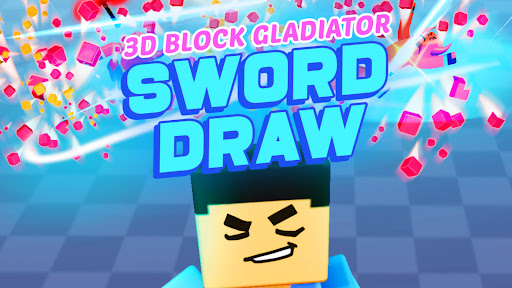
Resources
1 optionSet the balance you use for random weapon unlocks in the shop.
View resources →Set coins for a new blade, open more equipment and glow colours or finish the current level. Draw your path through each blocky arena and take on the next opponent.
Requires the Windows app and the Bytonian Mods browser extension for Chrome or Edge. Browser setup guide
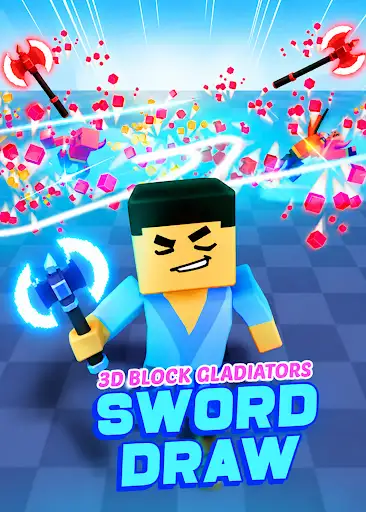
Start with free mods
Download Bytonian Mods for Windows and try these free features. Choose one to see how it works and any requirements.
Choose the coin balance you want to spend on new weapons.
Choose your balance in Coins, then close and reopen the weapon shop before making a purchase.
Coins lets you choose the balance you take into the weapon shop. The game actions open up weapons and colors or finish the current level so you can continue through its reward screen.
Open 3D Block Gladiator: Sword Draw in YouTube Playables and connect it to Bytonian Mods. Choose a control, then return to the game. Reopen the weapon shop after changing your balance or unlocking its collection.
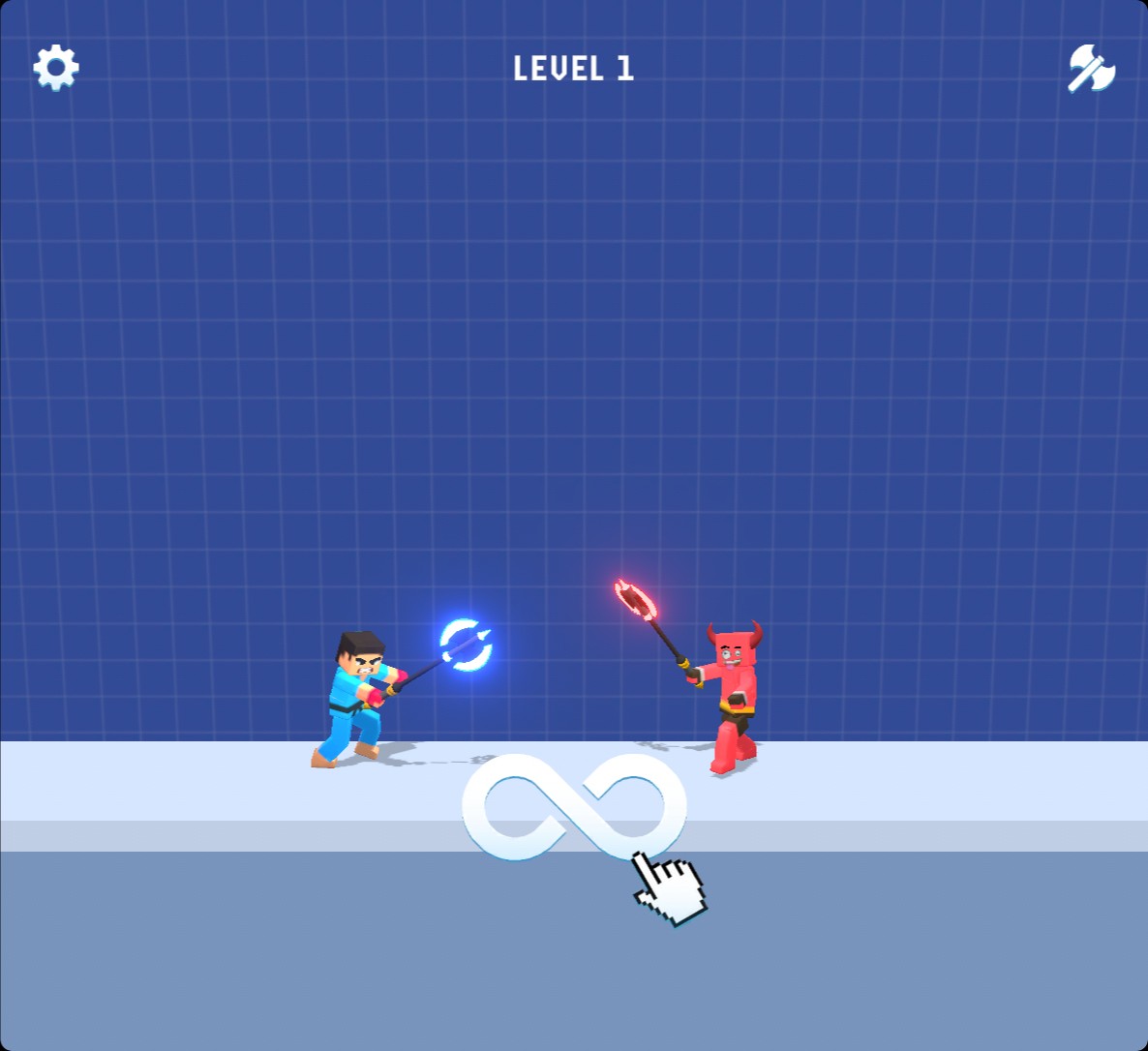
Draw your way through the arena
Guide your block gladiator with drawn paths and glowing weapons.
Set the balance you use for random weapon unlocks in the shop.
View resources →Unlock the weapon and color collection, or complete a fight and continue through its reward screen.
View game actions →Download the Windows app and follow the setup prompts.
Set up the browser extension in Chrome or Edge, then open the supported YouTube Playable. Follow the connection guide if the game is already running.
Review the available options in the app and choose the ones that suit how you play.