
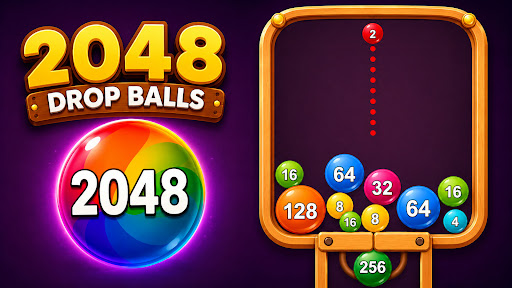
Choose your next ball and tool stock
Adjust the loaded numbered ball and the tools available for your next moves. Shake stock is free; Colour Ball Stock and Loaded Numbered Ball are premium controls.
Requires the Windows app and the Bytonian Mods browser extension for Chrome or Edge. Browser setup guide
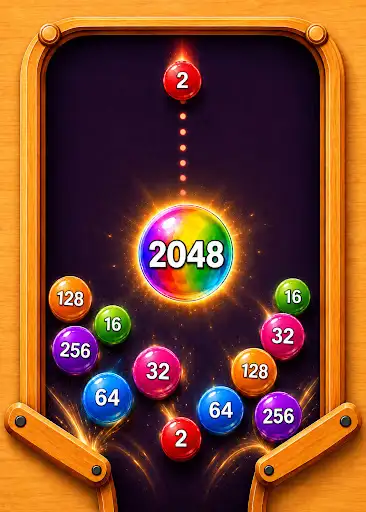
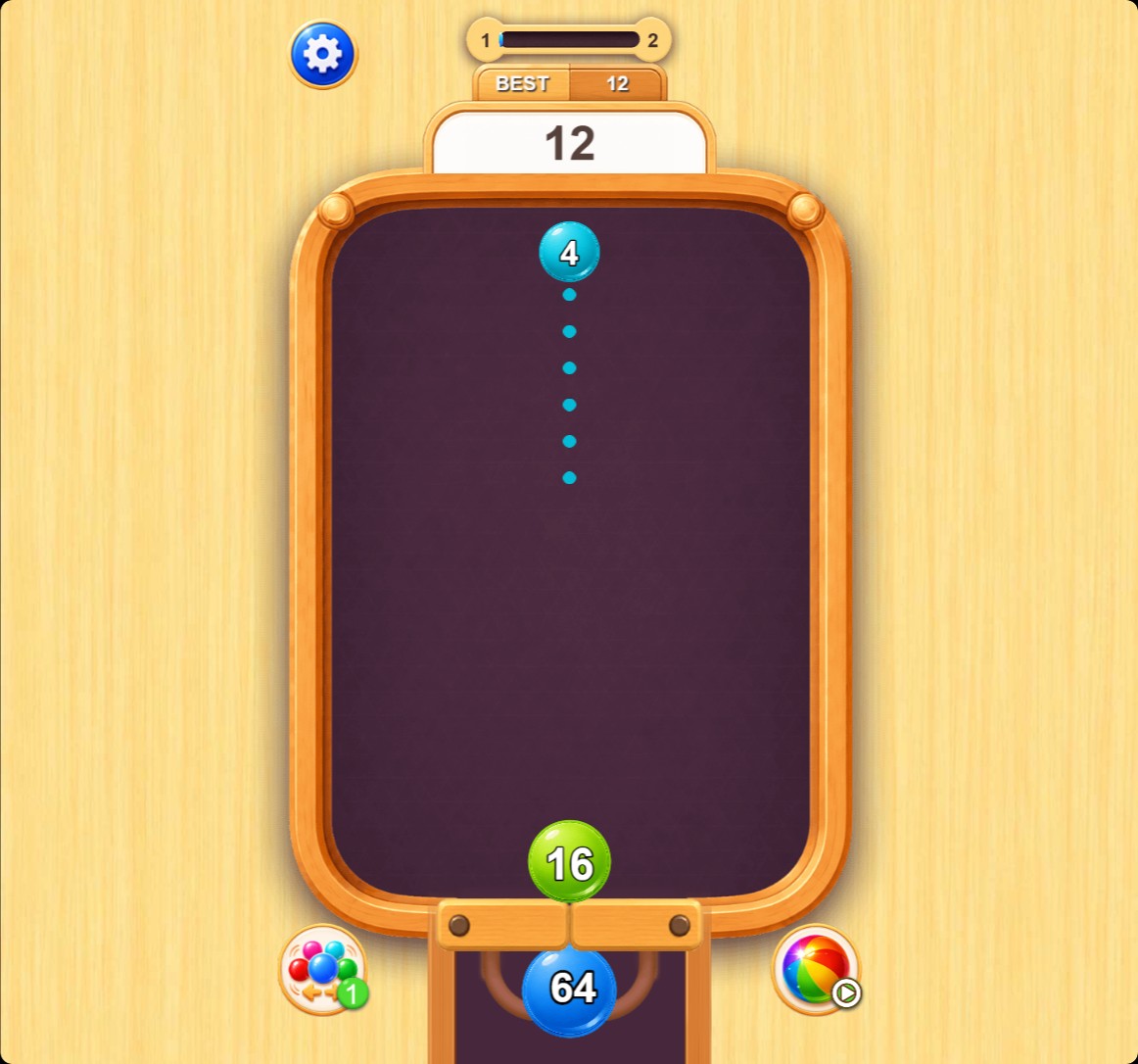
Choose the ball for your next merge
Pick 2, 4 or 8 for the loaded numbered ball. Here, a chosen 8 has merged with another 8 to make 16.
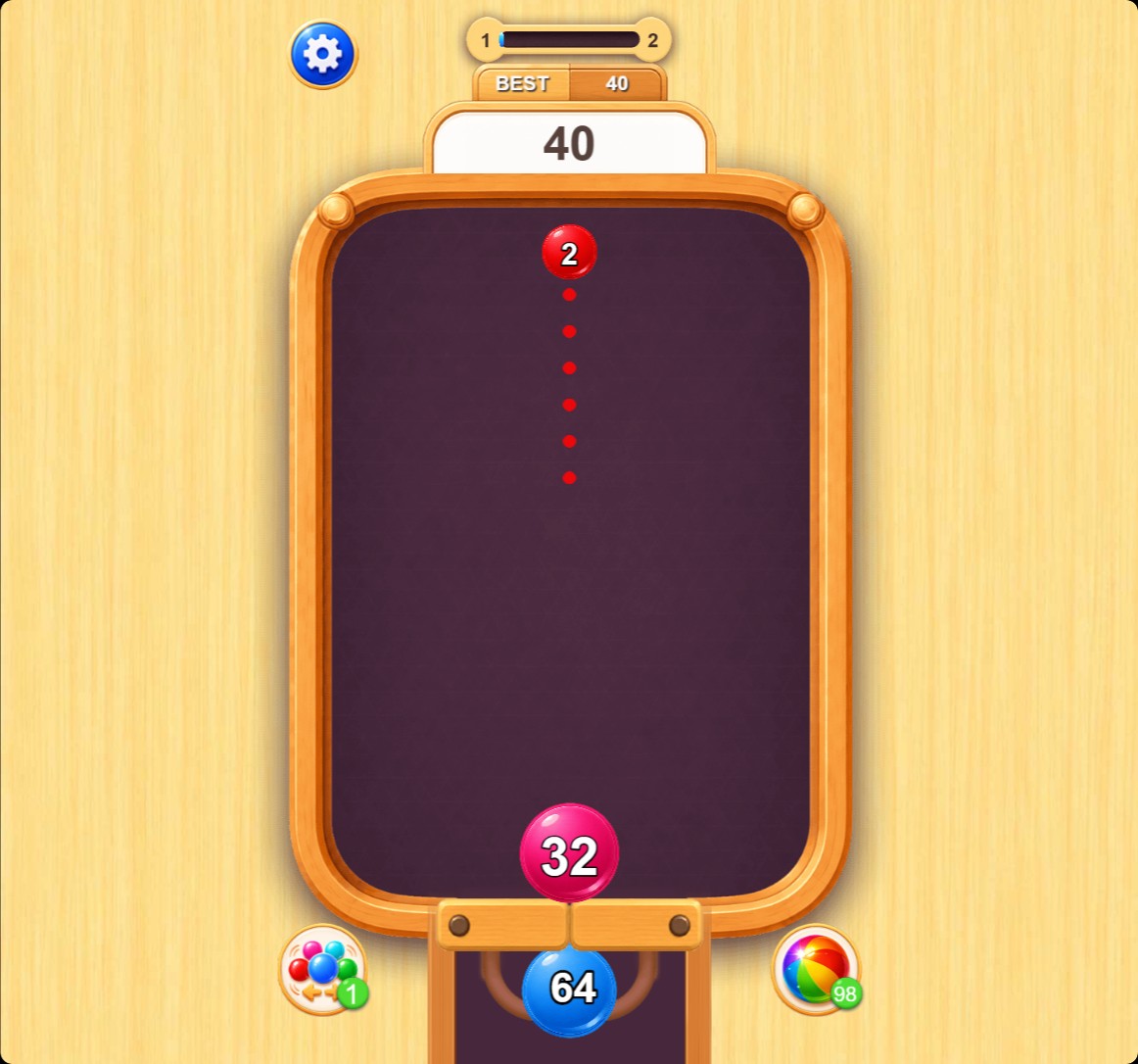
Keep colour balls ready for upgrades
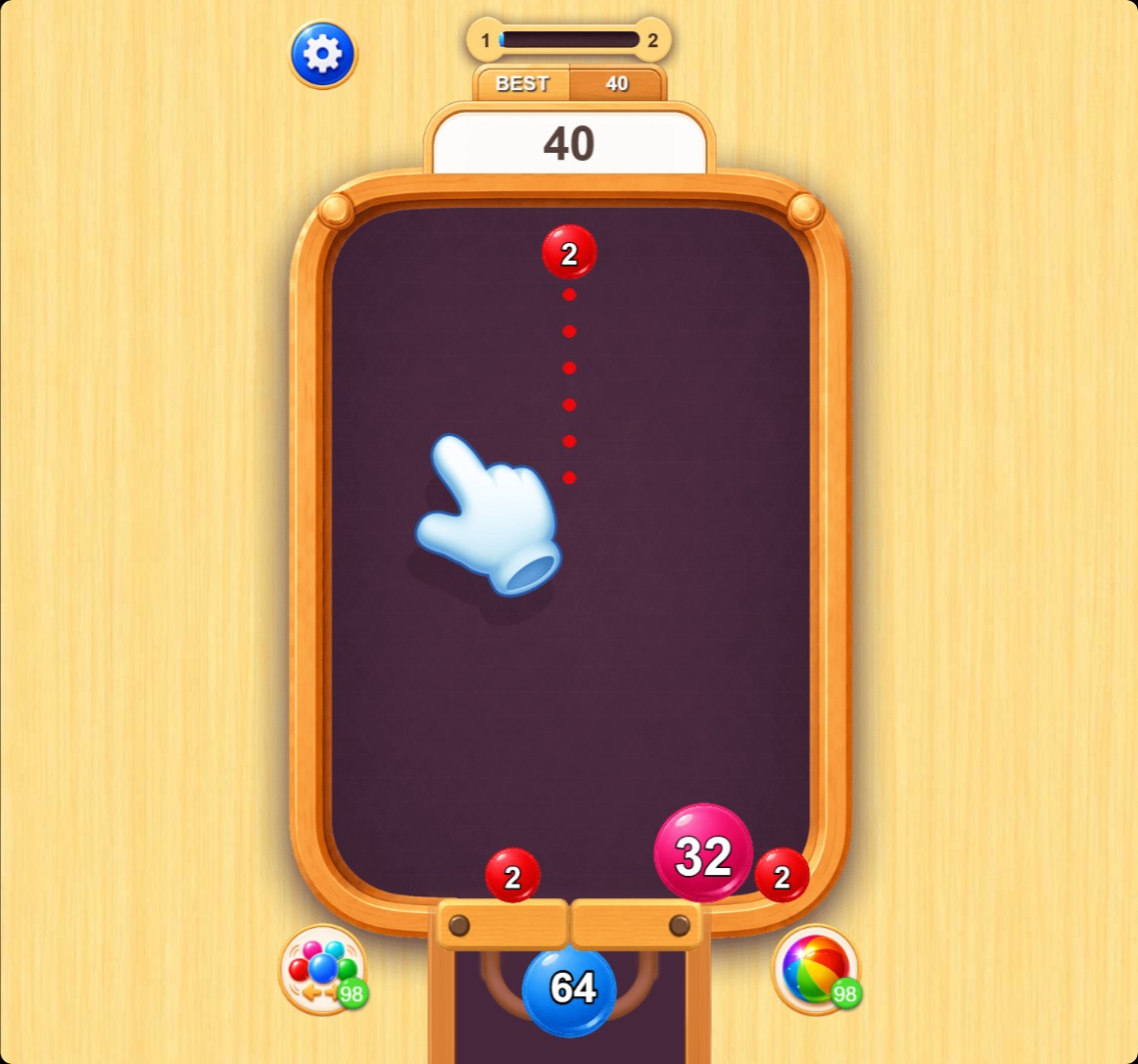
Use a colour ball to upgrade the numbered ball it hits. This 32 came from a colour ball contacting a 16, with 98 uses remaining.
Give the balls a Shake
Bounce the balls into new positions when you want to change the board layout. Shake moves them randomly, so a merge is not guaranteed.
Choose a loaded numbered ball
Select 2, 4 or 8, apply your choice and aim the loaded ball with the normal drop control.
This changes the numbered ball currently waiting to drop. It does not keep every following ball at that value.
Keep tools ready to use
Set Colour Ball Stock to keep upgrade balls available from the button on the right. Selecting the tool loads a colour ball and spends one use. Aim it at a numbered target and avoid a wall contact.
Set Shake Stock and use the button on the left when balls are already on the board. The balls bounce into new positions, with one use spent each time.
Available customisation options
Colour Ball StockPremium
Choose how many colour balls remain for upgrading numbered balls.
Set your stock, apply it and select the colour-ball button on the right. Drop the colour ball toward a numbered ball.
A wall contact consumes the colour ball, so aim for a numbered target.
Shake StockFree
Choose how many Shakes remain for repositioning balls on the board.
Set your stock, apply it and use the Shake button on the left while balls are on the board.
Movement is random and does not guarantee a merge.
Loaded Numbered BallPremium
Choose 2, 4 or 8 for the numbered ball waiting to drop.
With a normal numbered ball loaded, select your value, apply it and use the normal drop control.
Sets only the loaded numbered ball; following balls spawn normally.
Questions about customisation options
- Is the loaded ball choice permanent for future drops?
- It sets the currently loaded numbered ball. The game spawns following balls normally.
- Does Shake guarantee a merge?
- No. Shake moves the balls randomly, which can change their positions without producing a merge.
Using these features
Connect your game, then open Customise in the Windows app. Choose an option, check its available values and follow its instructions. Each option lists its own requirements and limits.
Setup for 2048 Drop Balls →