
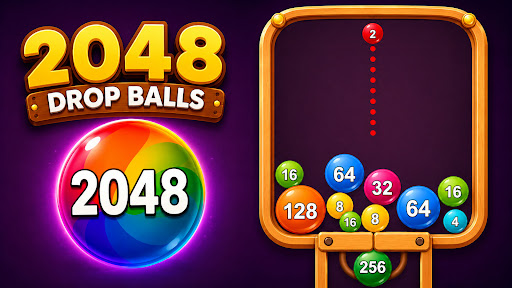
Customise
3 optionsPick a useful starting ball for the next drop, then keep your preferred tools ready for the board in front of you.
View customisation options →Choose the numbered ball waiting to drop or stock up on Colour Balls and Shakes. Drop matching values together to merge them into larger balls.
Requires the Windows app and the Bytonian Mods browser extension for Chrome or Edge. Browser setup guide
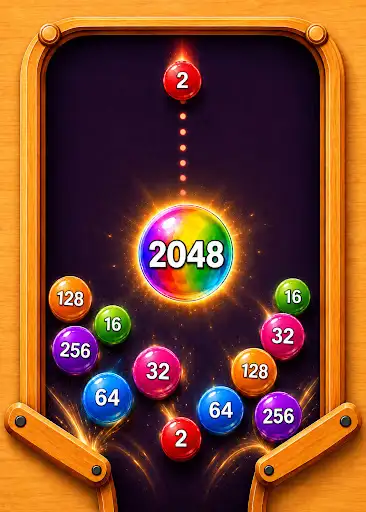
Start with free mods
Download Bytonian Mods for Windows and try these free features. Choose one to see how it works and any requirements.
Choose how many Shakes remain for repositioning balls on the board.
Set your stock, apply it and use the Shake button on the left while balls are on the board.
Movement is random and does not guarantee a merge.
Build bigger balls one drop at a time
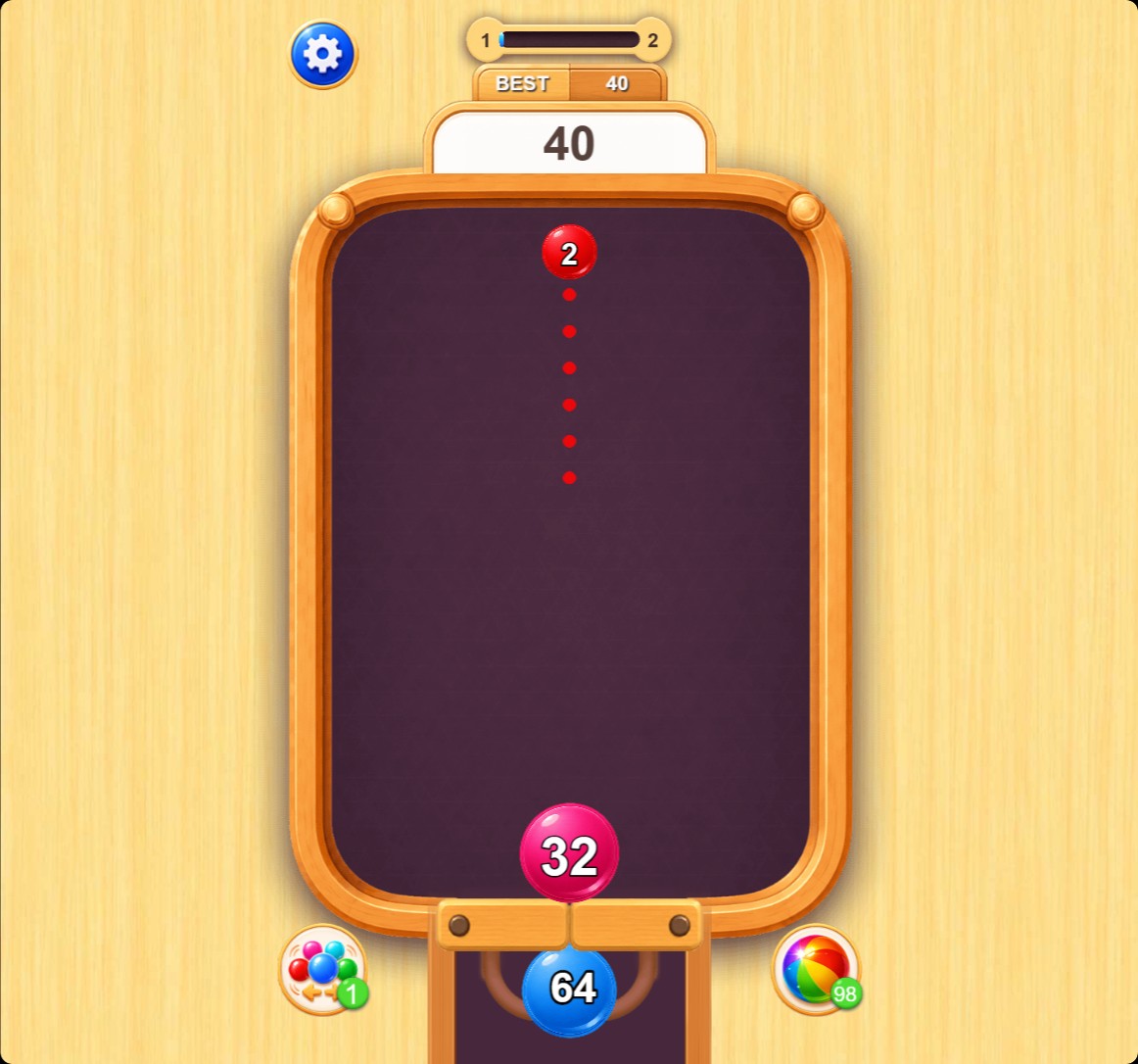
Aim numbered balls, merge matching values and use tools to change the board or upgrade a ball on contact.
Look at the ball waiting above the board and the values already below it. A well-placed drop can connect two matching numbers and create a bigger ball.
Choosing 2, 4 or 8 for the loaded numbered ball gives you a useful way to plan that next move. Following balls continue to spawn normally.
A colour ball upgrades the numbered ball it contacts. Aim it toward a ball rather than a wall.
Shake bounces the active balls around the board. It can change awkward positions, though the random movement does not guarantee a merge.
Pick a useful starting ball for the next drop, then keep your preferred tools ready for the board in front of you.
View customisation options →Download the Windows app and follow the setup prompts.
Set up the browser extension in Chrome or Edge, then open the supported YouTube Playable. Follow the connection guide if the game is already running.
Open Customise in Bytonian Mods, choose an option and follow its instructions. Check the available values and any limits before making your change.