
Ability Modifiers
1 optionChoose Fly, Free Walk or Board for your solo run.
View ability modifiers →Explore the neighborhood, prepare for zombie waves and choose movement, recovery and item controls for your single-player run.

Start with free mods
Download Bytonian Mods for Windows and try these free features. Choose one to see how it works and any requirements.
Choose Fly, Free Walk or Board to change how you travel in a single-player match. Take care when returning to the ground.
Explore this free feature →Choose an available item to place nearby during a single-player match.
Explore this free feature →Restore your health during a single-player match.
Explore this free feature →Restore your stamina during a single-player match.
Explore this free feature →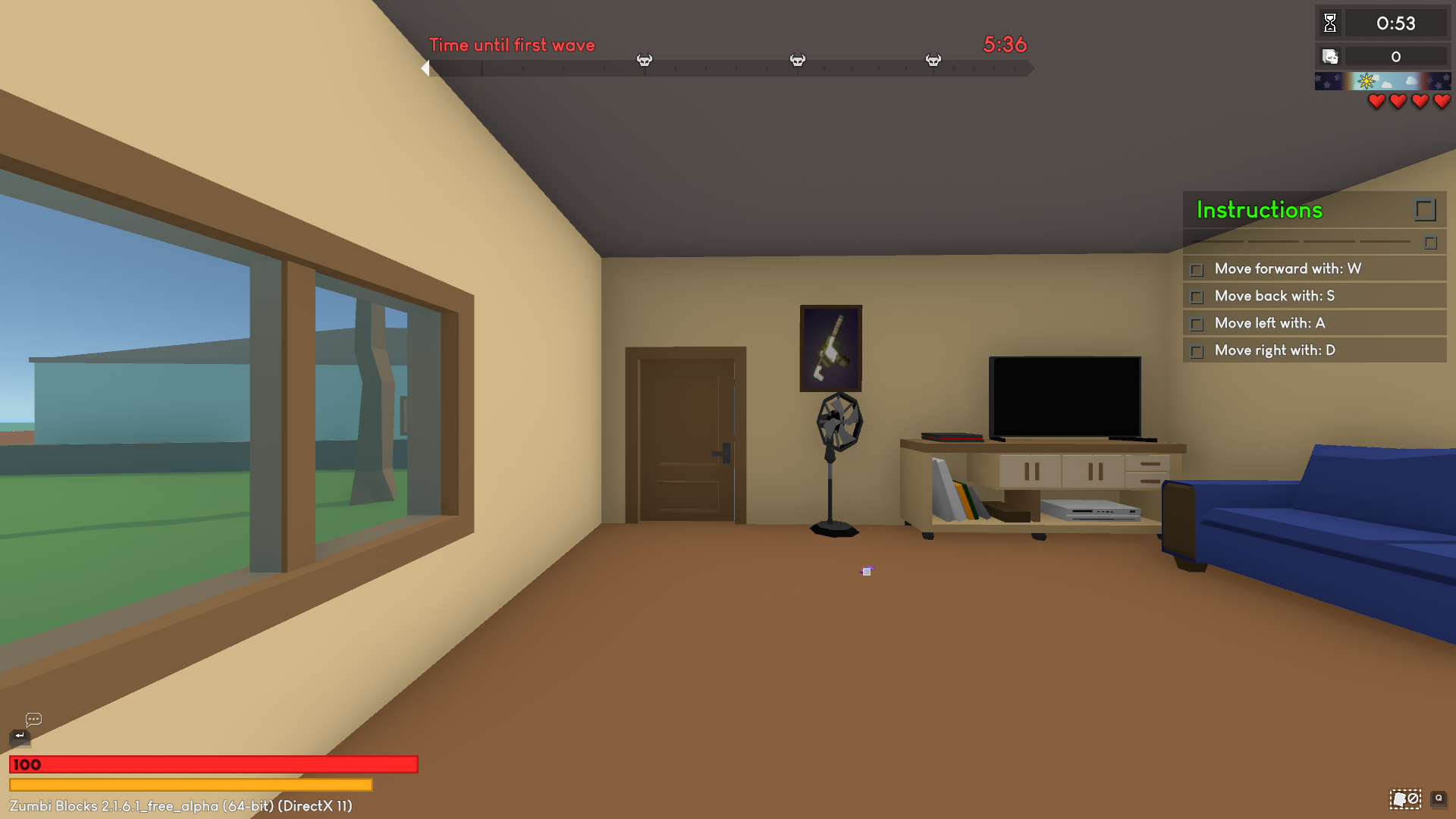
Explore Zumbi Blocks 2
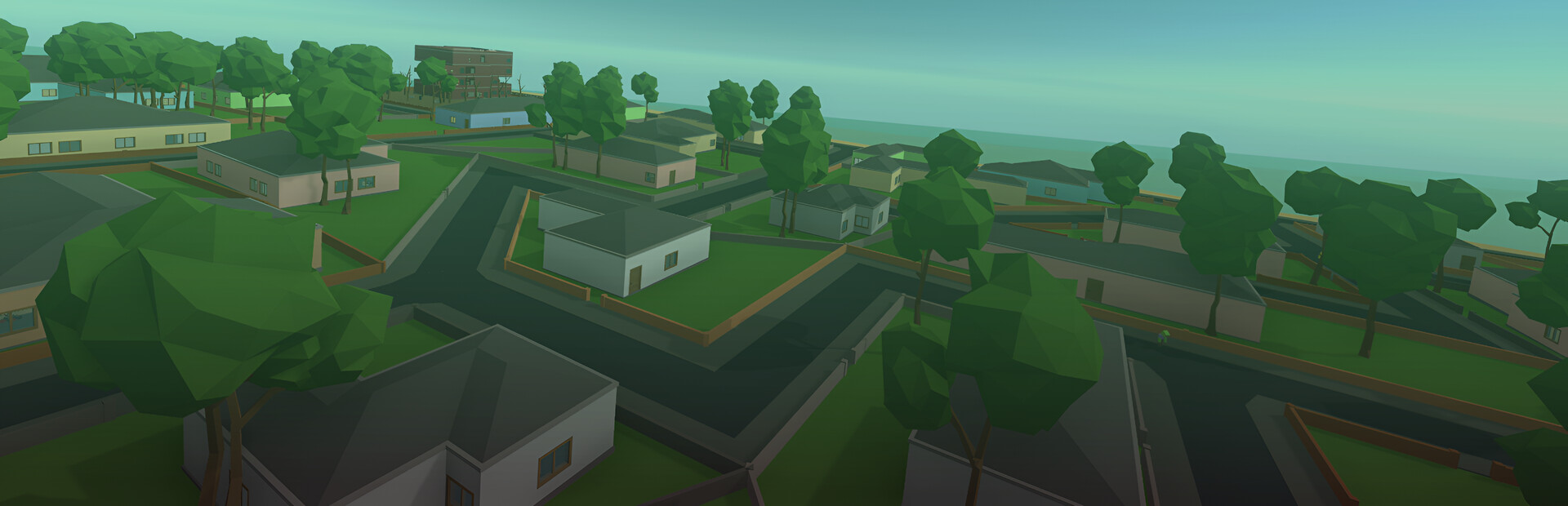
Explore the neighborhood and prepare for the approaching waves.
Take to the rooftops with movement controls, restore health or stamina, or place an available item nearby. Open a single-player match before using these controls.
Install the Bytonian Mods Windows app, select Zumbi Blocks 2 Open Alpha and choose the mods you want to use.
Choose Fly, Free Walk or Board for your solo run.
View ability modifiers →Restore health or stamina and place available items nearby.
View game actions →Browse the Steam achievement names and descriptions for Zumbi Blocks 2 Open Alpha. Choose and unlock achievements for free with Bytonian Mods in the Windows app.
View all achievements →Download the Windows app and follow the setup prompts.
Open Zumbi Blocks 2 Open Alpha and select it in Bytonian Mods. Follow the app’s connection prompts.
Review the available options in the app and choose the ones that suit how you play.