

Game Actions
1 optionFinish a crocodile feeding challenge and use the game's Continue button.
View game actions →Zoo - Happy Animals turns animal care into short, playful challenges. Feed a crocodile, sort animals into their enclosures, and work through the zoo's changing tasks. Our first free action helps you move past a crocodile feeding challenge.
Open Game Actions to find Finish Crocodile Feeding. It is intended for crocodile feeding scenes and does not complete the zoo's other animal-care challenges.
Open Zoo - Happy Animals on YouTube Playables with the Bytonian Mods browser extension connected. Enable Finish Crocodile Feeding, then press its action while the crocodile feeding scene is active. Select Continue when the game offers it.
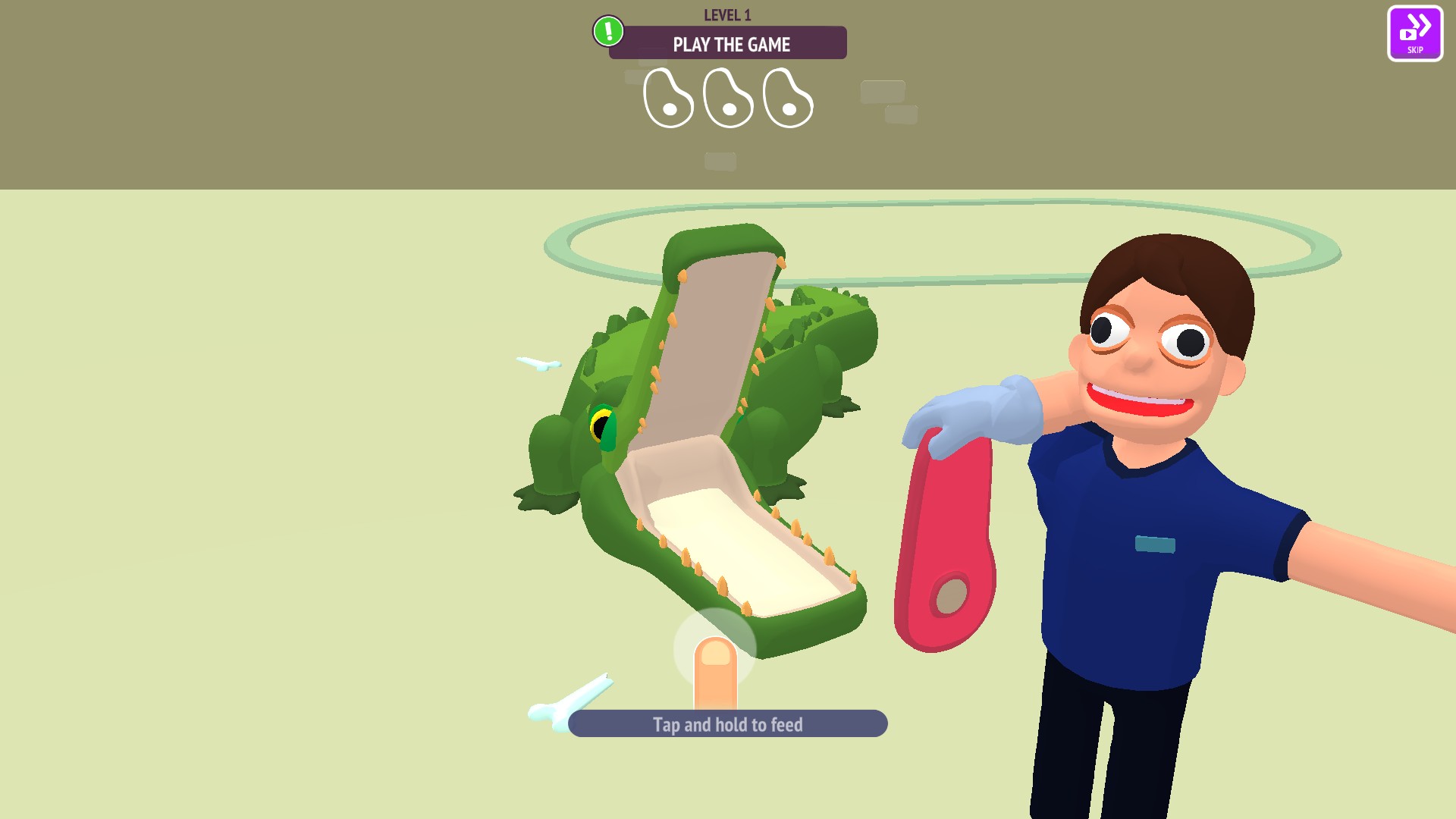
Crocodile feeding in Zoo - Happy Animals
Time each feeding to keep the crocodile happy as you work through the animal-care challenges.
Finish a crocodile feeding challenge and use the game's Continue button.
View game actions →Download the Windows app and follow the setup prompts.
Set up the browser extension in Chrome or Edge, then open the supported YouTube Playable. Follow the connection guide if the game is already running.
Review the available options in the app and choose the ones that suit how you play.