
Choose your Zoo Boom coins and lives
Set a coin budget for normal shop purchases, or choose a larger stock of lives before returning to the puzzles.
Requires the Windows app and the Bytonian Mods browser extension for Chrome or Edge. Browser setup guide
Stock up in the booster shop
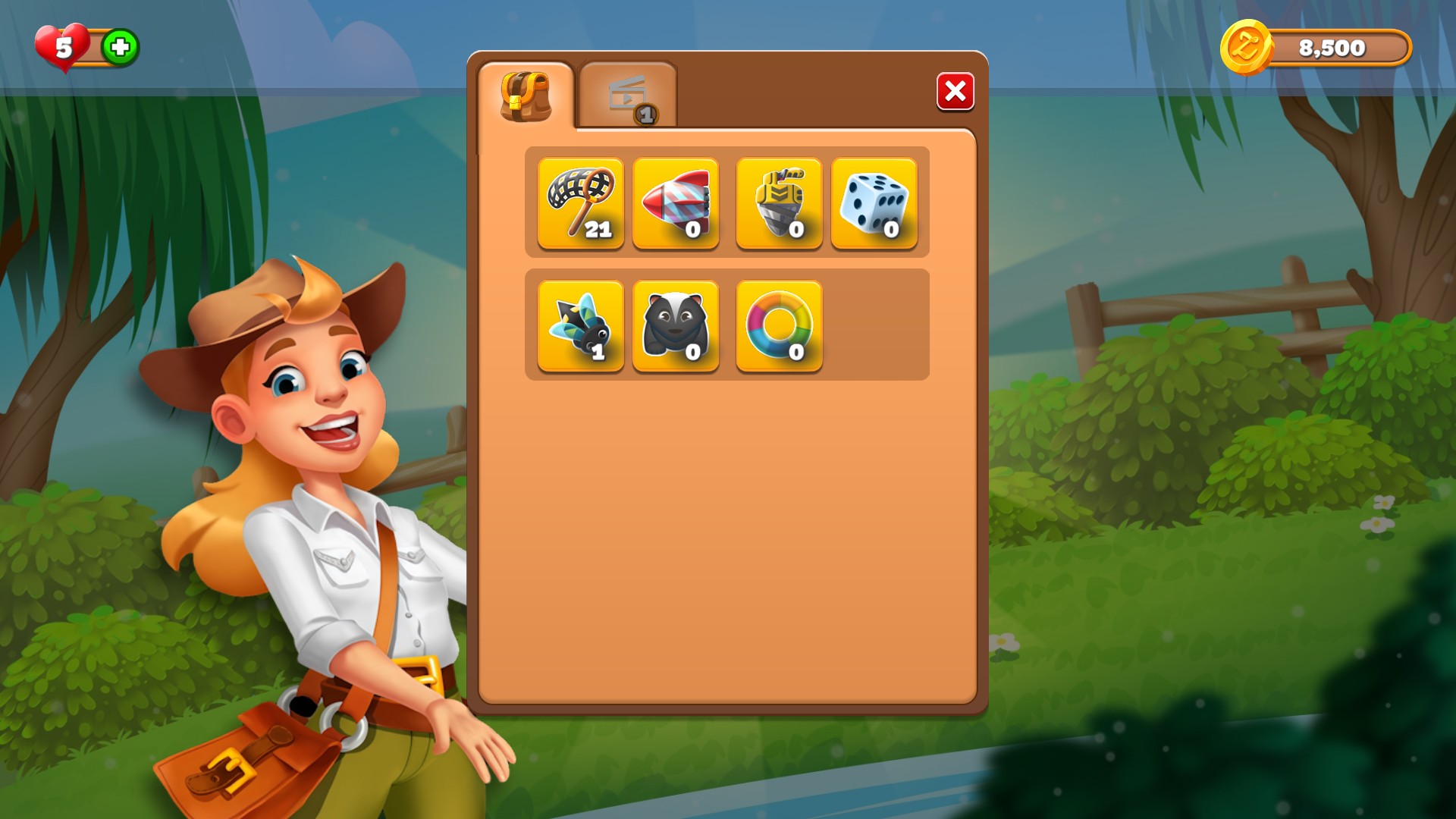
Choose a larger coin balance and buy booster bundles through Zoo Boom's normal shop.
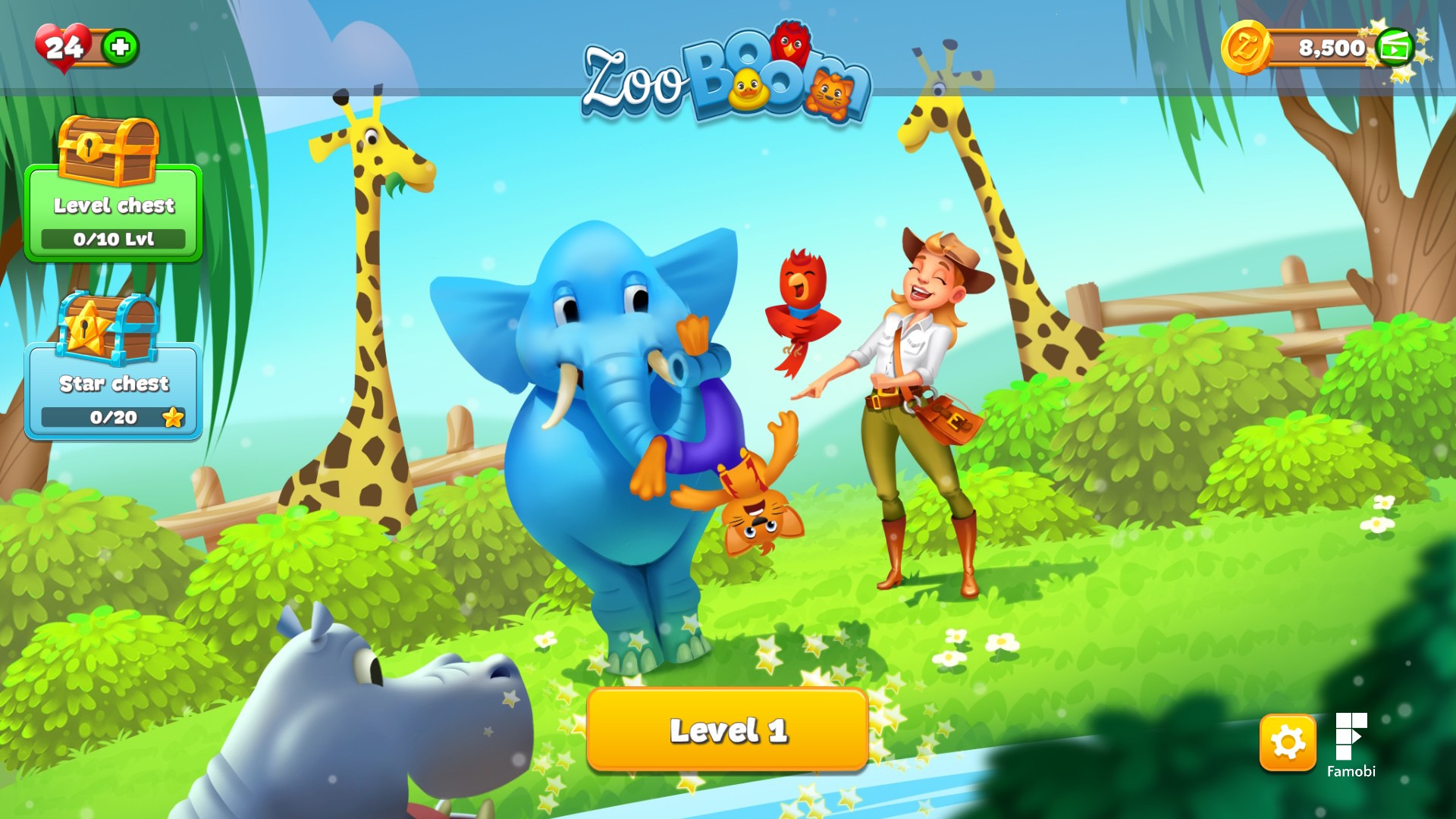
Keep lives ready for another attempt
Choose a larger life stock and keep trying the animal puzzles through the game's normal level controls.
Coins for booster bundles
The free Coins control accepts amounts from 0 to 1,000,000. Open the shop from the settings menu and choose the bundle you want. Prices are paid normally, so your balance falls when you buy an item.
Lives for more attempts
The Premium Lives control lets you choose from 0 to 99 lives. Use them through the normal level controls; failed or abandoned attempts still follow the game's life rules.
Keep the normal adventure
These controls change your coins and life stock. Finish levels and follow the game's normal introductions to unlock starter and in-level booster controls.
Available customisation options
CoinsFree
Choose coins for booster and life purchases through the normal shop.
Set an amount from 0 to 1,000,000, apply the change and open the shop from the settings menu.
Booster use follows the game's normal level requirements.
LivesPremium
Choose your life stock for more normal puzzle attempts.
Set an amount from 0 to 99, apply the change and enter a level through the normal menu.
Lives are still spent according to the game's normal attempt rules.
Using these features
Connect your game, then open Customise in the Windows app. Choose an option, check its available values and follow its instructions. Each option lists its own requirements and limits.
Setup for Zoo Boom →