

Choose your ammunition reserve
Keep a favourite weapon stocked by choosing how many rounds it has. Set a reserve directly or add and subtract rounds as you play.

Equip a limited-ammo weapon
The handgun already has unlimited shots. For other weapons, wait for any temporary infinite-ammo effect to end before changing the reserve.
Read the game's counter
Reserves above 100 display as an infinity symbol, even though shots still consume rounds. Picking up a different weapon applies its normal reserve; another pickup of the same weapon adds ammunition.
Available resources
AmmunitionPremium
Set, add or subtract rounds for your equipped limited-ammo weapon.
Equip a limited-ammo weapon and refresh its amount before choosing a new reserve.
Unavailable for the handgun or during temporary infinite ammo. Above 100 rounds, the HUD shows infinity while rounds still decrease. Different weapon pickups apply their normal reserve. Using any of these gameplay controls starts unranked practice. Automatic Steam score, statistic and achievement updates stay paused until you restart the game, even if you turn the controls off.
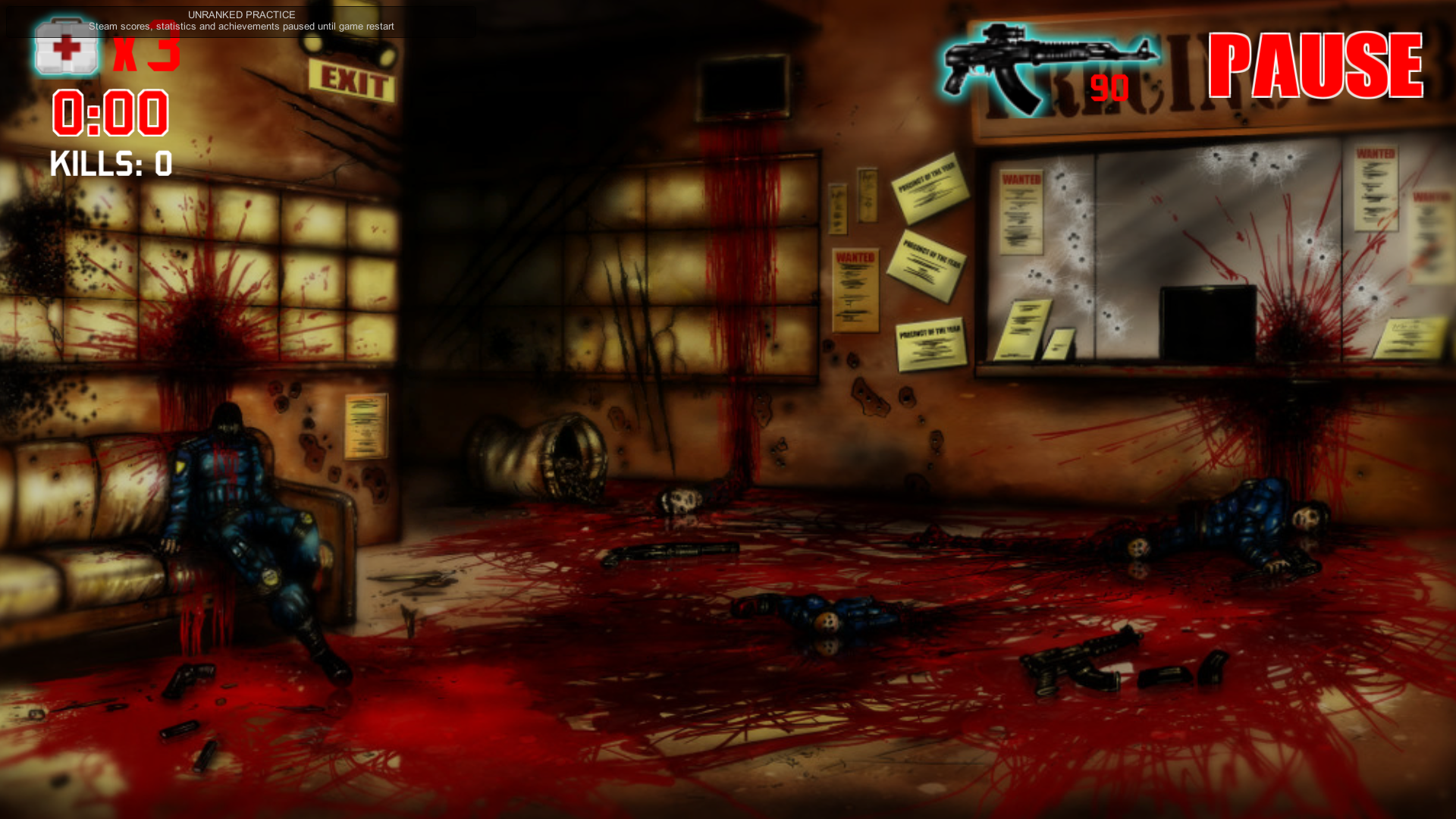
Set your weapon's ammunition
Set, add or subtract rounds for your current weapon. The assault rifle shown here has 90 rounds.
More ways to customise Zombie Desperation
- Zombie Desperation stat modifiers
Tune the damage of weapons that use adjustable hit damage.
- Zombie Desperation game actions
Restore health and choose the weapons or supplies you need.
Using these features
Choose the feature in the Windows app after connecting your game. Check its requirements before making a change.
Setup for Zombie Desperation →