

Refill Action and Destiny
Run out of Action points or need more Destiny? Refill either resource on demand, up to the maximum your game currently allows.

Action points
Refill Action restores missing Action points to their current maximum. Use it when you want to make another instant action.
Destiny
Refill Destiny fills unlocked Destiny to its current maximum. It does not unlock the resource or raise its limit.
Available resources
Refill ActionFree
Restore Action points to their current maximum.
Load your game and keep the Action counter visible, then press Refill Action.
Does not raise your Action maximum.
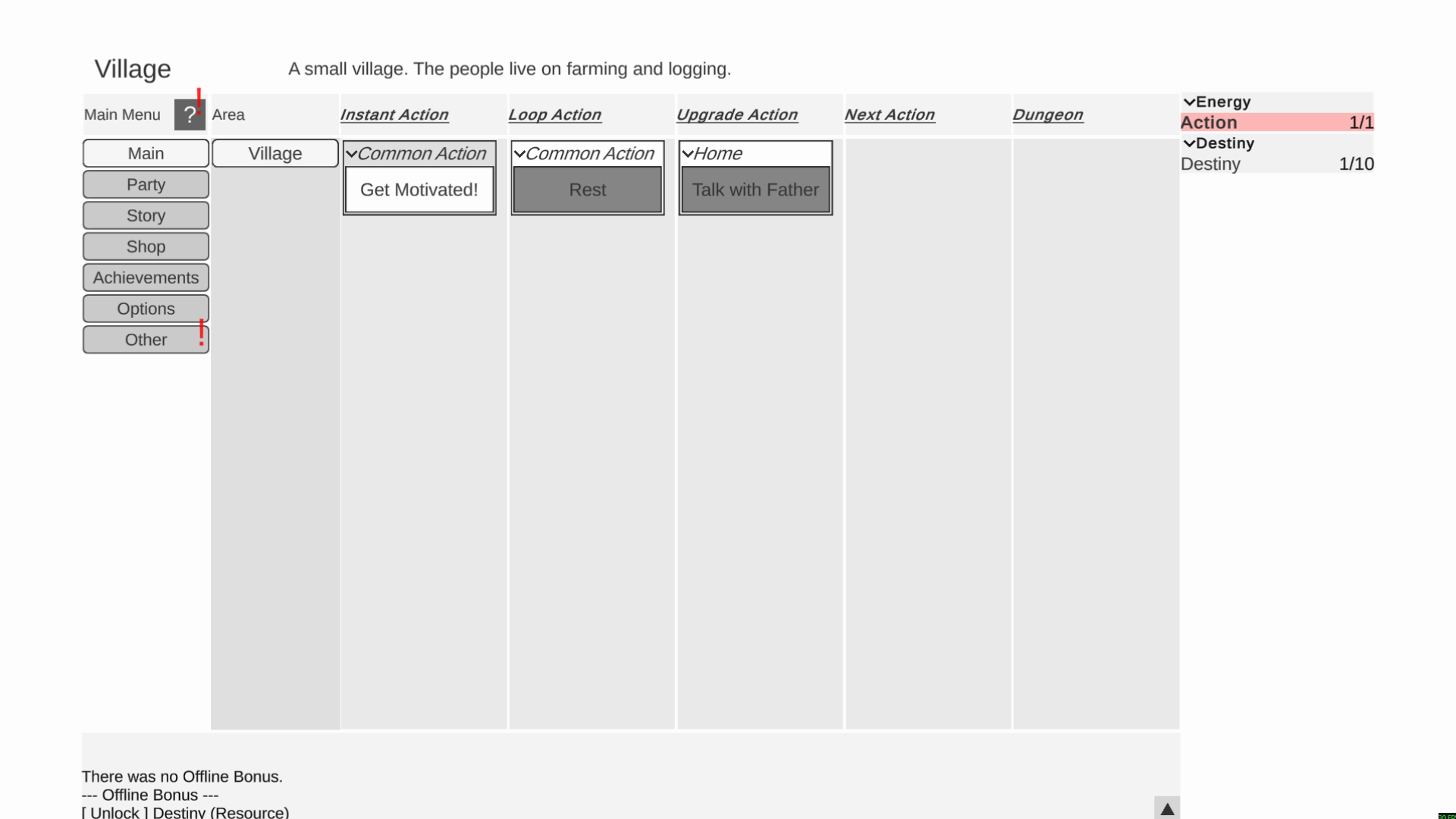
Refill Action points
Restore Action points to their current maximum and get back to instant actions.
Refill DestinyPremium
Fill unlocked Destiny to its current maximum.
Unlock Destiny, keep its counter visible, and press Refill Destiny when you want a top-up.
Does not unlock Destiny or increase its maximum.
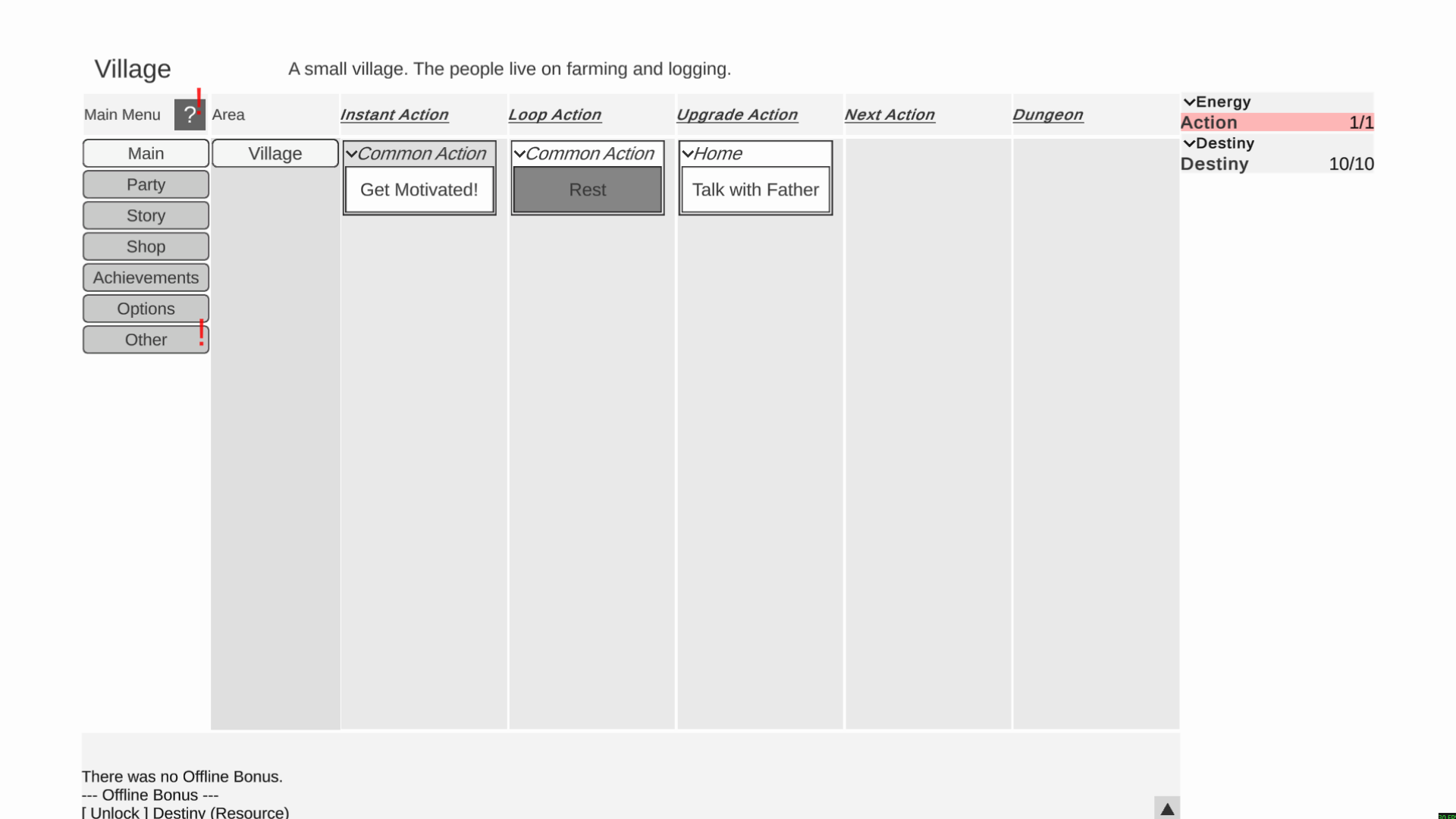
Refill Destiny
Fill unlocked Destiny to its current maximum.
Questions about resources
- Will one refill affect both resources?
- No. Action and Destiny have separate controls, so you can refill only the one you want.
Using these features
Choose the feature in the Windows app after connecting your game. Check its requirements before making a change.
Setup for Your Chronicle →