

Saved Coins
Give yourself a Coins balance for the local Garage. Pick an amount, apply it and return to the game to buy a car through the usual Garage controls.
Requires the Windows app and the Bytonian Mods browser extension for Chrome or Edge. Browser setup guide

Spend Coins in the Garage
The Coins balance changes when you apply the control. Car ownership changes only after you buy a car in the Garage.
Available customisation options
Saved CoinsFree
Set your saved Coins balance for local Garage purchases.
Choose a Coins amount and apply it. The game reloads, then you can buy a car in the Garage as usual.
This changes Coins only. It does not unlock a car by itself or change Gems.
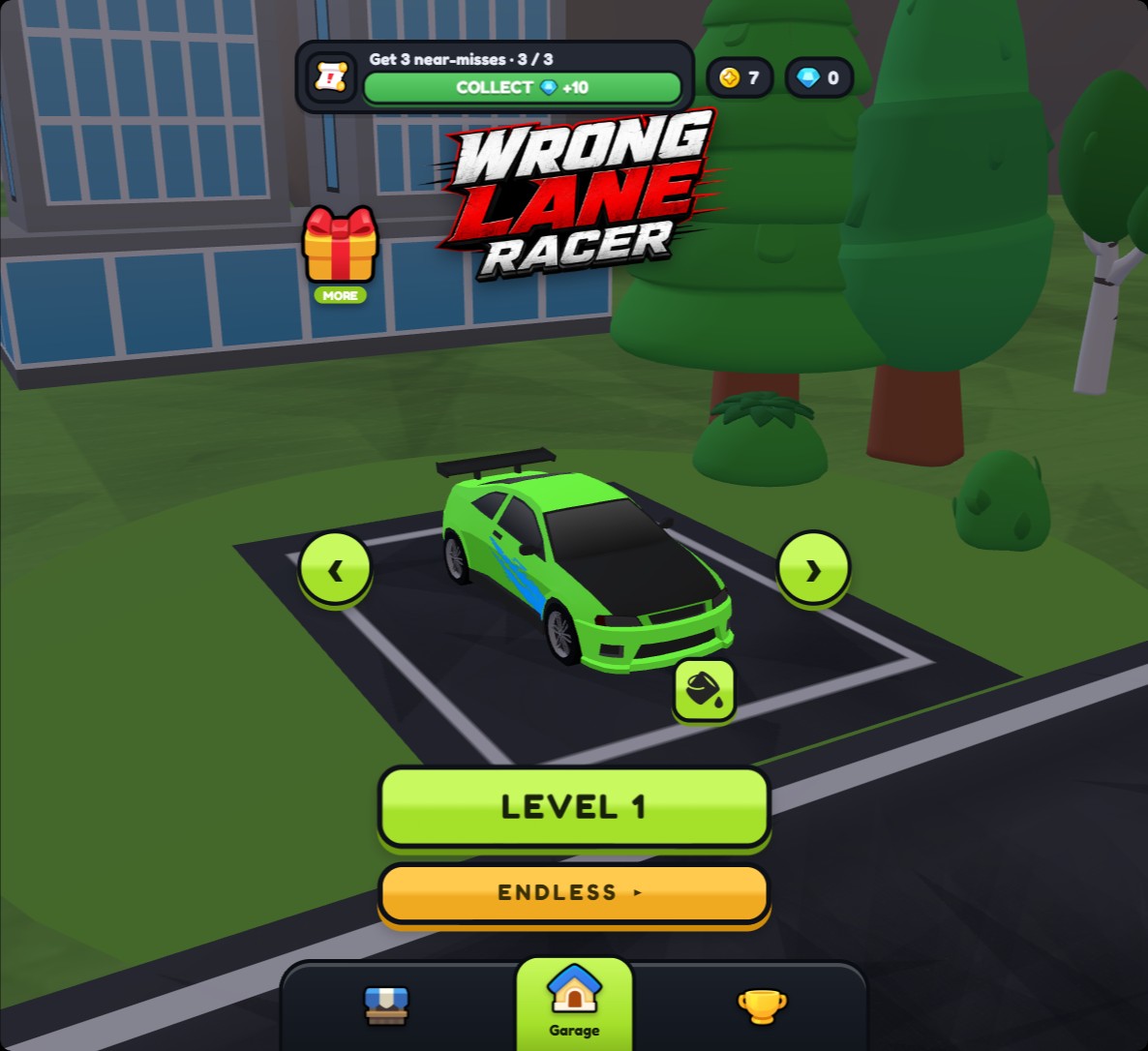
Saved Coins for Garage cars
Set your saved Coins balance and return to the Garage to choose a car. This view shows the owned hatchback after a normal purchase.
Using these features
Connect your game, then open Customise in the Windows app. Choose an option, check its available values and follow its instructions. Each option lists its own requirements and limits.
Setup for Wrong Lane Racer by @uk4deegames →