
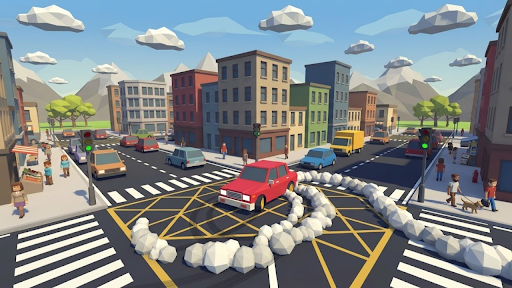
Saved Coins for the Wreckway Garage
Choose the Coin balance you want saved, apply the change and let Wreckway reload. Browse the Garage and buy a car at its displayed price.
Requires the Windows app and the Bytonian Mods browser extension for Chrome or Edge. Browser setup guide
Choose cars in the Garage
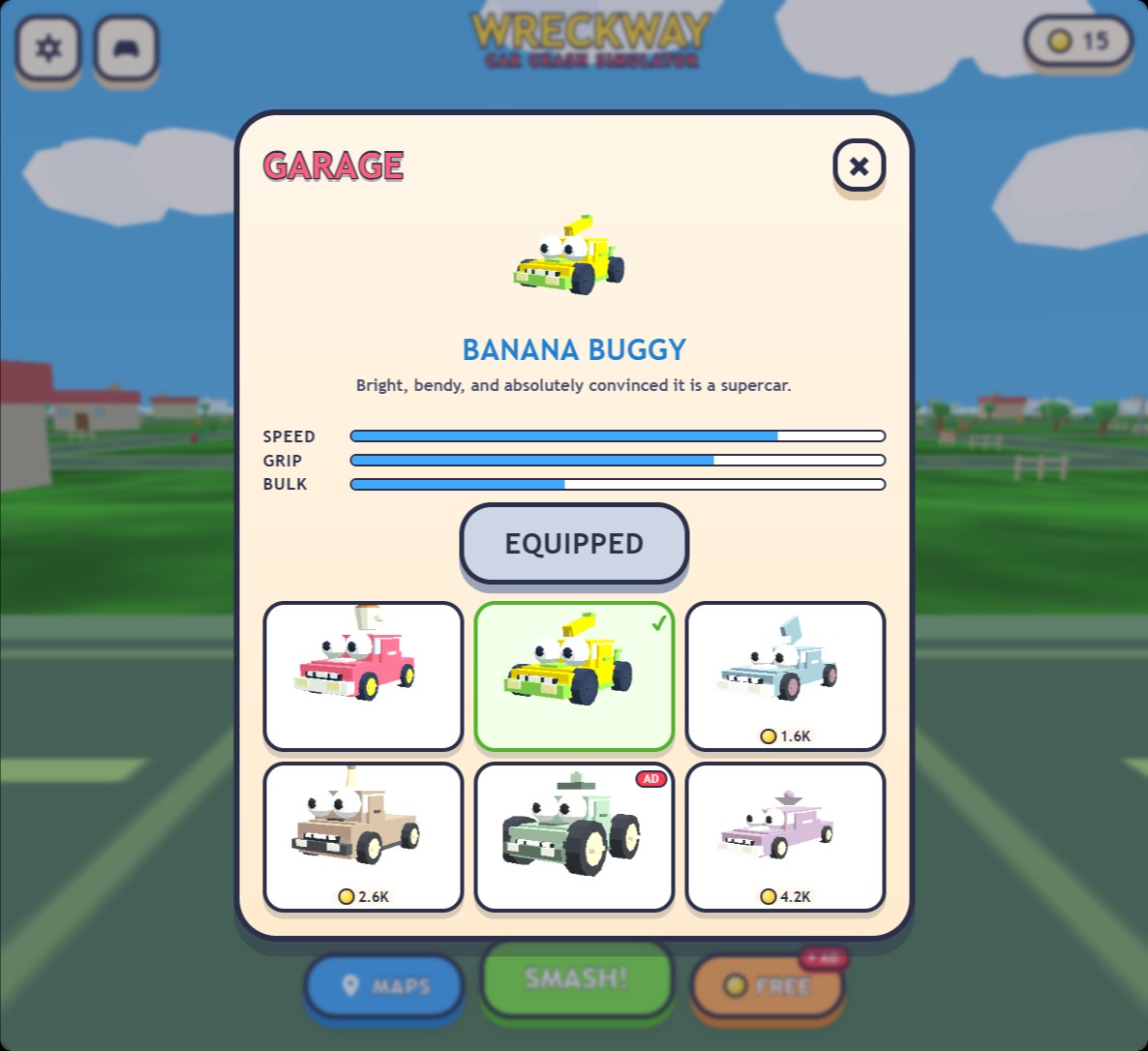
Use saved Coins on local Garage purchases. The Banana Buggy is equipped after its 800-Coin purchase.
Spend Coins in the Garage
Open the Garage after the reload and select the car you want. The game deducts its price when you buy it, and the car can then be equipped.
Available customisation options
Saved CoinsFree
Choose your saved Coin balance for Wreckway's Garage cars.
Set a Coin amount and apply the control. After Wreckway reloads, visit the Garage to buy a car at its displayed price.
Using these features
Connect your game, then open Customise in the Windows app. Choose an option, check its available values and follow its instructions. Each option lists its own requirements and limits.
Setup for Wreckway: Car Crash Simulator →