


Set Gems and puzzle hints
Choose your Gems, bulb hints or hammer hints, apply your changes, and return to the puzzle. Your hints still work through the game's familiar controls.

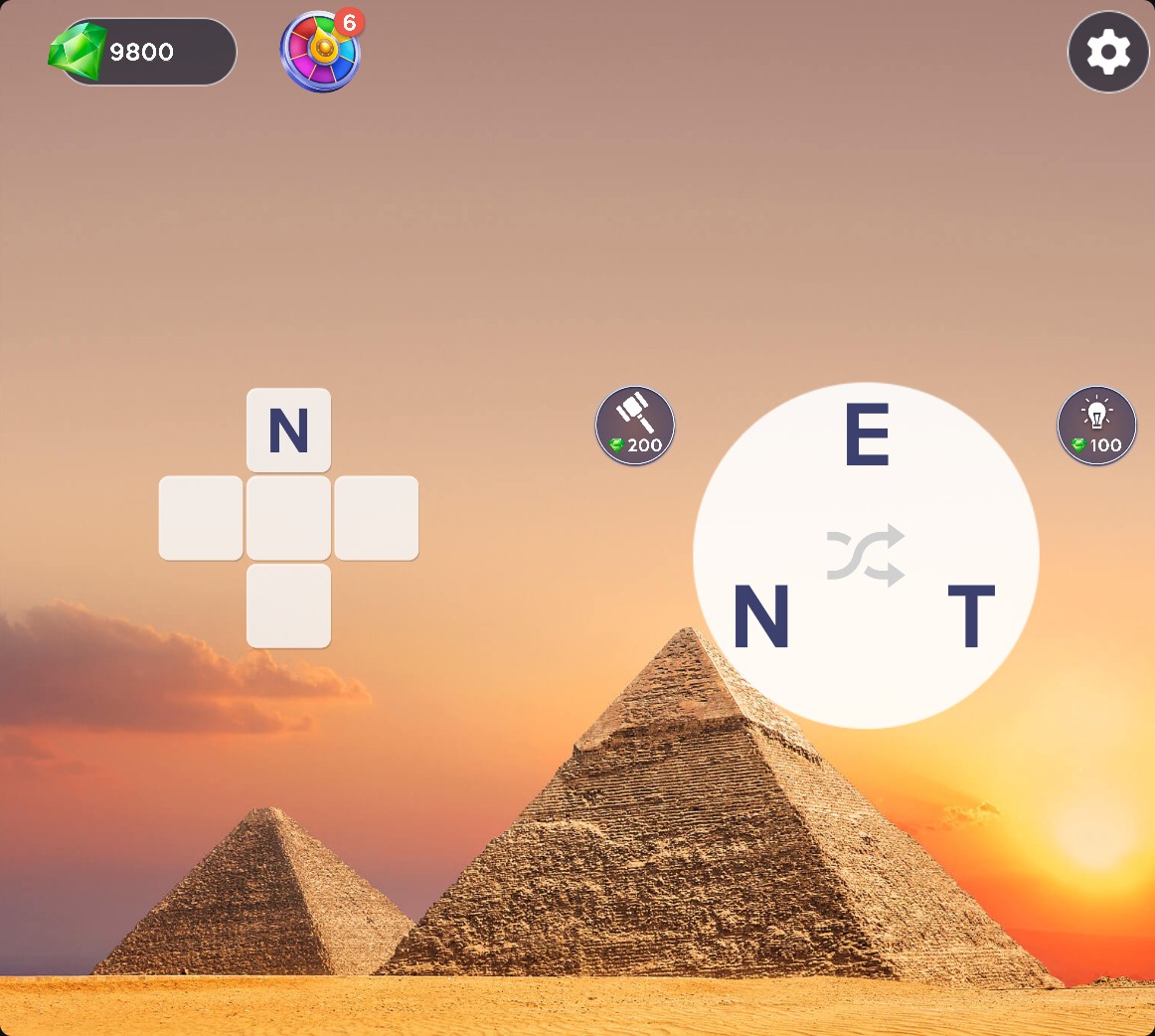
Reveal a chosen letter with Gems
Use Gems for the normal hint controls. A hammer hint reveals the selected puzzle tile.
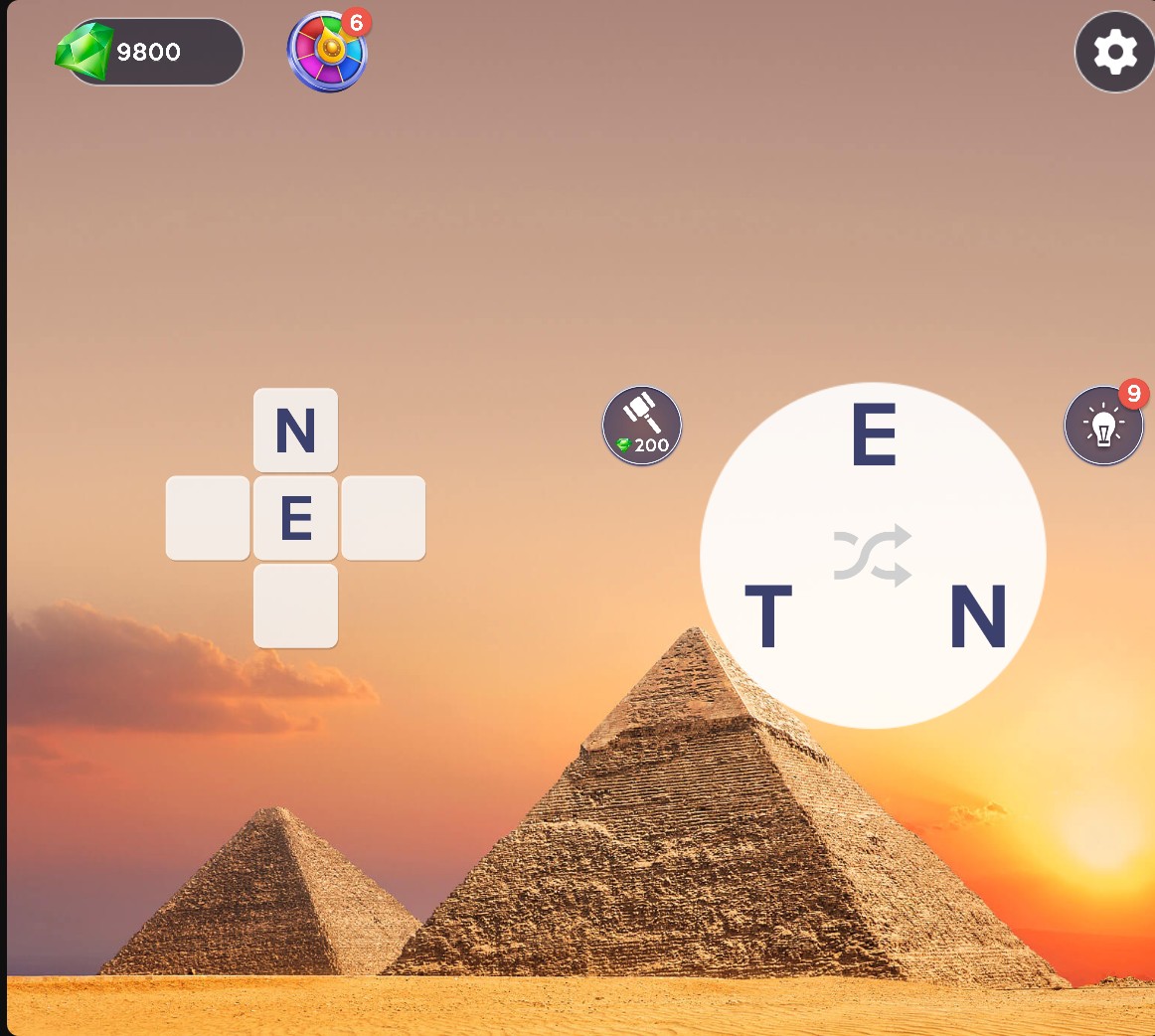
Reveal letters with bulb hints
Use your bulb hints to reveal puzzle letters while keeping your Gems for other hints.
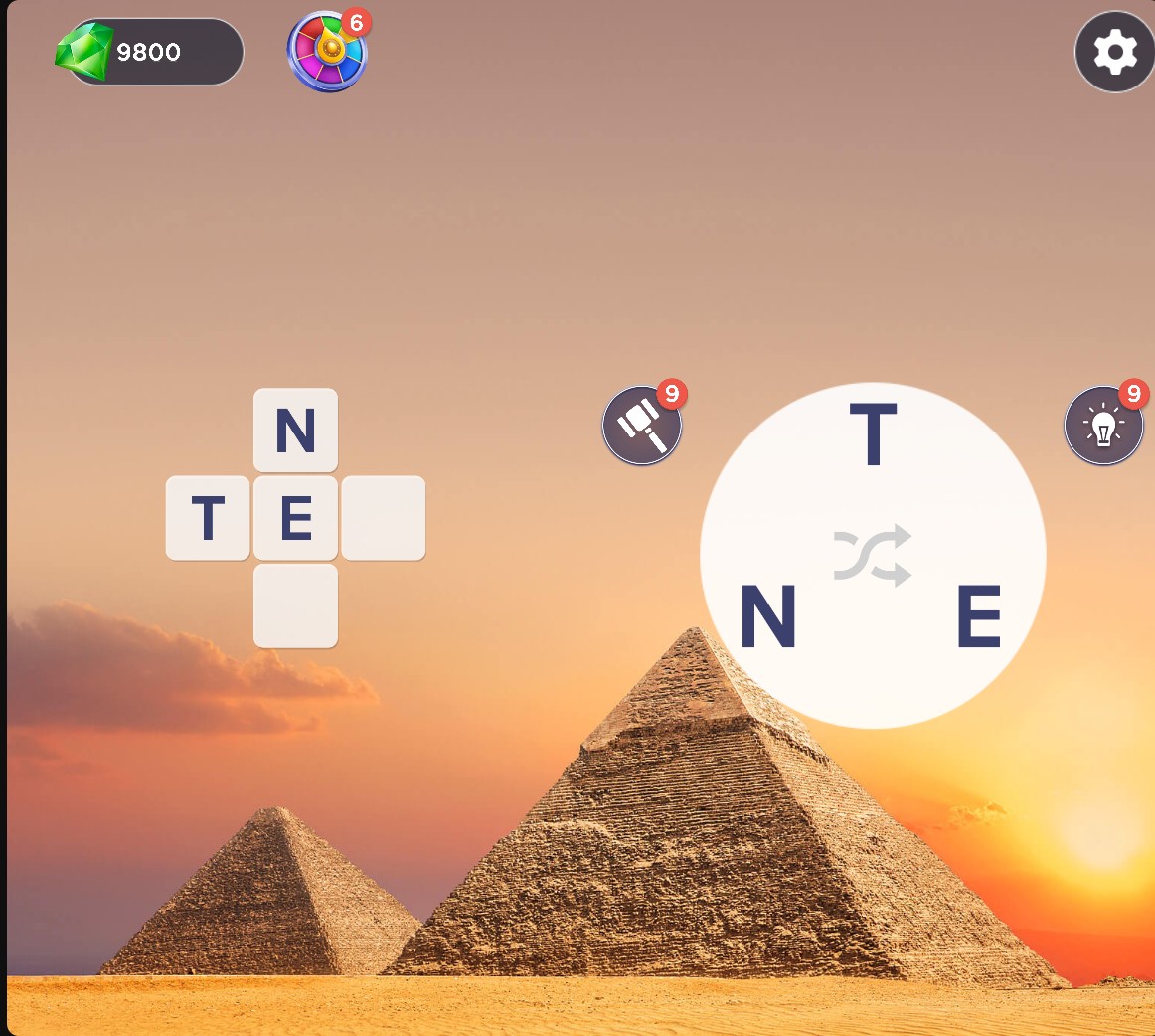
Choose the tile to reveal
Use hammer hints to reveal a letter in the puzzle tile you choose.
Use your hints in the puzzle
Tap the bulb to reveal a letter. Tap the hammer and then an empty tile to reveal the letter at that position. Stocked hints are used before their Gem price.
The bulb-hint option is Free. Gems and hammer-hint stock are Premium options. Each reveal consumes its normal cost or one stocked hint.
Available customise
GemsPremium
Set the Gems available for normal hint purchases.
Choose an amount, apply, then use the bulb or hammer hint in a puzzle.
Before you use it: Hint purchases still deduct their normal Gem price.
Bulb hintsFree
Set your bulb hints to reveal puzzle letters without spending Gems.
Choose a stock, apply, then tap the bulb during a puzzle.
Before you use it: Each use consumes one bulb hint.
Hammer hintsPremium
Set hammer hints to uncover letters in tiles you choose.
Choose a stock, apply, then tap the hammer and select an empty puzzle tile.
Before you use it: Each reveal consumes one hammer hint.
Questions about customise
- Do stocked hints spend Gems?
- A stocked bulb or hammer hint uses one hint from its matching stock. Gems remain available for other hint purchases.
Using these features
Choose the feature in the Windows app after connecting your game. Check its requirements before making a change.
Setup for Words of Wonders →