
Choose coins and word-search tools
Choose a Coins balance and set each item supply separately. Use the normal Hint, Super Hint and Magic Wand buttons once they unlock during the level adventure.
Requires the Windows app and the Bytonian Mods browser extension for Chrome or Edge. Browser setup guide
Coins for your next clue
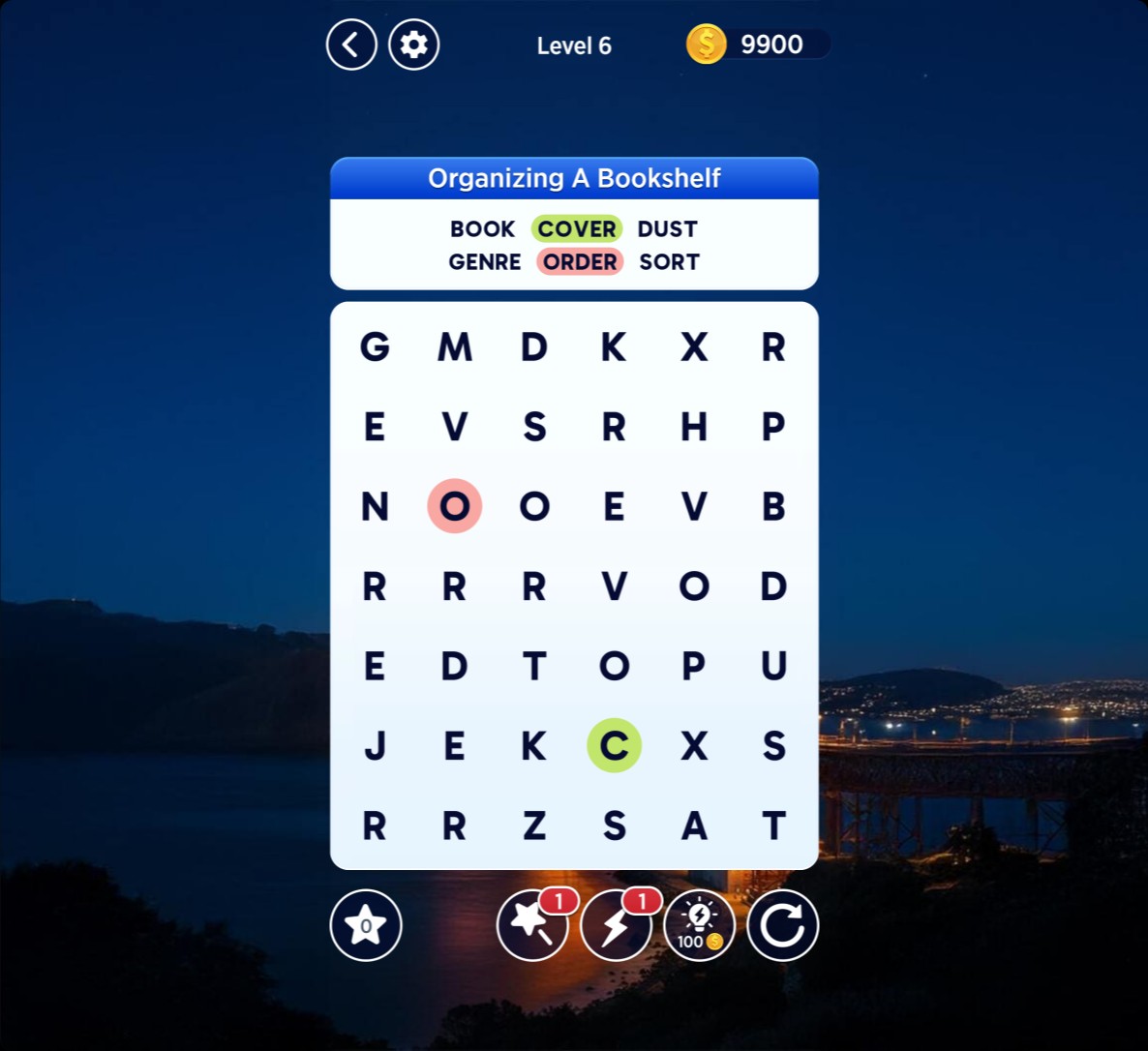
Choose your Coins balance and use the normal hint purchase when your item supply runs out.
Reveal three word starts
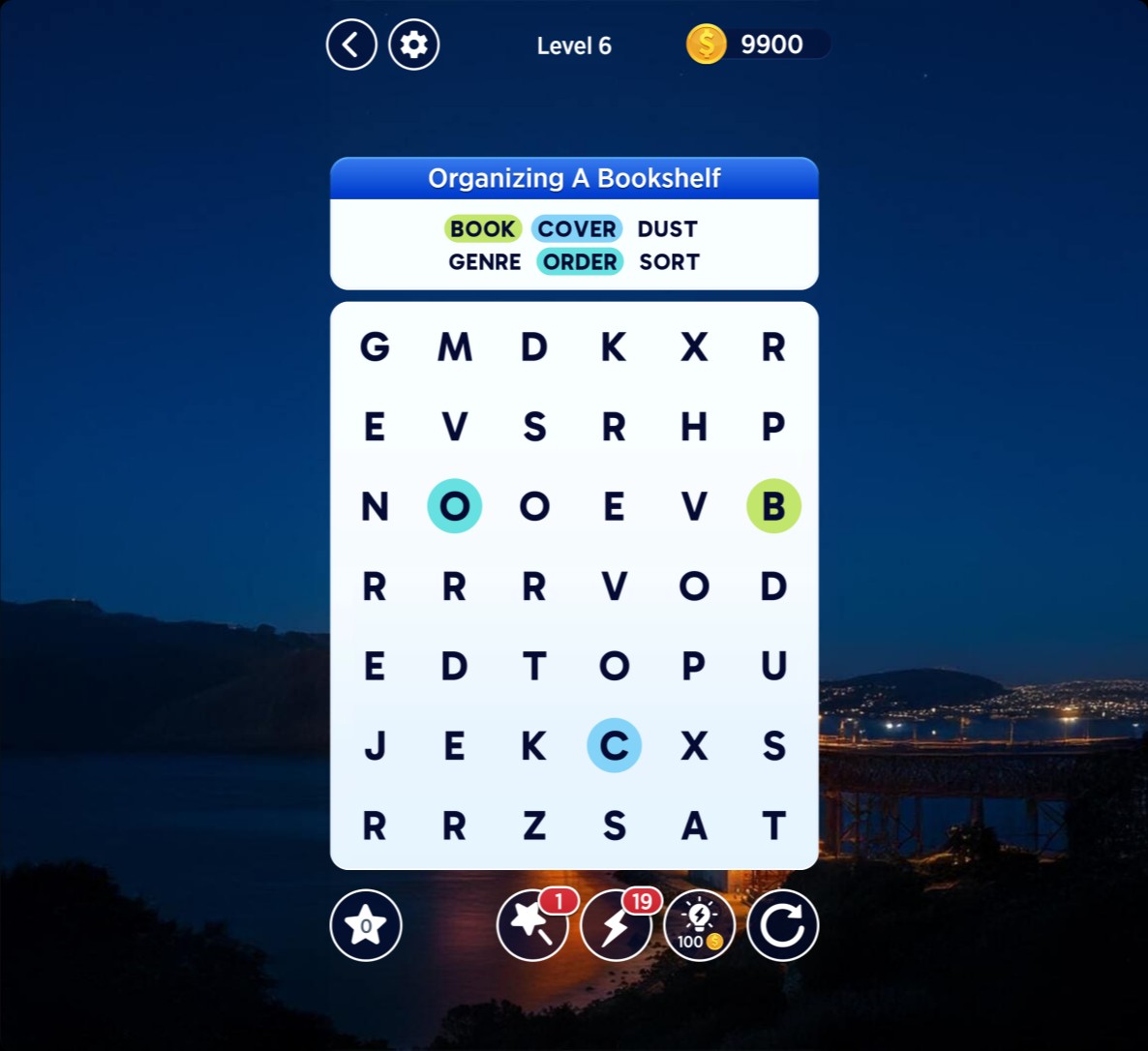
Set your Super Hints supply and use one to mark the first letters of three words.
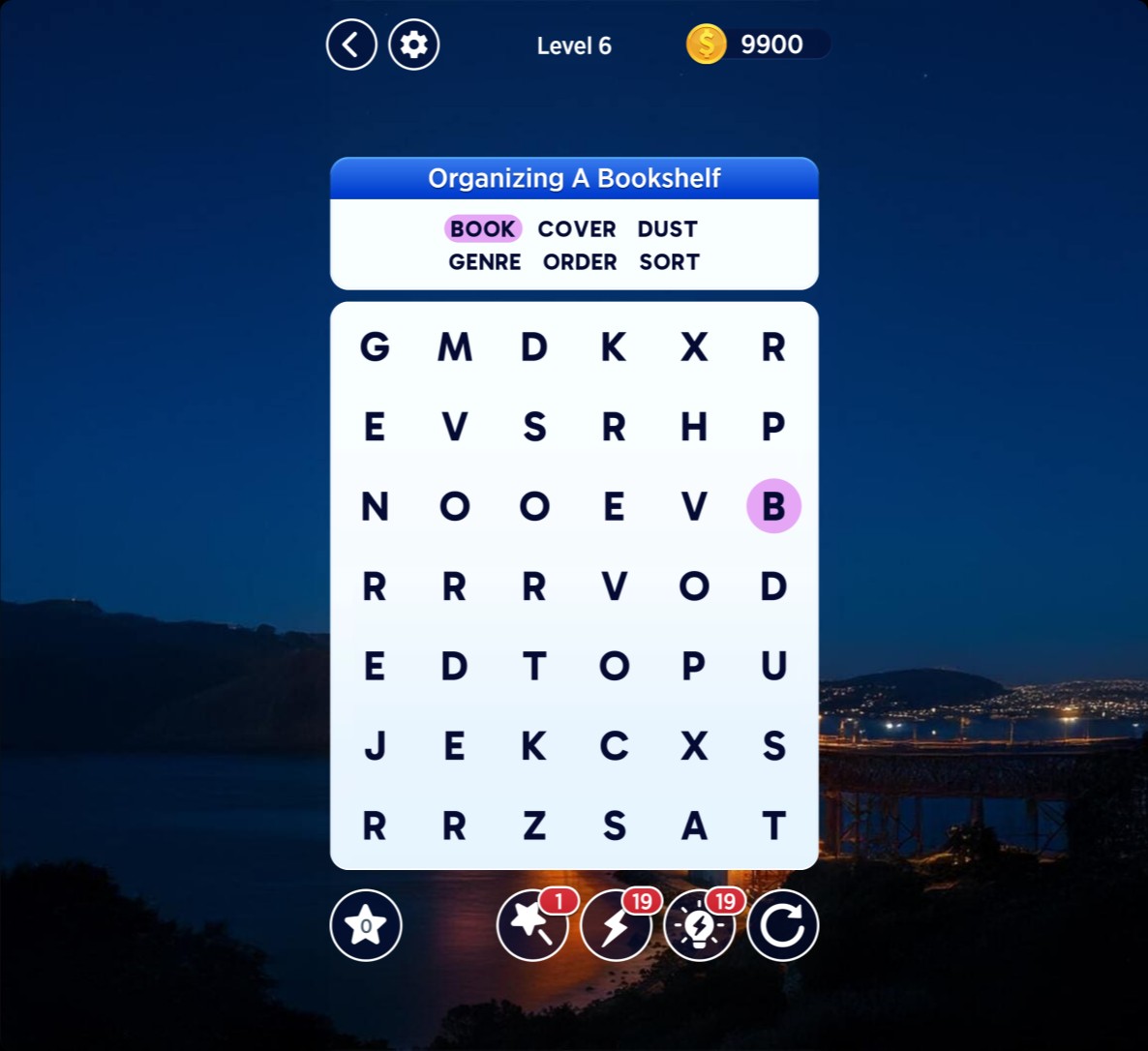
Find the first letter
Choose your Hints supply and use one to mark the first letter of a word.
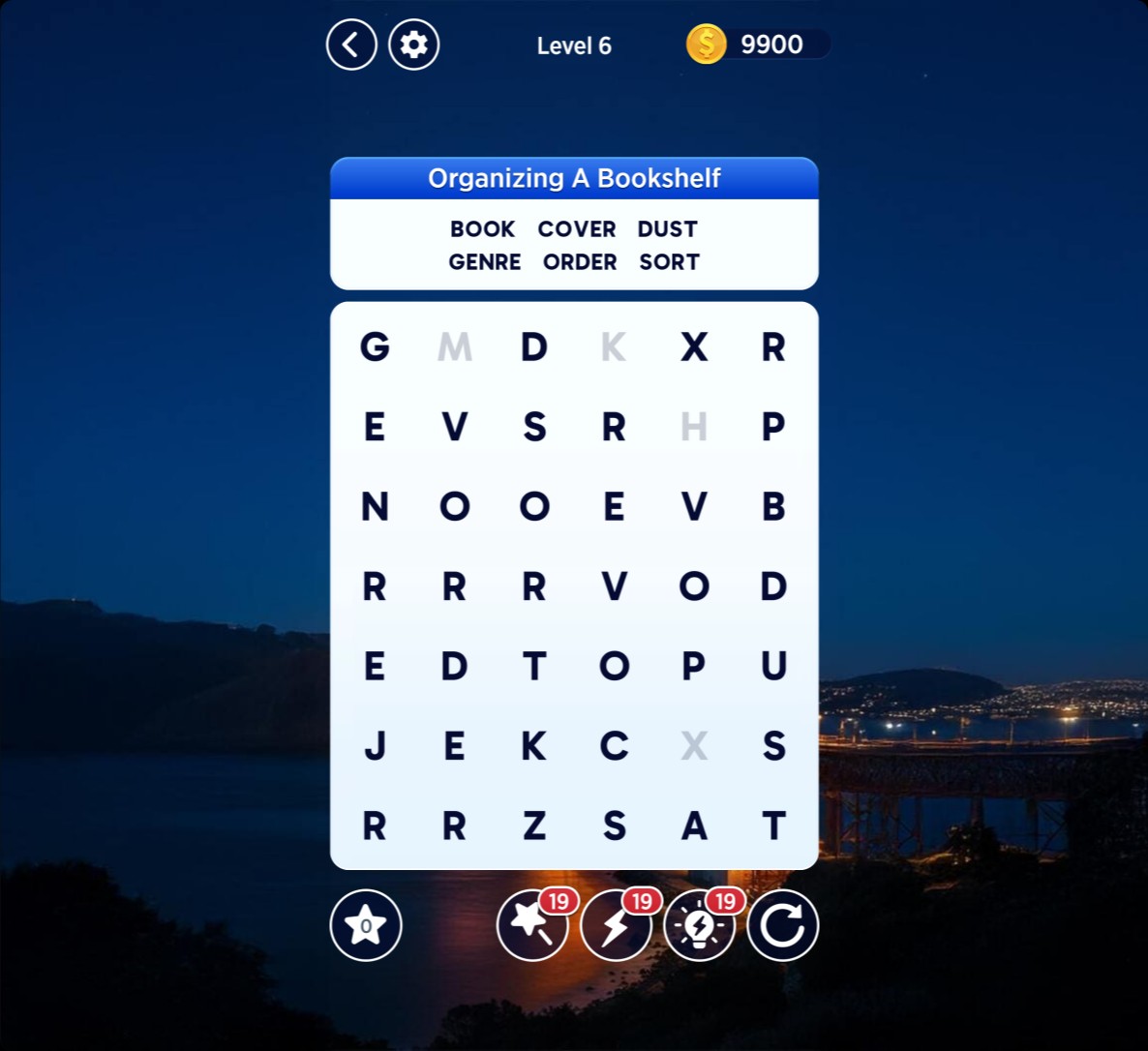
Fade distracting letters
Choose your Magic Wands supply and use one to fade unrelated letters on the board.
Set Coins and item quantities
Choose a whole-number Coins balance from 0 to 1,000,000. Each item supply can be set from 0 to 10,000.
Use your clues during a puzzle
Hints reveal a word's starting letter. Super Hints reveal three starting letters. Magic Wands fade unrelated letters so the board is easier to read.
Reach each normal unlock
The Hint button unlocks at Level 4, the Super Hint button at Level 5 and the Magic Wand button at Level 6. Choose your item supply, then use its normal button during a level.
Available customisation options
CoinsFree
Choose your Coins balance for normal item purchases.
Set a whole-number balance from 0 to 1,000,000. A normal Hint costs 100 Coins when your stocked Hints run out.
HintsFree
Choose your Hints supply to reveal the first letter of a word.
Set 0 to 10,000 Hints, then use the normal Hint button after its Level 4 unlock.
Super HintsFree
Choose your Super Hints supply to reveal the first letters of three words.
Set 0 to 10,000 Super Hints, then use the normal Super Hint button after its Level 5 unlock.
Magic WandsFree
Choose your Magic Wands supply to fade unrelated letters on the board.
Set 0 to 10,000 Magic Wands, then use the normal wand button after its Level 6 unlock.
Questions about customisation options
- What is the difference between Hints and Super Hints?
- A Hint reveals the first letter of one word. A Super Hint reveals the first letters of three words.
- Does a Magic Wand complete the word for me?
- It fades unrelated letters. You still swipe through the letters of the words you find.
Using these features
Connect your game, then open Customise in the Windows app. Choose an option, check its available values and follow its instructions. Each option lists its own requirements and limits.
Setup for Word Search Adventure →