
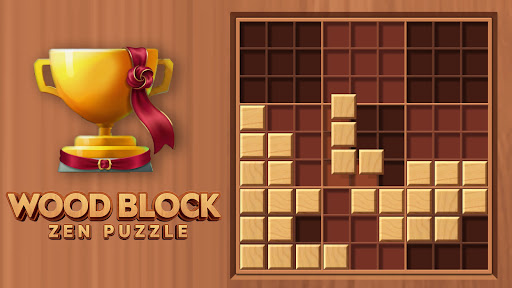
Customize your Classic puzzle
Give your current Classic puzzle a fresh opening. Clear placed blocks without replacing your tray, choose three single blocks for the saved tray, or adjust the settings used to generate future Classic pieces.
Requires the Windows app and the Bytonian Mods browser extension for Chrome or Edge. Browser setup guide
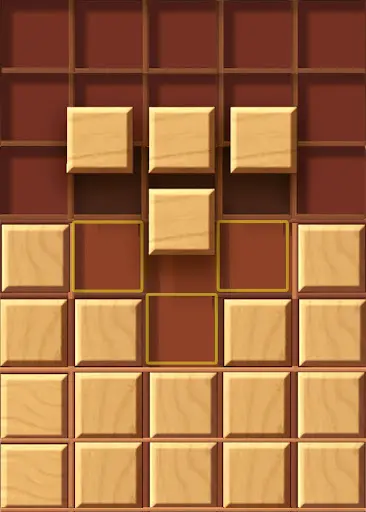
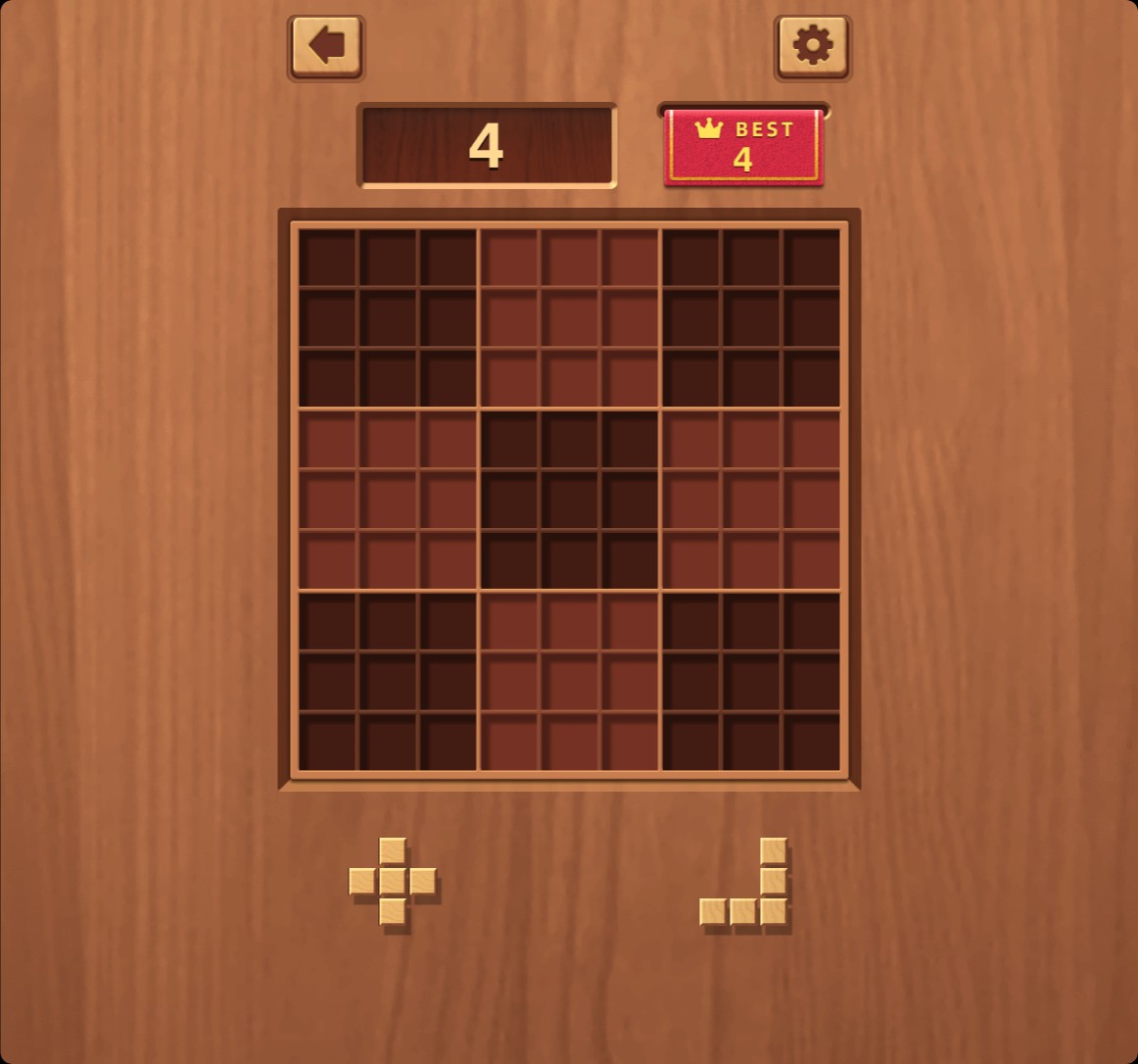
Make room on your Classic board
Clear the saved board's blocks while keeping your score and remaining tray pieces.
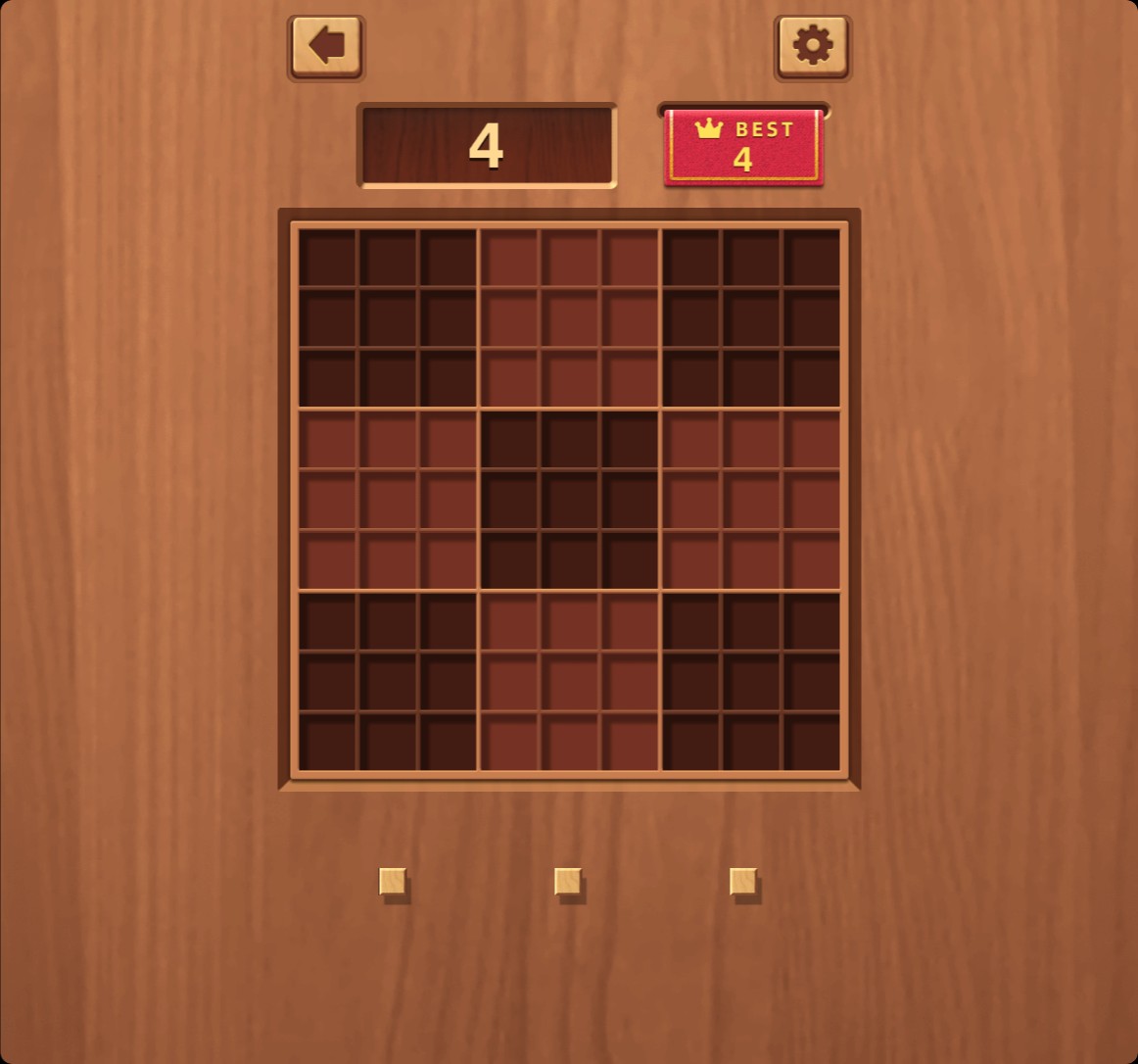
Fill your Classic tray with single blocks
Replace the saved tray with three single blocks for precise placements.
Board and tray changes
Clear Classic board removes placed blocks while preserving your score and tray. Single-block tray replaces the saved tray with three single blocks. Once those are used, the game generates its next tray normally.
Classic difficulty and fit assistance
Lower Classic difficulty values delay the advanced block weights; higher values bring them forward. Fit assistance increases the chance that generation searches for a group that fits. Neither control guarantees a fit or a win, and normal gameplay can adjust these settings again.
Available customisation options
Clear Classic boardFree
Remove all placed blocks from the saved Classic board while keeping your score and tray.
Apply the change, then choose Continue in Classic.
Single-block trayPremium
Replace the saved Classic tray with three single blocks for flexible placements.
Apply, Continue, then place the single blocks. Later trays generate normally.
Classic difficultyPremium
Choose Classic generation difficulty from -3 to 3. Lower values delay advanced block weights; higher values bring them forward.
Choose a value and apply before continuing Classic. Normal end-of-game logic can adjust it again.
Classic fit assistancePremium
Choose Classic fit assistance from 0 to 0.8, increasing the chance of searching for a group that fits.
Choose a value and apply before continuing Classic. A fit is not guaranteed, and normal play can adjust this setting again.
Questions about customisation options
- Which controls are free?
- Clear Classic board is free. Single-block tray, Classic difficulty and Classic fit assistance require Premium.
- How do I use the changes?
- Choose the changes in Customization and apply them, then use Continue to return to your Classic puzzle. Set difficulty from -3 to 3 and fit assistance from 0 to 0.8.
Using these features
Connect your game, then open Customise in the Windows app. Choose an option, check its available values and follow its instructions. Each option lists its own requirements and limits.
Setup for Wood Block: Zen Puzzle →