
Game Actions
1 optionTop up a living baby's health, energy and oxygen during local Exploration.
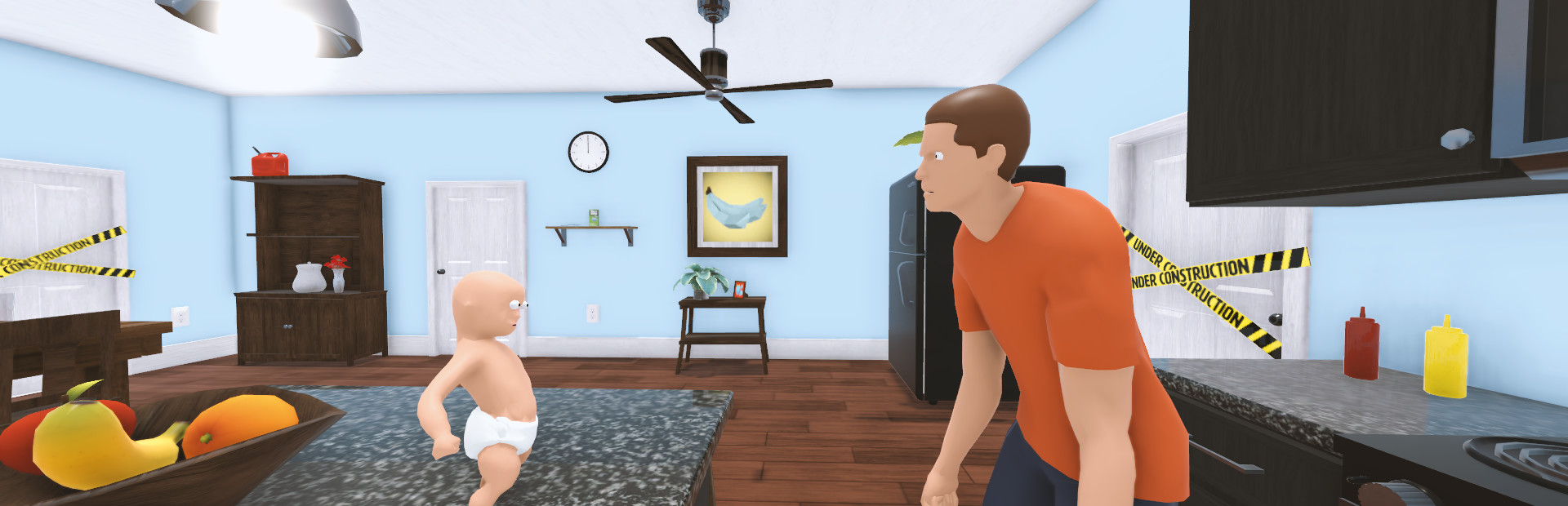
View game actions →Who's Your Daddy?! turns an ordinary house into a physics playground for babies and their protective dads. Restore vitals helps you keep exploring by refilling your living baby's health, energy and oxygen in offline split-screen Exploration.

Start with free mods
Download Bytonian Mods for Windows and try these free features. Choose one to see how it works and any requirements.
Refill your living baby's health to its current maximum, and refill energy and oxygen to 100%.
Start an offline split-screen Exploration round, then use Restore vitals while playing as the first local baby.
Requires an active Exploration round and a living baby. Unavailable in online matches and other game modes.
Choose split-screen play, select Exploration in the game rules, and start your round. Once your baby is active, use Restore vitals whenever you need a refill. The control applies to the first local baby and requires that baby to be alive.
Top up a living baby's health, energy and oxygen during local Exploration.
View game actions →Browse the Steam achievement names and descriptions for Who's Your Daddy?!. Choose and unlock achievements for free with Bytonian Mods in the Windows app.
View all achievements →Download the Windows app and follow the setup prompts.
Open Who's Your Daddy?! and select it in Bytonian Mods. Follow the app’s connection prompts.
Review the available options in the app and choose the ones that suit how you play.