


Resources
1 optionRepeated health recovery with a lethal-hit limit.
View resources →West of Dead's cover-based shootouts combine positioning and twin-stick aiming in Purgatory. The listed Windows options offer health recovery and a one-hit combat rule for players who want to change the pace of a run.

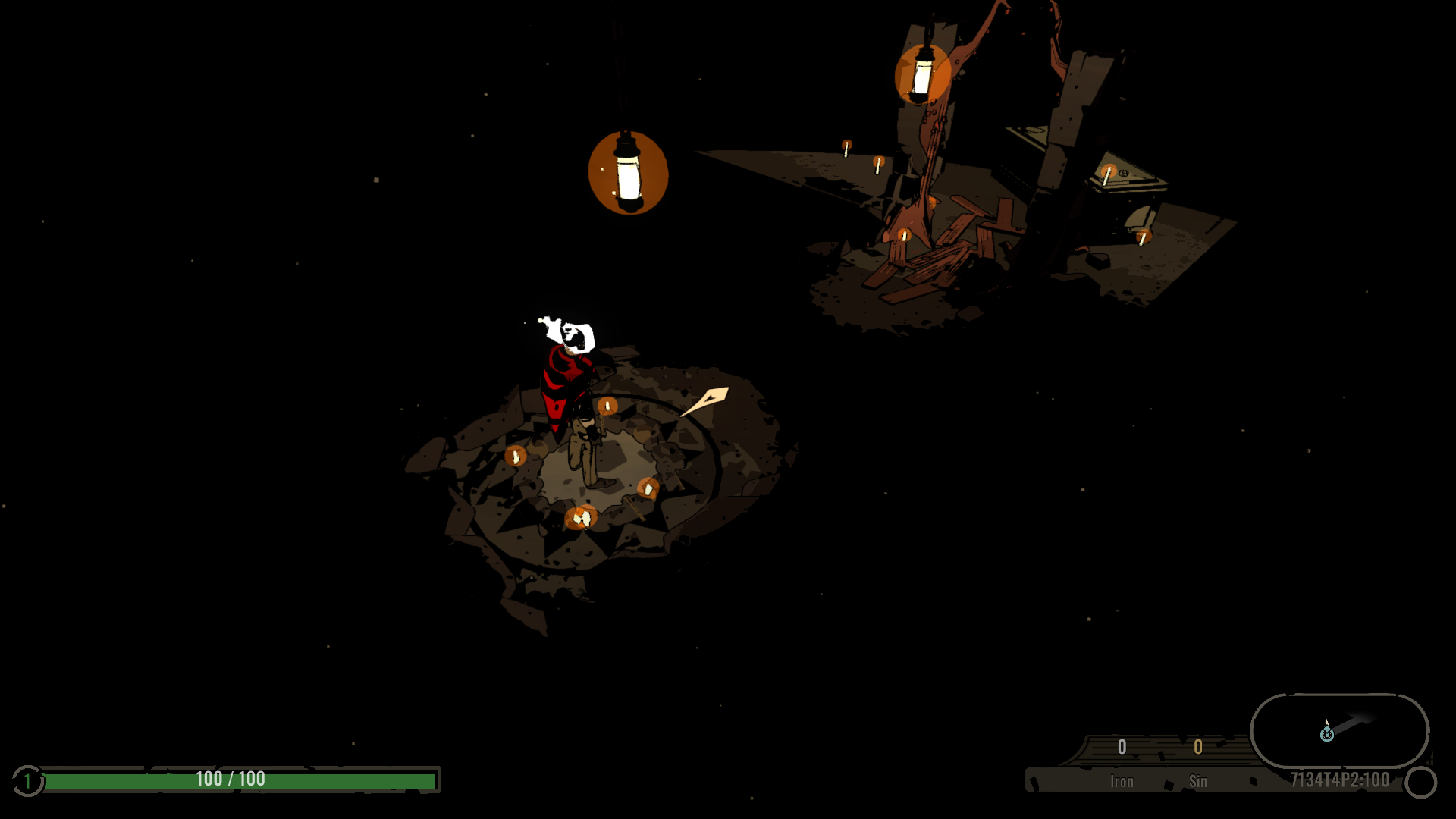
Into West of Dead's tutorial
Explore the candlelit tutorial with the gunslinger and health display in view.
Resources contains Full Health; Rule Modifiers contains One hit kills. Health refill does not prevent a lethal hit, and the one-hit rule still requires damage to reach an enemy.
Install Bytonian Mods, open West of Dead and select it in the app. Follow the connection prompts and enter a run. Check the app for any loading errors before relying on an option.
Repeated health recovery with a lethal-hit limit.
View resources →A free combat rule for one-hit enemy defeats.
View rule modifiers →Browse the Steam achievement names and descriptions for West of Dead. Choose and unlock achievements for free with Bytonian Mods in the Windows app.
View all achievements →Download the Windows app and follow the setup prompts.
Open West of Dead and select it in Bytonian Mods. Follow the app’s connection prompts.
Review the available options in the app and choose the ones that suit how you play.