
Health, hull repair and equipment actions
A damaged submarine and an injured crew member need different kinds of attention. These actions let you restore your own health, repair ordinary hull damage or bring native equipment within reach during a custom cooperative game you host.
Recover from damage
Heal yourself restores your living character to their current health capacity. Repair leaks and dents works on ordinary damage to the submarine, including dents that are no longer leaking.
A tentacle-held leak still needs the tentacle dealt with first. Repairing hull damage does not promise to empty water that is already aboard.
Choose equipment from Spawn
Browse Tools and weapons, use the item names and previews to choose equipment, then spawn one to five copies beside your character. Pick up the resulting equipment through the game's usual pickup system.
For launch and custom-game setup, use the steps on the Overview page.
Available game actions
Heal yourselfFree
Restore your living crew member's health to its current maximum in a custom cooperative game you host.
Enable the package, then select Heal yourself after taking damage.
This action does not revive a dead character or increase their maximum health.
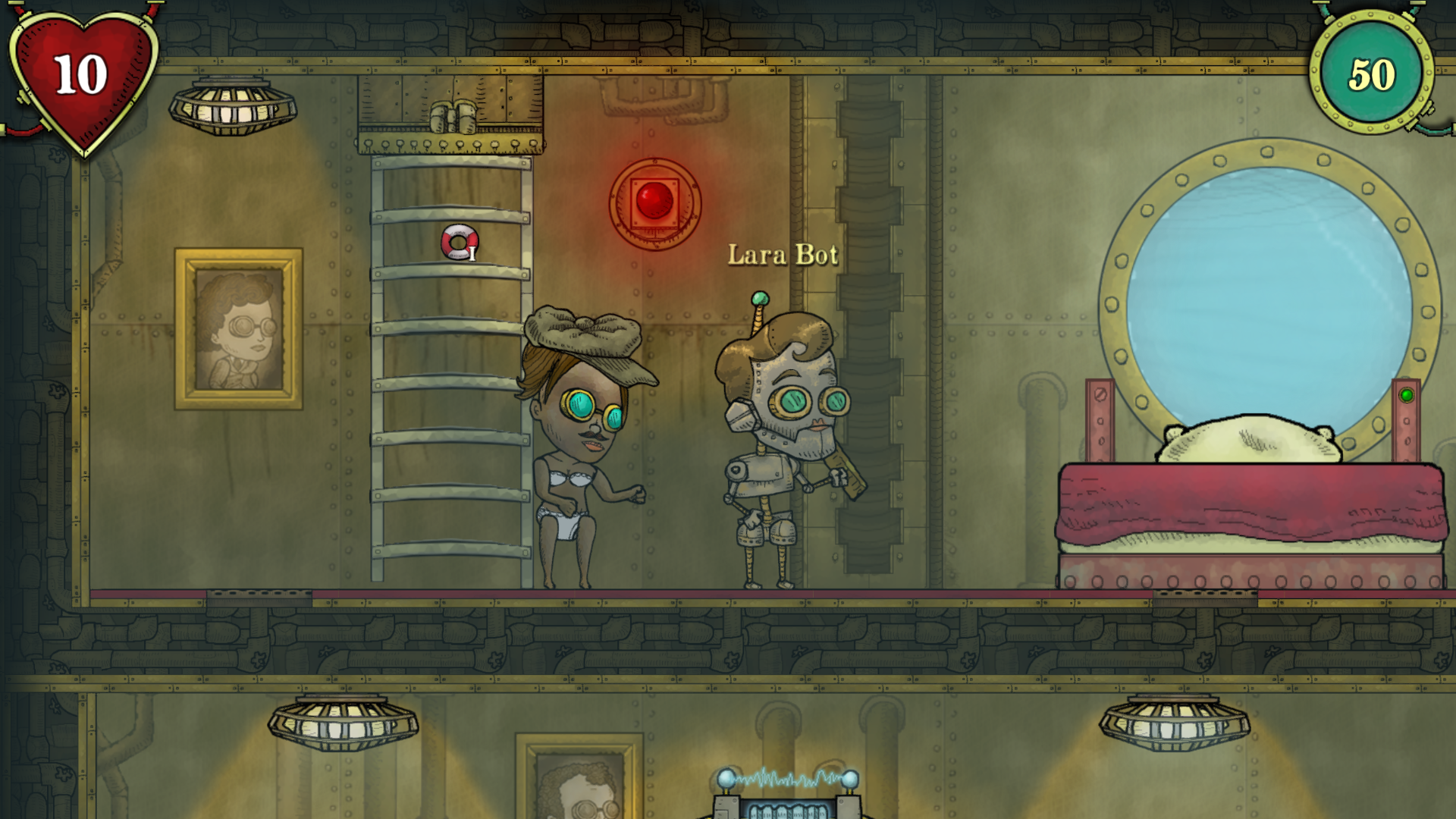
Ready to rejoin the crew
Restore your health to its current maximum during a custom cooperative game you host, then get back to exploring with your crew.
Repair leaks and dentsPremium
Repair ordinary leaks and dents across your submarine in a custom cooperative game you host.
Enable the package and select Repair leaks and dents during gameplay with a living character and submarine.
Leaks held open by a tentacle remain blocked. Hull repairs do not promise to drain water already aboard.
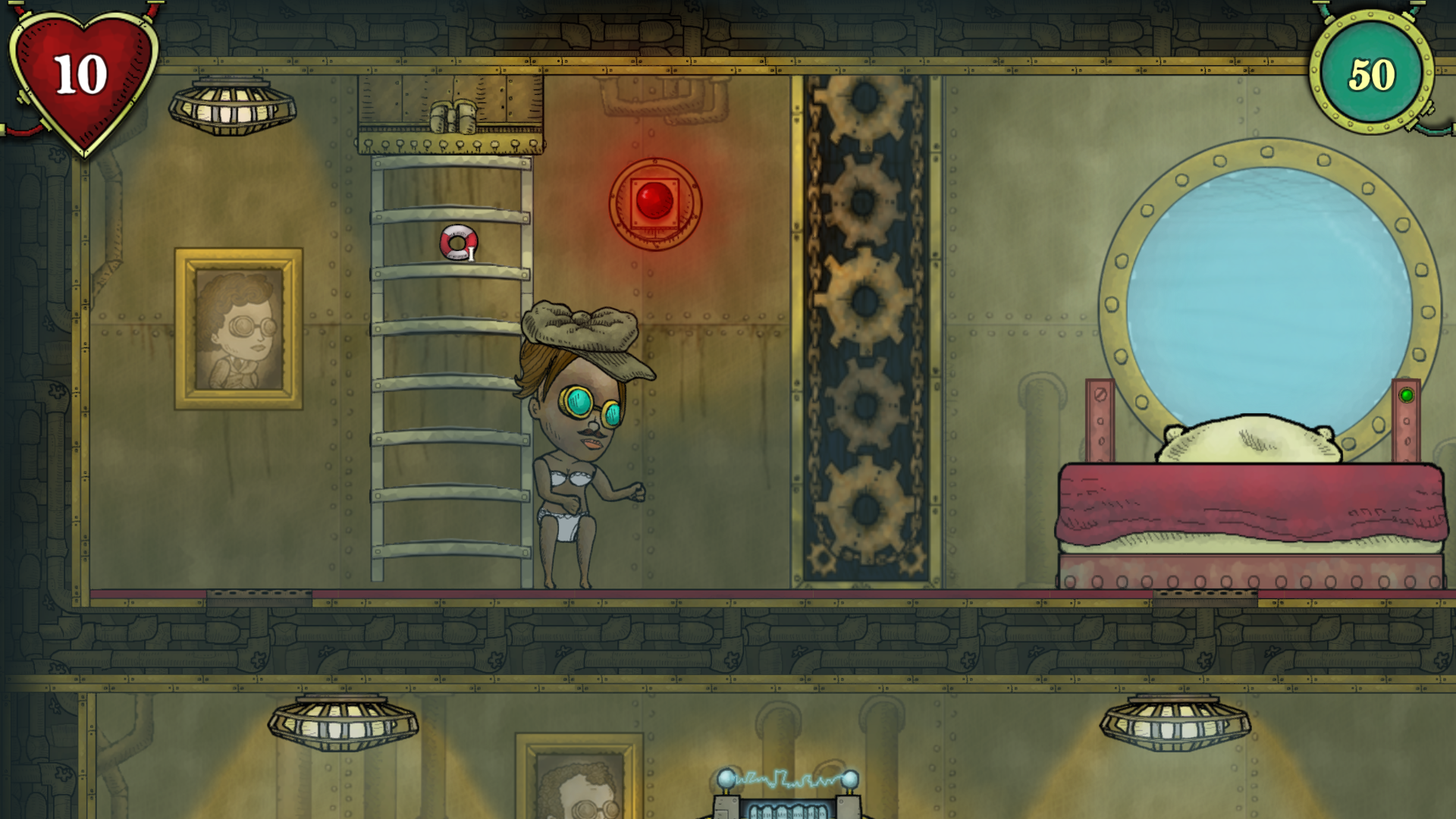
Restore your submarine's hull
Repair ordinary leaks and dents in the custom cooperative game you host. Here, hull health is back to 50 after repairing the damage.
Spawn native itemsFree
Drop native tools and weapons beside your crew member for normal pickup in a custom cooperative game you host.
Open Spawn, browse Tools and weapons, choose an item and select a quantity from one to five. Select Spawn, then pick up the equipment normally.
What you can spawn
- Tools and weapons (29)
- Including Wrench, Flintlock, Sword, Health Kit, Chemistry Kit.
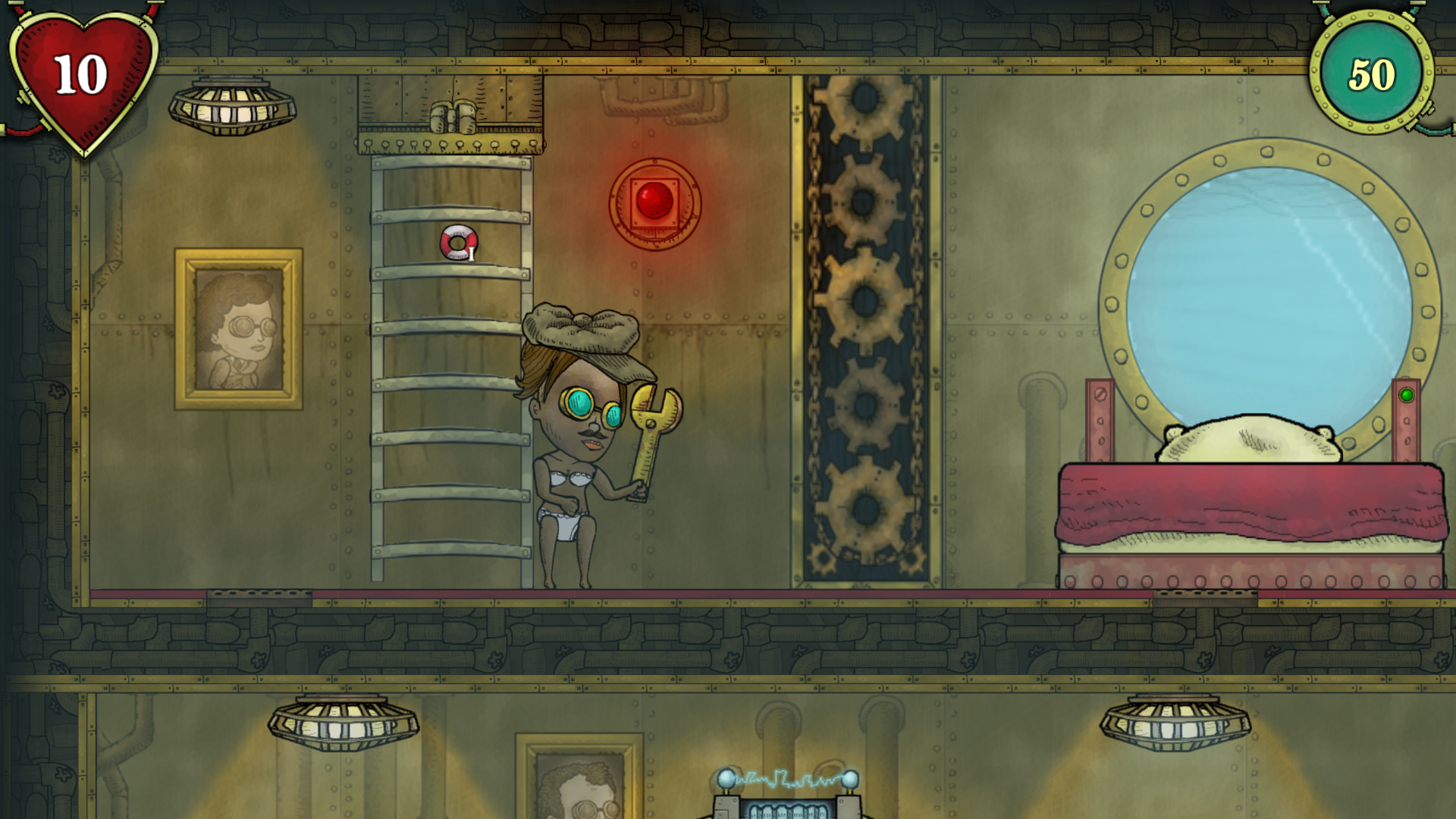
Pick up the tools you need
Drop native equipment beside your crew member in a custom cooperative game you host, then pick it up normally. This wrench was spawned and equipped through the game's own pickup system.
More ways to customise We Need To Go Deeper
- We Need To Go Deeper stat modifiers
Adjust base walking speed and restore the normal pace by turning the toggle off.
Using these features
Choose the feature in the Windows app after connecting your game. Check its requirements before making a change.
Setup for We Need To Go Deeper →