

Make dialogue easier to read
Use Dialogue Text Size to make story text larger. Choose how much to enlarge it, then turn the control off whenever you want the original size.
Works with the Steam version of the game.

Available presentation modifiers
Dialogue Text SizeFree
Enlarge the story dialogue for easier reading.
Turn on Dialogue Text Size, then choose a size from 100% to 150%. Turn it off to restore the original size.
Longer passages may use a smaller increase so the text still fits in the dialogue area.
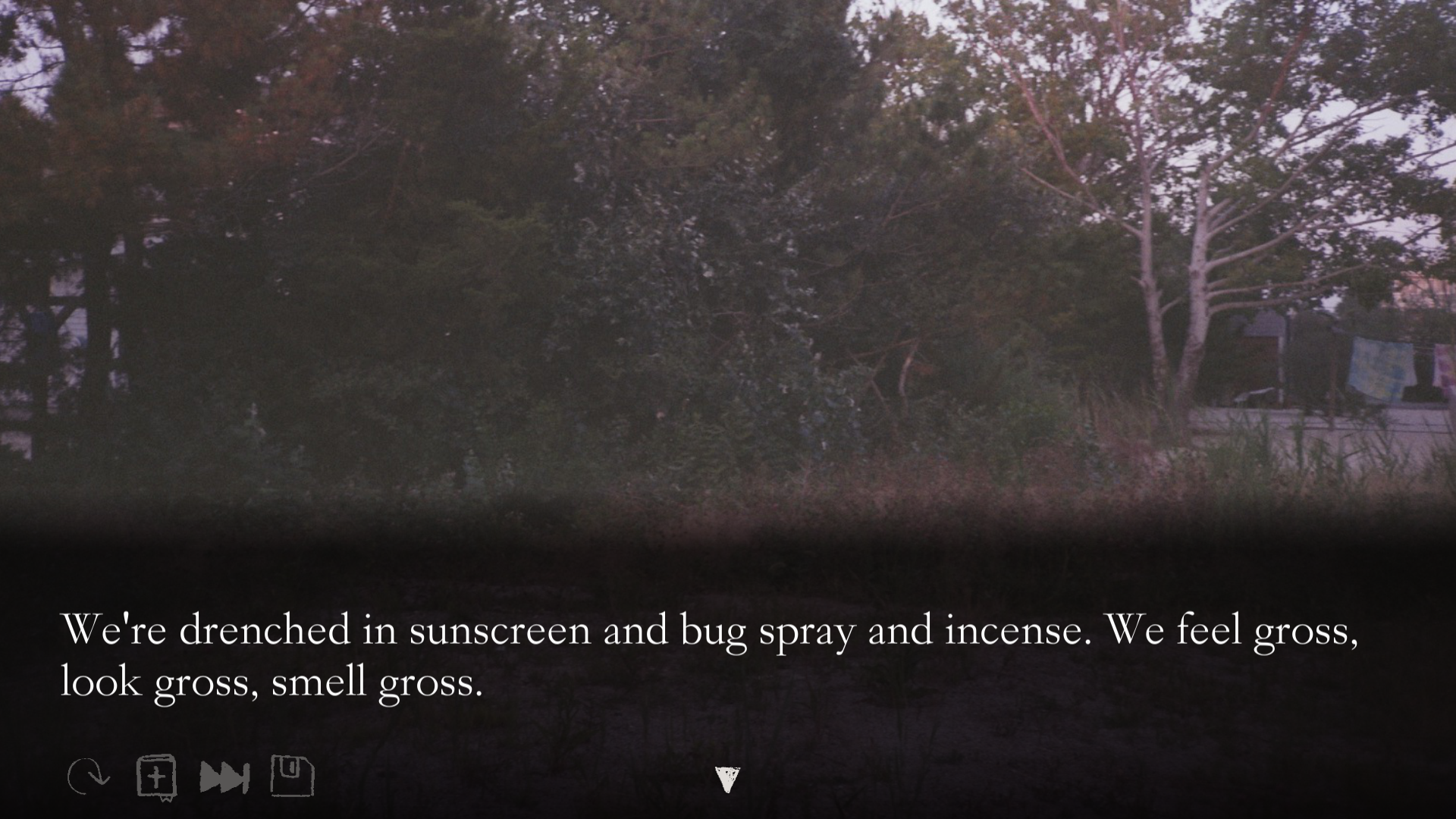
Larger dialogue text
Enlarge the opening narration so it’s easier to read. The text wraps within the dialogue area.
Using these features
Choose the feature in the Windows app after connecting your game. Check its requirements before making a change.
Setup for We Know the Devil →