
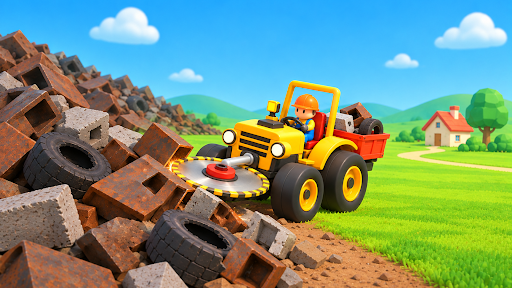
Customize Waste to Wow!
Set the balance you see in the yard, pick a level for each tractor part, or prepare supplies for the car factory and dealer. Each control lets you change one part of your scrapyard.
Requires the Windows app and the Bytonian Mods browser extension for Chrome or Edge. Browser setup guide
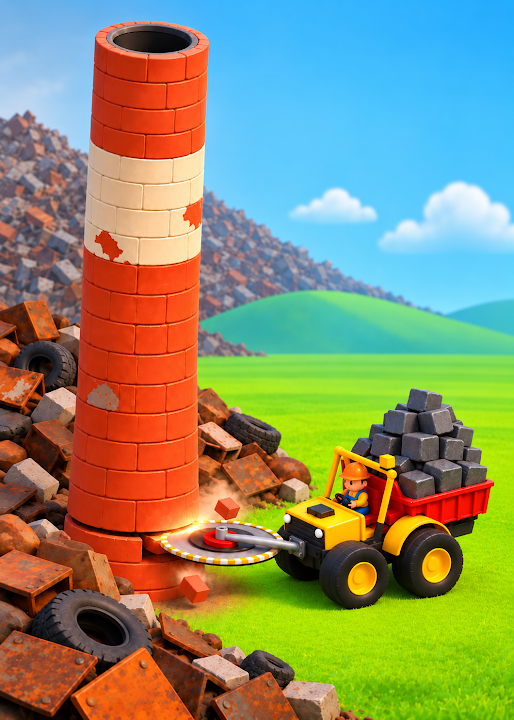
Saw, Truck Bed and Wheels
Choose levels 1 through 30 for each part. The Saw is for cutting through scrap, the Truck Bed determines how much you can carry and Wheels adjust your tractor's driving pace.
Factory stock and dealer cash
Stored Ingots sets the factory's stock for making cars once the factory is built. Factory Cash sets the amount waiting at the cash pad once you have a car dealer.
Available customisation options
CoinsFree
Set the coin balance shown in the yard before heading out with your tractor.
SawFree
Choose your saw's upgrade level to suit the piles of scrap you want to cut through.
Truck BedFree
Choose your truck bed level so you can carry more scrap on each trip to the recycler.
WheelsFree
Choose your wheels upgrade level to adjust how quickly you drive around the yard.
Factory CashFree
Set the uncollected cash waiting at the car dealer.
Build the car dealer to collect the cash from its pad.
Stored IngotsFree
Set the stock of ingots your car factory has on hand for building cars.
Build the car factory to put the ingots to use.
Using these features
Connect your game, then open Customise in the Windows app. Choose an option, check its available values and follow its instructions. Each option lists its own requirements and limits.
Setup for Waste to Wow! →