


Customize Vehicle Masters progression
Choose your saved Coins and Gears, or select which level should load next. Each control is independent, so you can change only the part of your progress that matters to you.

Coins and Gears
Coins are a free option, while Gears are Premium. Their counters appear later in garage and customization progression rather than on early driving screens.
Level Select
Level Select is Premium and uses zero-based numbering: 0 loads the first level. Use it to move to a different driving challenge, such as a later crane route.
Available customise
CoinsFree
Choose your saved coin balance.
Use Coins when you want a different balance for later progression.
Before you use it: The coin counter is not shown on early driving screens.
GearsPremium
Choose your saved gear balance.
Use Gears for later garage and customization progression.
Before you use it: The gear counter is not shown on early driving screens.
LevelPremium
Choose which level loads next.
Enter 0 for the first level or a later number for a later challenge.
Before you use it: Choose 0 for the first level; the control accepts values through 299.
More ways to customise Vehicle Masters
- Vehicle Masters stat modifiers
Reach road-stage goals sooner with an optional speed increase.
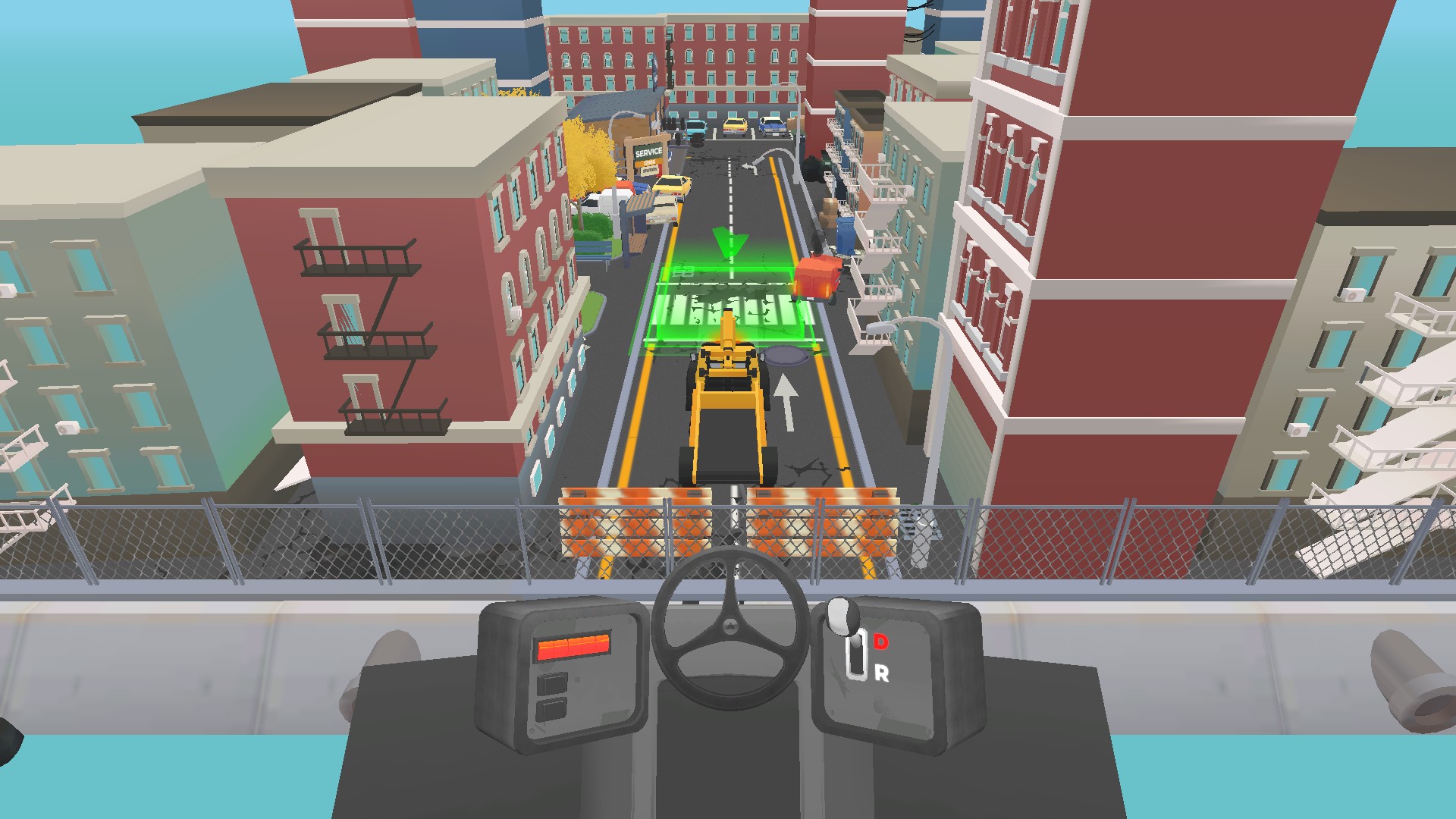
Choose a later driving challenge
Level Select can load a later Vehicle Masters challenge, including this crane route through the city.
Questions about customise
- Why can’t I see Coins or Gears during an early drive?
- Those balances are not shown on the early driving HUD. They become relevant in later garage and customization progression.
- What number selects the first level?
- Choose 0 for the first level because Level Select uses zero-based numbering.
Using these features
Choose the feature in the Windows app after connecting your game. Check its requirements before making a change.
Setup for Vehicle Masters →