
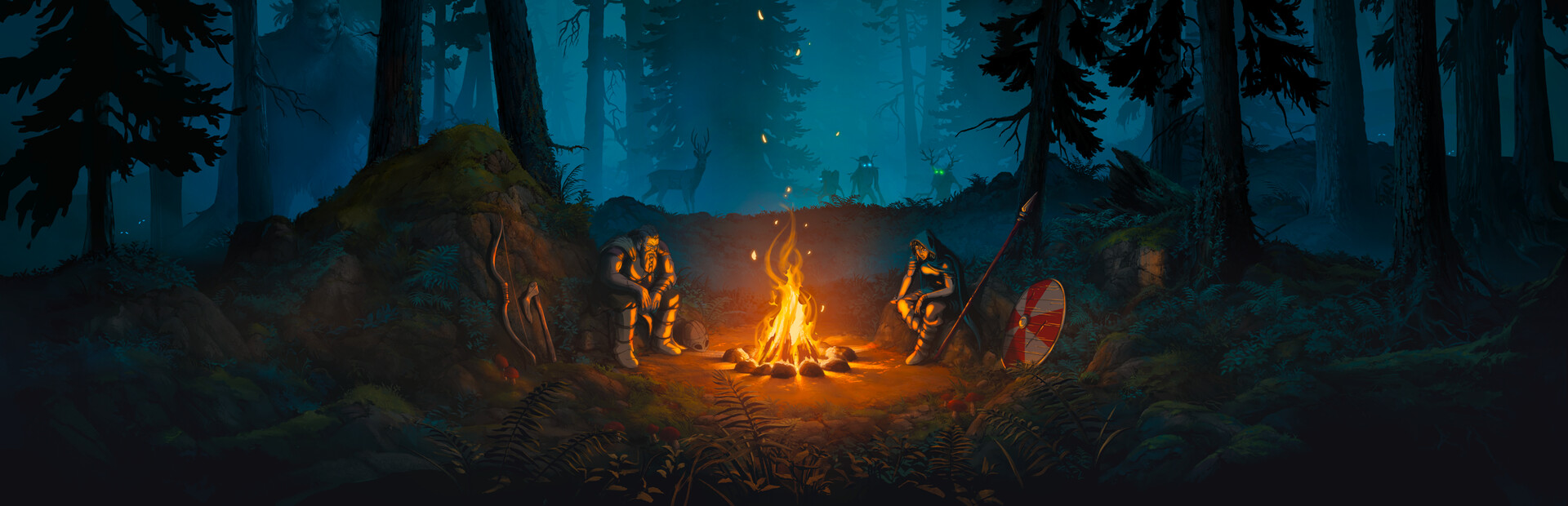
Fly, walk or ride across Valheim
Survey the coast from above, explore on foot or ride a board over land and water. Choose a movement style and tune its speed and handling to suit your journey.
Choose your movement style
Fly moves through terrain with separate normal and fast speeds. Free Walk keeps you on foot with adjustable movement and jumping. Board adds momentum, carving, braking and charged jumps.
Enable Movement, choose a style, then use the movement bindings. Space raises you in Fly, jumps in Free Walk or charges a Board jump. The Down binding descends in Fly and brakes the Board. Hold Shift for a burst of speed in Fly or Free Walk.
Ride the coast
Enable Float on Water to ride the Board over waves and onto the shore. Adjust acceleration, braking, carving and jump strength to shape the ride.
Close menus and keep PvP off while using Movement. Turning it off restores normal movement.
Available ability modifiers
MovementFree
Choose Fly, Free Walk or Board to explore by air, on foot or over land and water.
Enable Movement and choose a style. Turn it off to return to normal movement.
Requires PvP off and normal control of your character. Close menus while using Movement.
Supported movement styles: Fly, Free Walk, Board
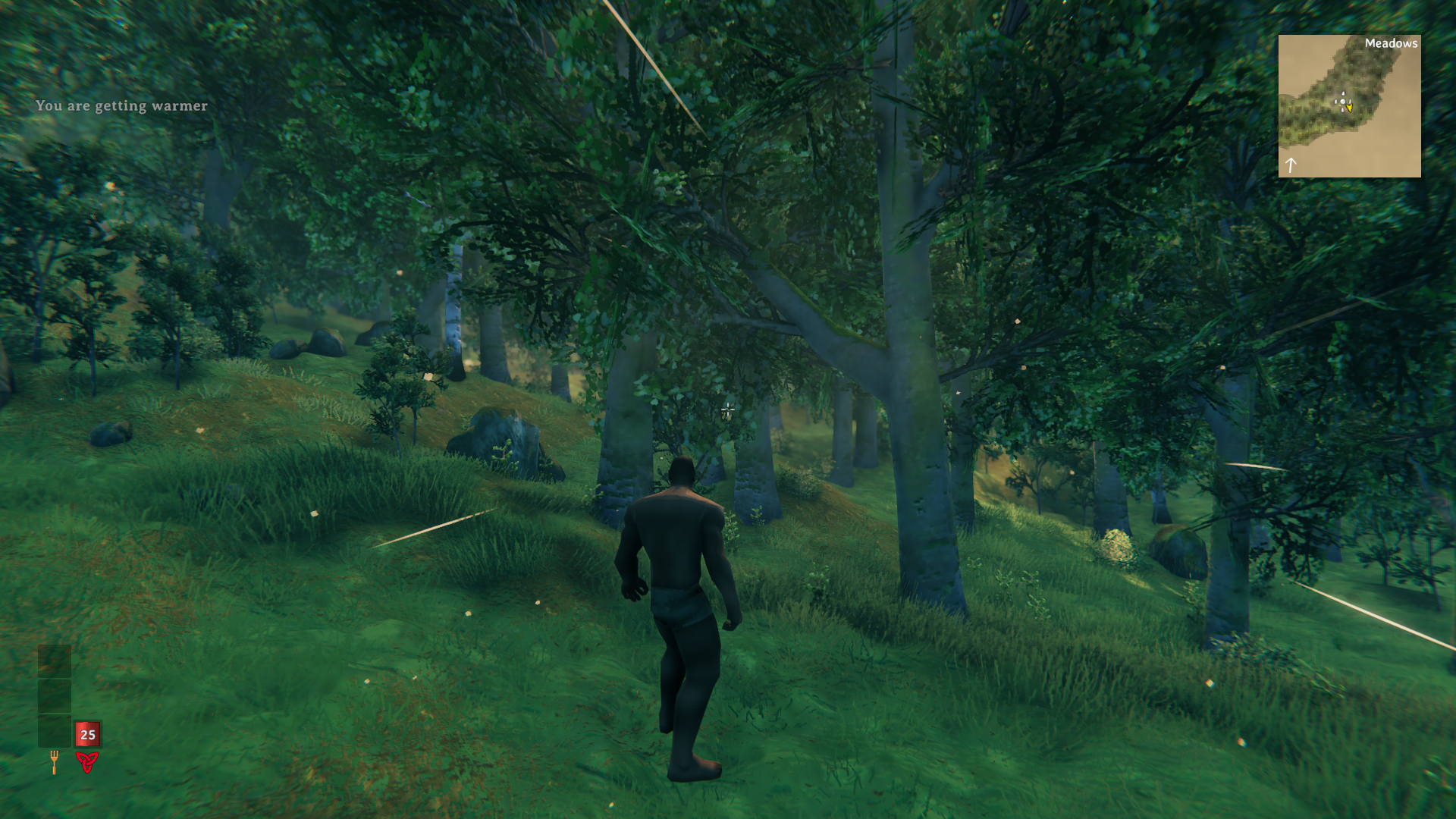
Hover above the forest floor
Lift off and hover among the trees with Fly.
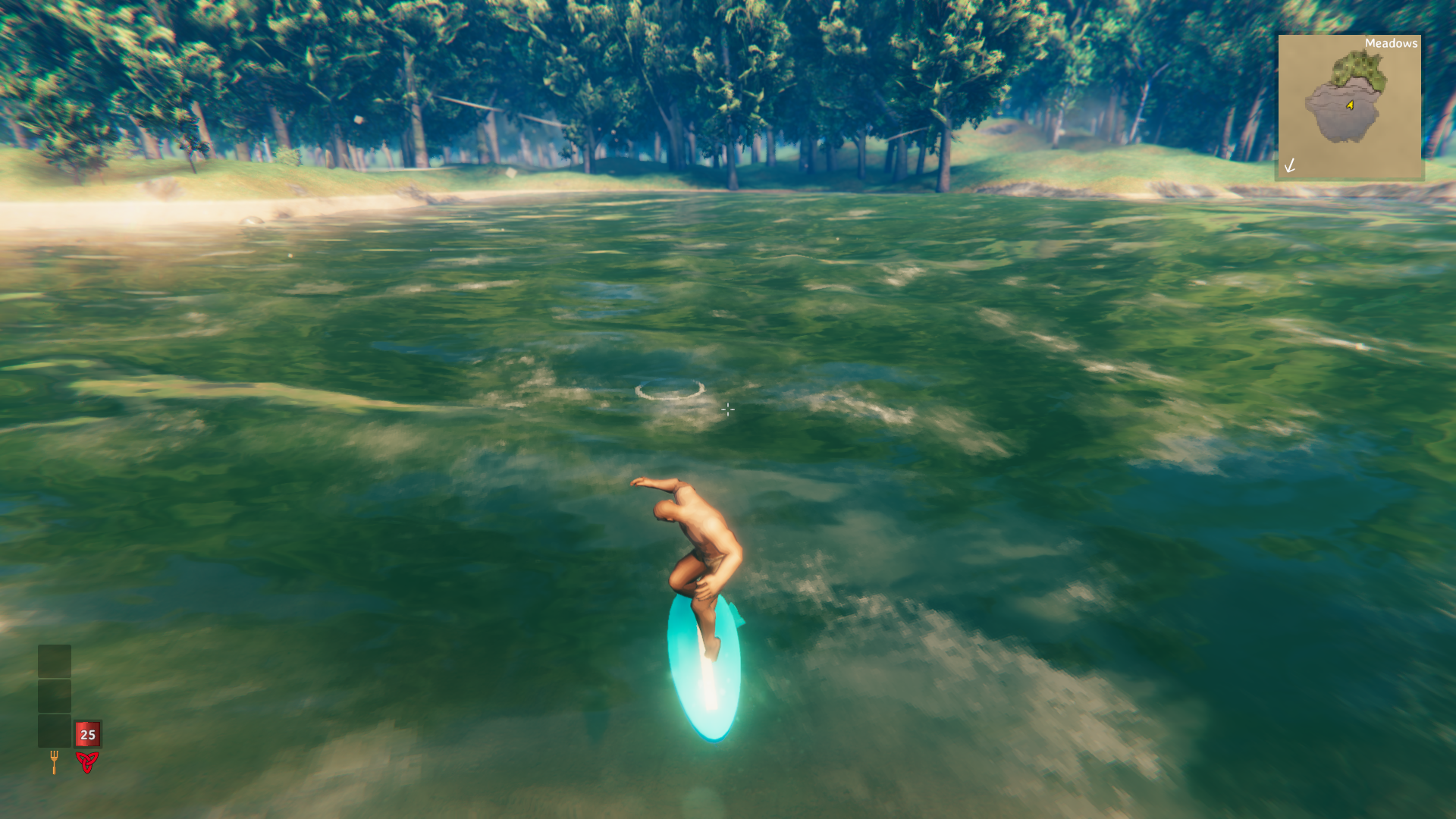
Ride the coast
Choose Board to cruise over the waves, carve turns, brake and charge a jump.
1 / 2
More ways to customise Valheim
- Valheim stat modifiers
Keep your Valheim character's health or stamina full with separate free controls. Requires a loaded world with PvP off.
- Valheim game actions
Browse Valheim items and creatures in a free Spawn menu. Drop items nearby, or host the world to spawn ordinary creatures.
Using these features
Choose the feature in the Windows app after connecting your game. Check its requirements before making a change.
Setup for Valheim →