
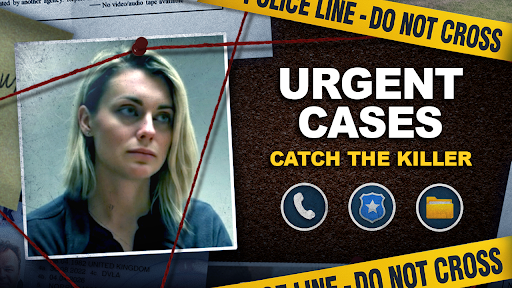
Game Actions
1 optionMove timed story waits forward with a single press.
View game actions →Move timed story waits forward in 30-second steps. Follow the next lead through the Yard Team's conversations, photos and case file.
Requires the Windows app and the Bytonian Mods browser extension for Chrome or Edge. Browser setup guide

Start with free mods
Download Bytonian Mods for Windows and try these free features. Choose one to see how it works and any requirements.
Move timed story waits forward in 30-second steps.
Press while waiting for the story to continue. Choose and send your replies as usual.
Each press makes one adjustment.
The free Skip a story pause control gives timed waits a nudge when you are ready to continue. Your replies still shape how you approach the conversation.
Open Urgent Cases on YouTube Playables and connect the game to Bytonian Mods. Find Skip a story pause under Game Actions, then use it while waiting for the story to continue.
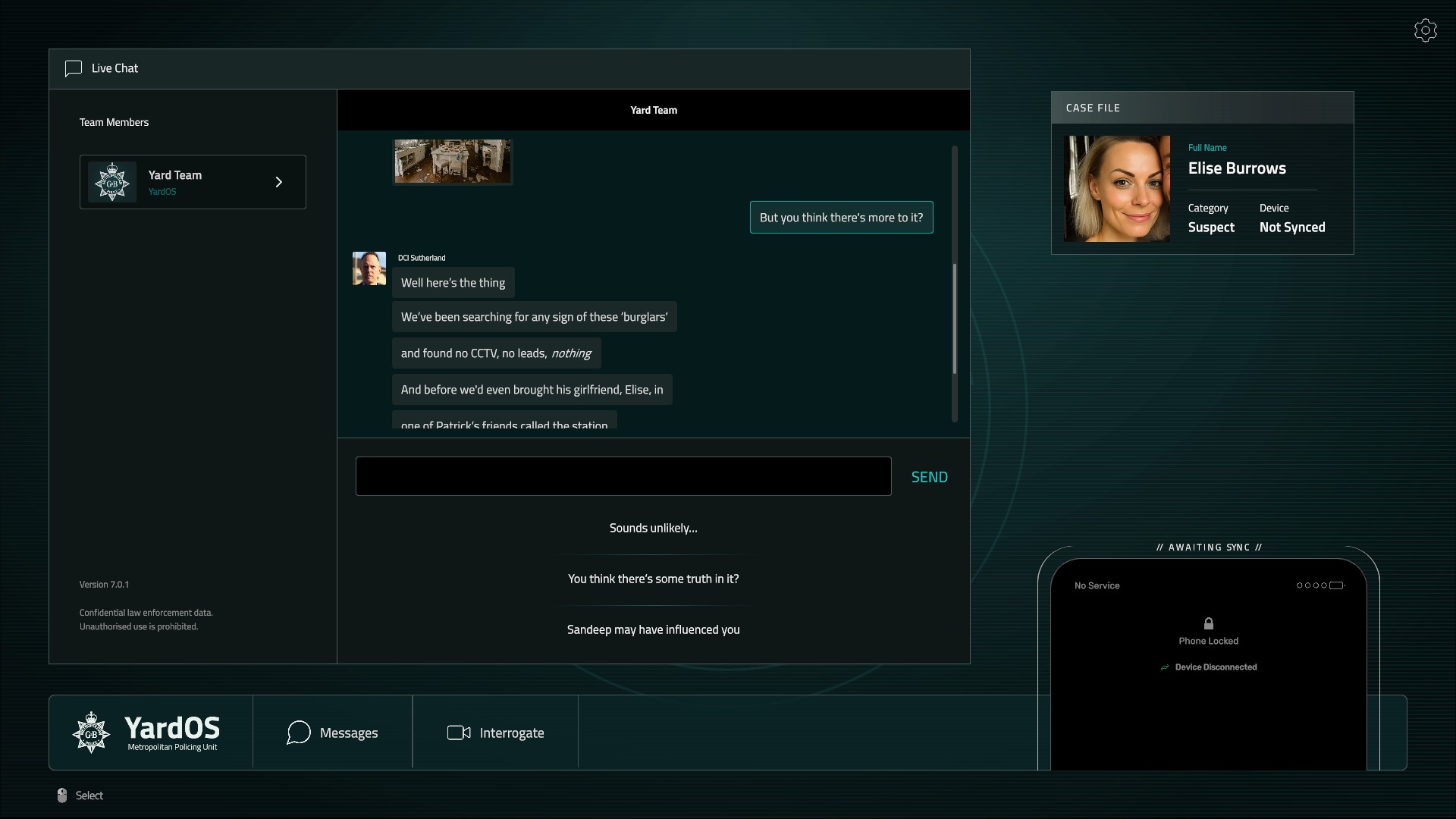
Follow the case through chat
Talk through the evidence with the Yard Team, review the case file and choose your next reply.
Move timed story waits forward with a single press.
View game actions →Download the Windows app and follow the setup prompts.
Set up the browser extension in Chrome or Edge, then open the supported YouTube Playable. Follow the connection guide if the game is already running.
Review the available options in the app and choose the ones that suit how you play.