
Coins, boosters and Level 4
Choose your coin balance and the supply of each booster before entering a puzzle. Then use the game's normal purchase and booster buttons to make room or break a board.
Requires the Windows app and the Bytonian Mods browser extension for Chrome or Edge. Browser setup guide
Start Level 4
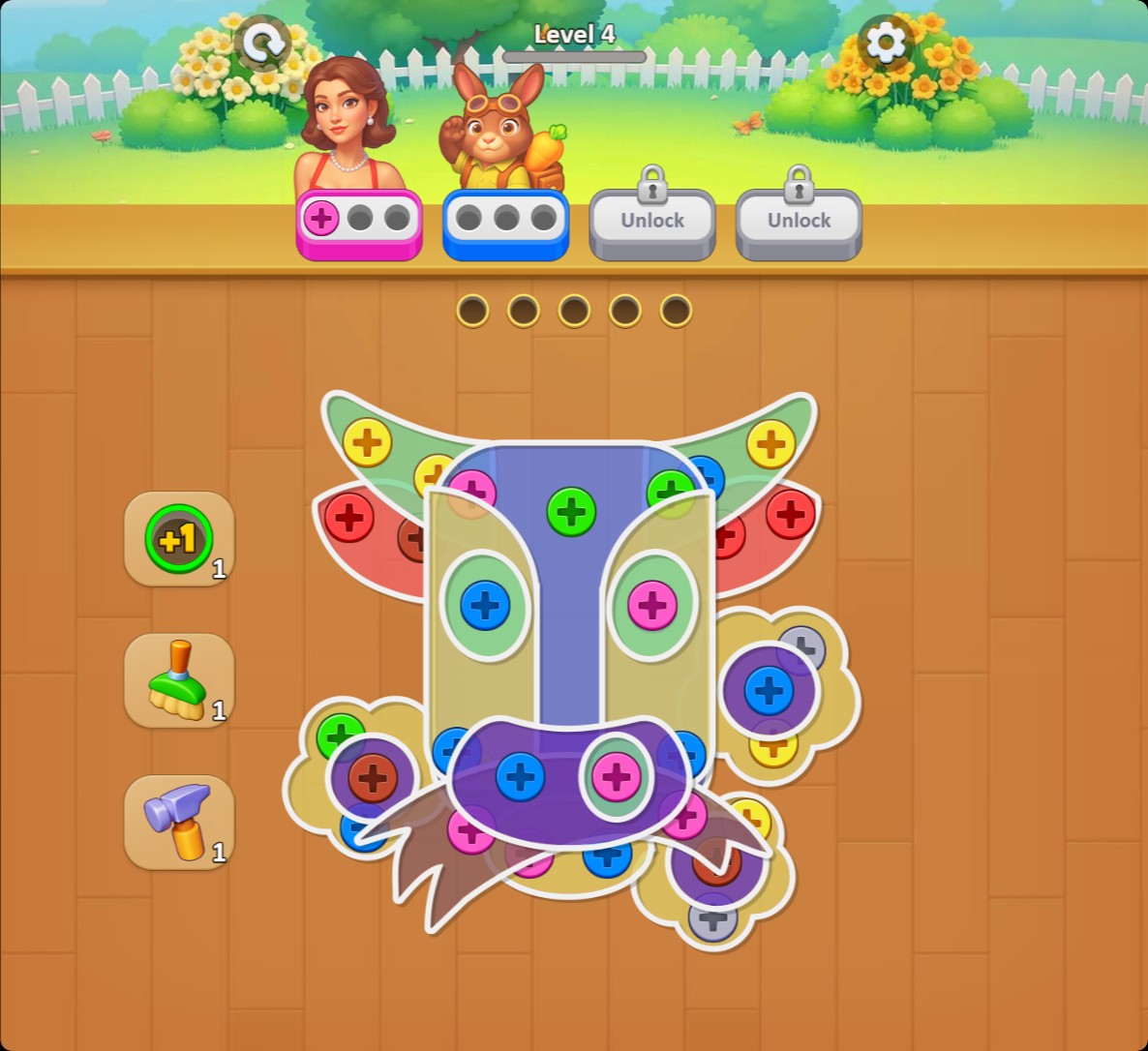
Jump to Level 4 and start sorting screws on the cow-shaped puzzle.
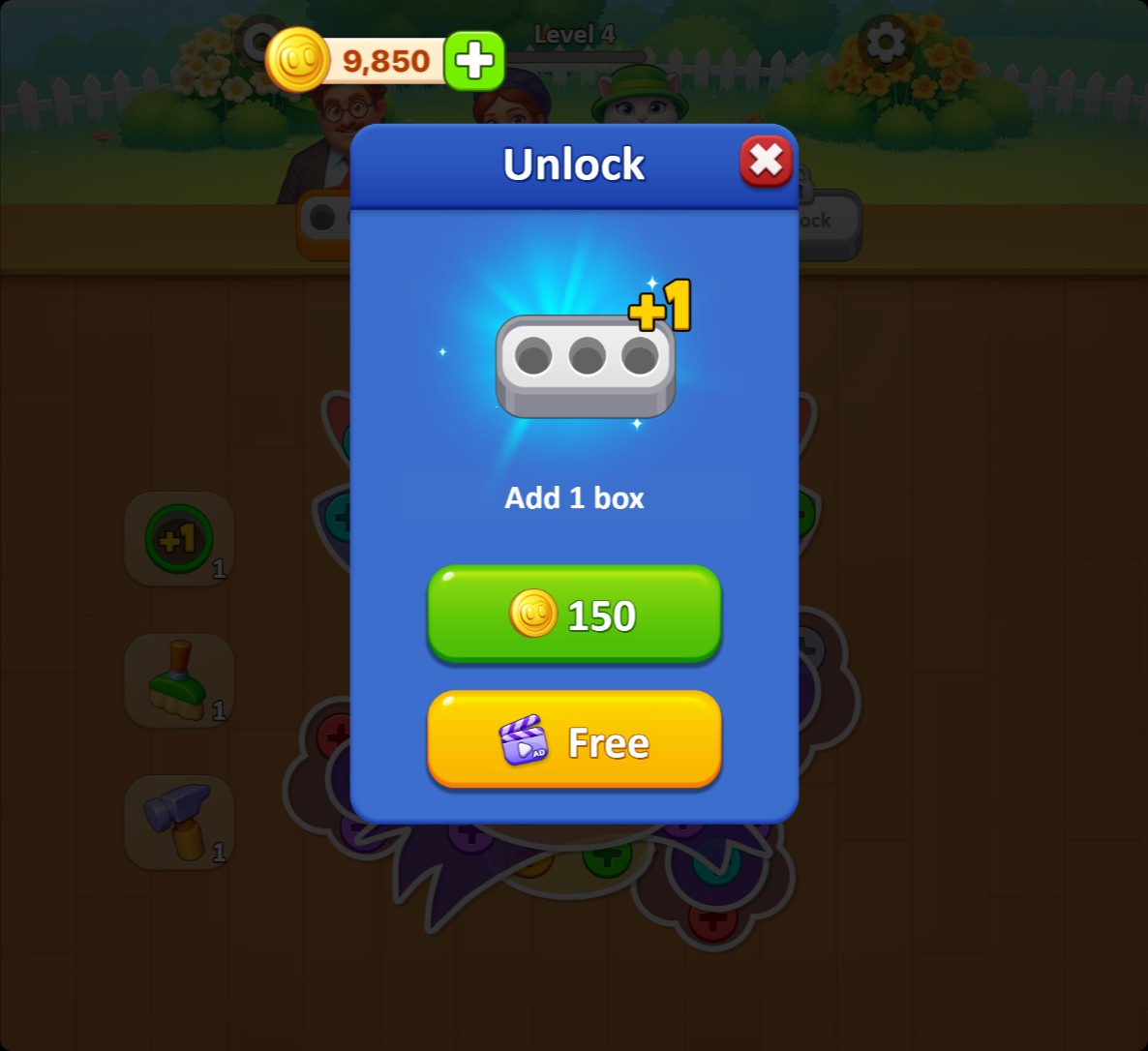
Coins for extra sorting boxes
Choose your coins and spend them in the normal box unlock menu.
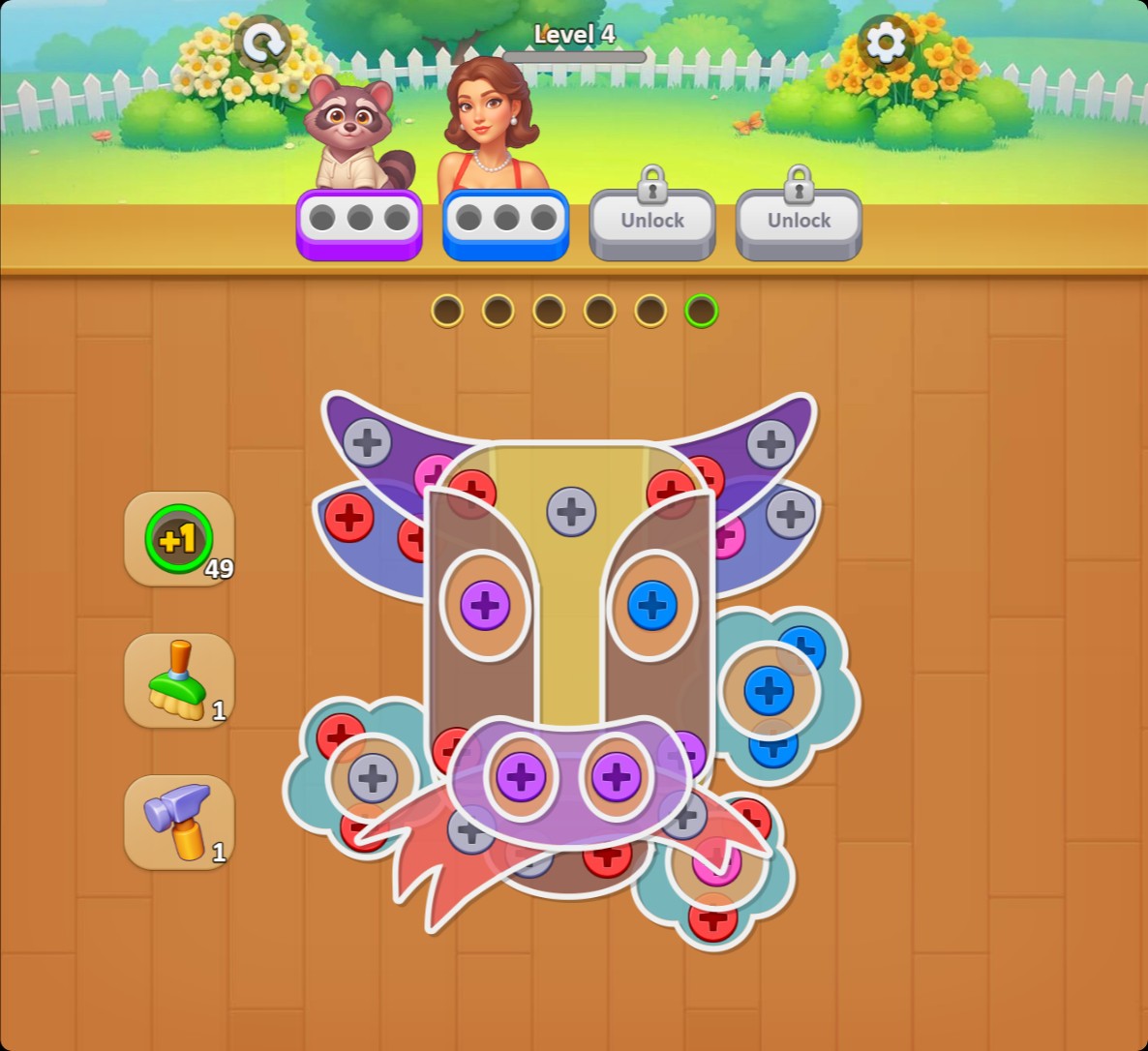
More room for screws
Refill extra hole boosters and use one to add a temporary screw hole.
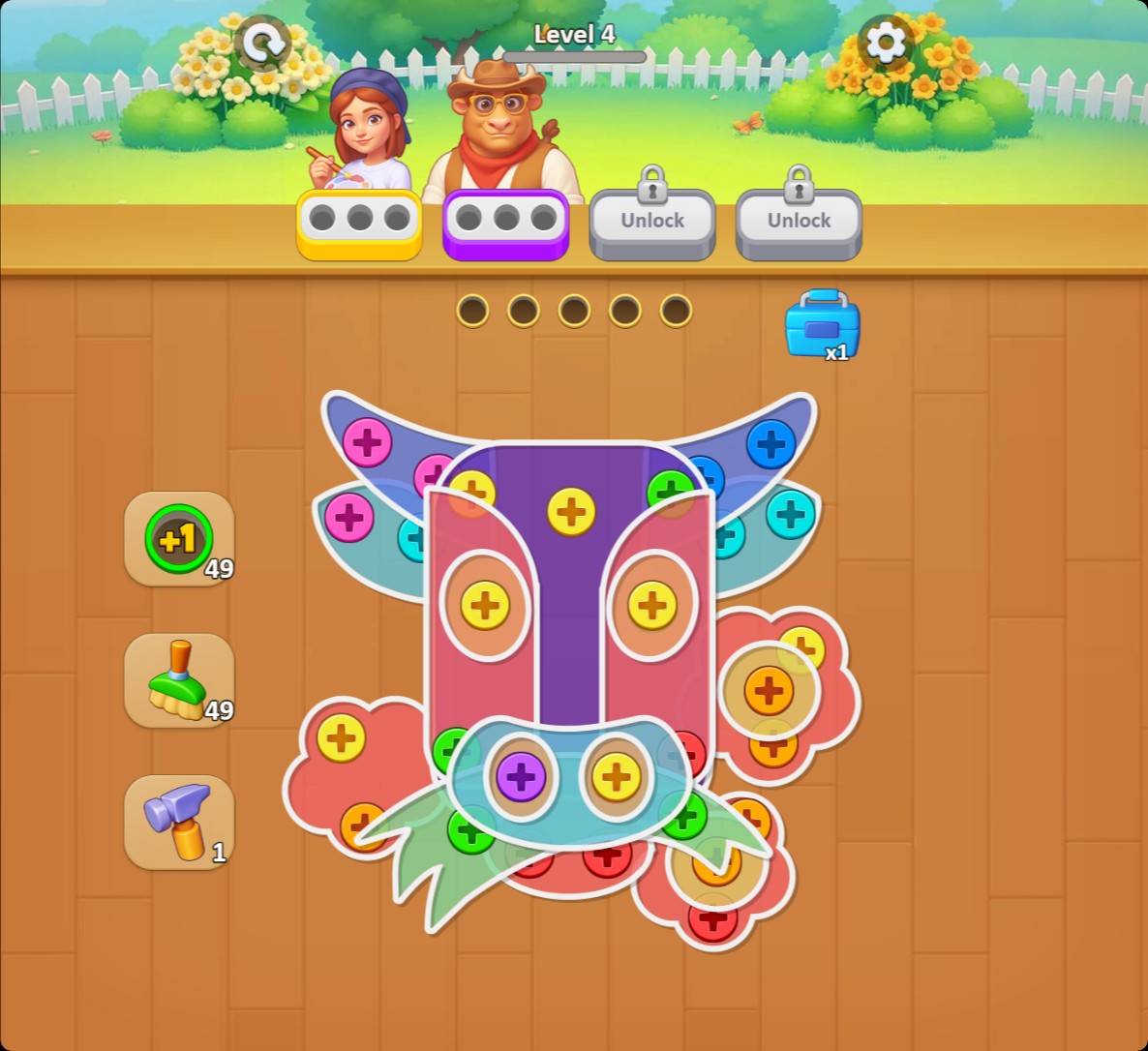
Clear temporary screw holes
Refill clearing boosters and use one to remove screws from occupied temporary holes.
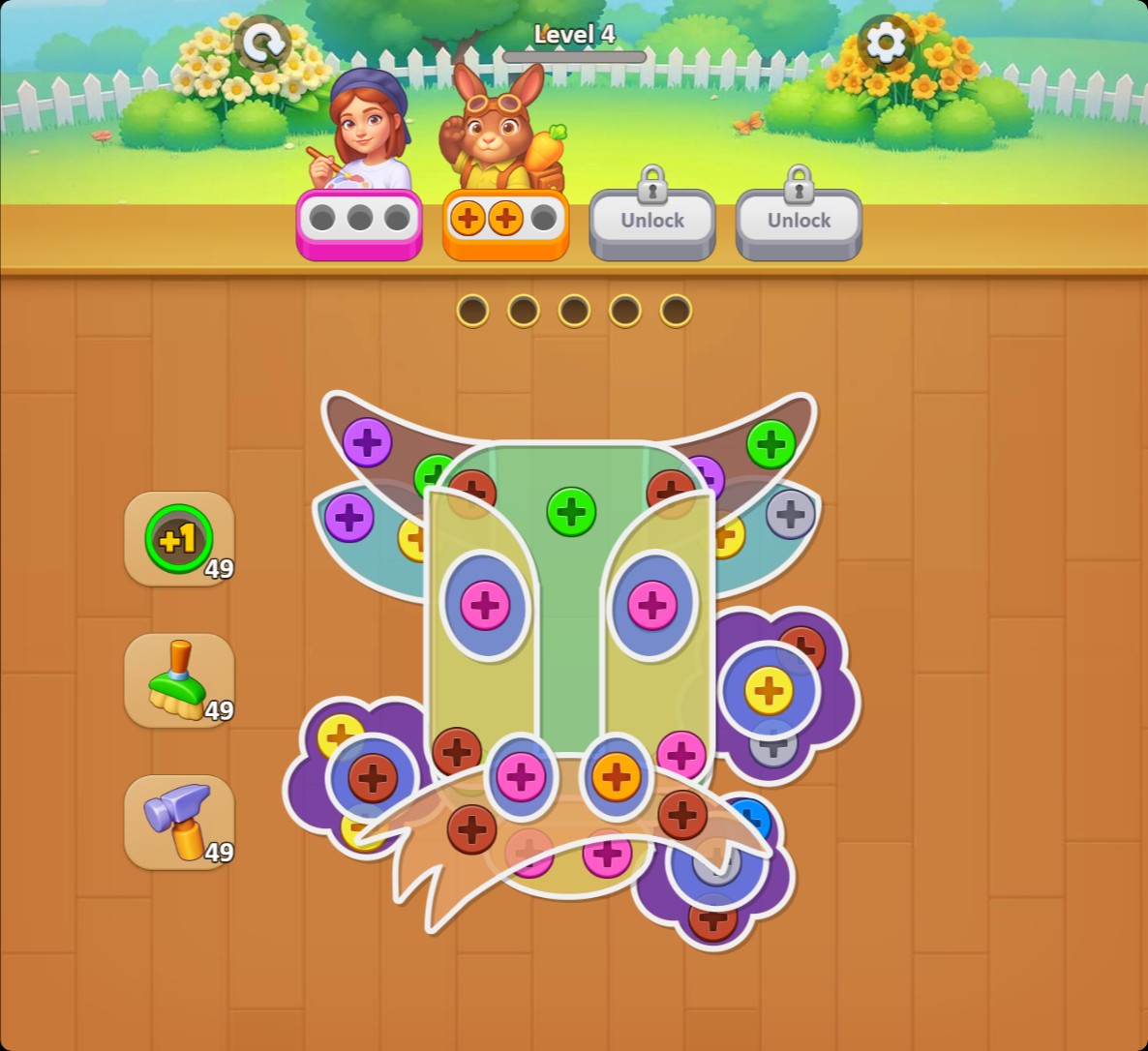
Break a puzzle board
Refill hammers, select the hammer and tap a board to break it.
Choose the help you need
Coins pay for normal puzzle purchases such as extra sorting boxes. Extra hole boosters add a temporary hole when capacity is available, clearing boosters empty occupied holes, and hammers break a selected board.
Open the cow puzzle
Start Level 4 takes you directly to the cow-shaped board with all three booster types available. Follow the setup steps on the Overview page, then enter the puzzle from the Level button.
Available customisation options
Start Level 4Free
Jump to the cow-shaped Level 4 puzzle, where all three booster types are available.
Choose Start Level 4 and apply the change. Dismiss or collect any daily bonus, then enter the puzzle from the Level button.
CoinsPremium
Choose your coin balance for normal puzzle purchases, including extra sorting boxes.
Apply your coins, enter a puzzle and open a locked sorting box to use the normal coin purchase button.
Extra hole boostersFree
Set your supply of extra hole boosters. Use one in a puzzle to add a temporary screw hole.
Apply your amount, enter a puzzle and press the +1 booster when you need more working room.
Available from Level 2. A hole can be added only while the puzzle has remaining hole capacity.
Clear holes boostersPremium
Set your supply of clearing boosters to remove screws from occupied temporary holes.
Use the broom booster when you need to empty occupied temporary holes.
Available from Level 3. A temporary hole must contain a screw for the booster to be used.
HammersPremium
Choose your hammer supply and break a puzzle board with a normal tap.
In the puzzle, select the hammer, then tap the board you want to break.
Available from Level 4.
Questions about customisation options
- When can I use each booster?
- Extra hole boosters start at Level 2, clearing boosters at Level 3 and hammers at Level 4. Start Level 4 opens a puzzle where all three types are available.
Using these features
Connect your game, then open Customise in the Windows app. Choose an option, check its available values and follow its instructions. Each option lists its own requirements and limits.
Setup for Unscrew it! →