

Customise
1 optionPick a level, apply it and continue with the normal screw-sorting controls.
View customisation options →Choose a level from 1 to 142 to load the screw-sorting board you want to play. Remove screws from layered pictures and fill matching colour boxes before your spare slots fill up.
Requires the Windows app and the Bytonian Mods browser extension for Chrome or Edge. Browser setup guide

Start with free mods
Download Bytonian Mods for Windows and try these free features. Choose one to see how it works and any requirements.
Choose a puzzle level from 1 to 142 and load its screw-sorting board.
Enter a whole-number level, apply the change and wait for the board to load. Remove screws into matching colour boxes as usual.
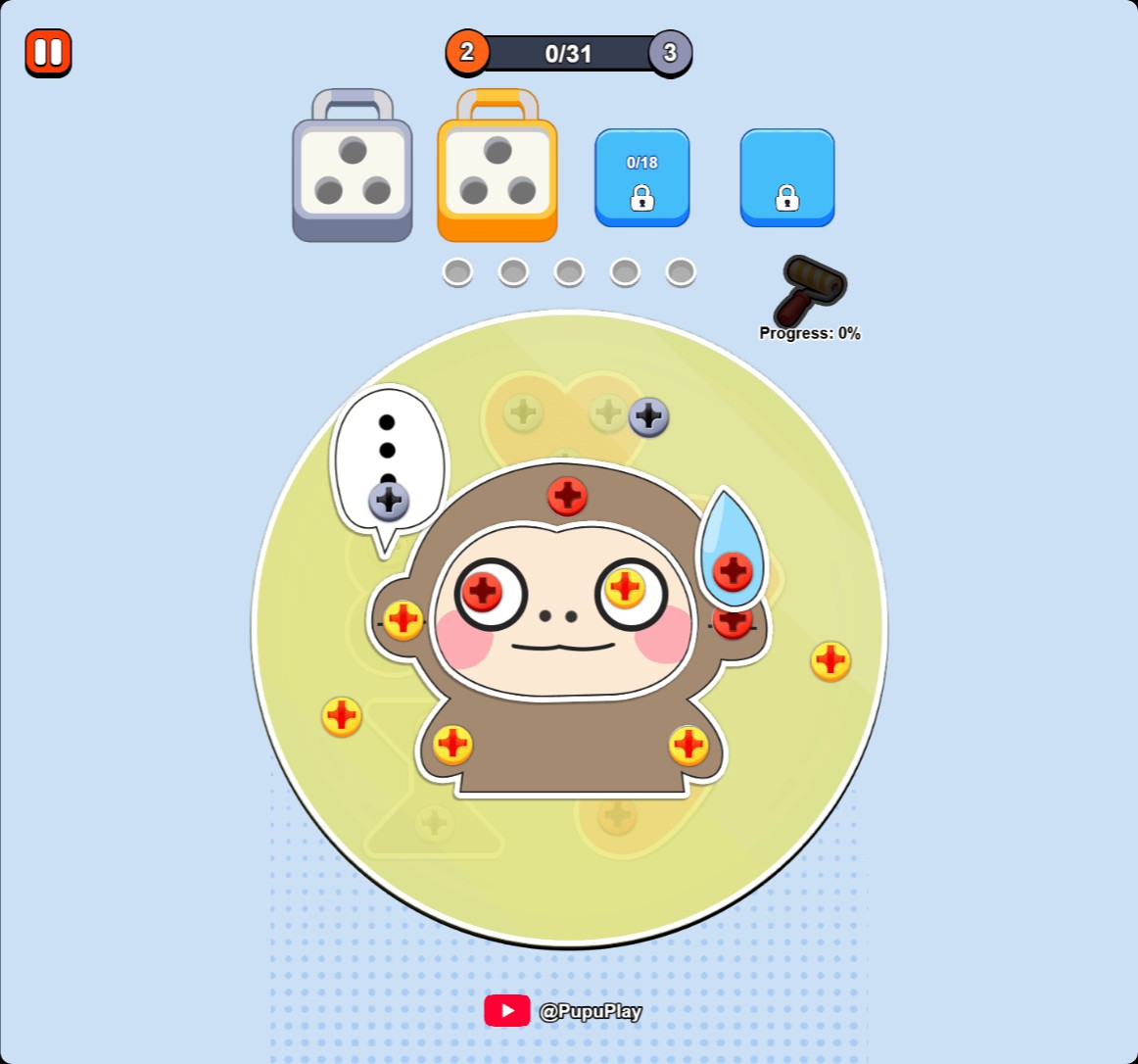
Find the next matching screws
Remove screws into colour-matched boxes while keeping room in the spare slots. Clear the layered boards to finish the puzzle.
Matching screws fill each coloured box. As you clear screws and pieces, more of the puzzle becomes accessible, so keep an eye on the available colours and spare slots.
Set a puzzle level from 1 to 142 and apply it to load that level. Try an earlier puzzle when you want a simpler board, or choose another level for a different arrangement.
Pick a level, apply it and continue with the normal screw-sorting controls.
View customisation options →Download the Windows app and follow the setup prompts.
Set up the browser extension in Chrome or Edge, then open the supported YouTube Playable. Follow the connection guide if the game is already running.
Open Customise in Bytonian Mods, choose an option and follow its instructions. Check the available values and any limits before making your change.