

Change incoming shots and reload timing
Give yourself more time to dodge, make incoming shots faster or get straight back to firing after a reload.

Enemy Projectile Speed
Choose 25% to 200%, with 100% matching normal speed. Patterned shots use the new setting when fired; shots already in flight retain their fired speed. This control is free.
Instant Reload
Turn Instant Reload on to finish an active reload without waiting for its remaining timer. Turn it off to return to normal reload timing.
Available stat modifiers
Enemy Projectile SpeedFree
Slow enemy projectiles for more time to dodge, or speed them up for a faster challenge.
Choose from 25% to 200%, with 100% matching normal speed. Patterned shots use the new setting when fired; shots already in flight keep their fired speed.
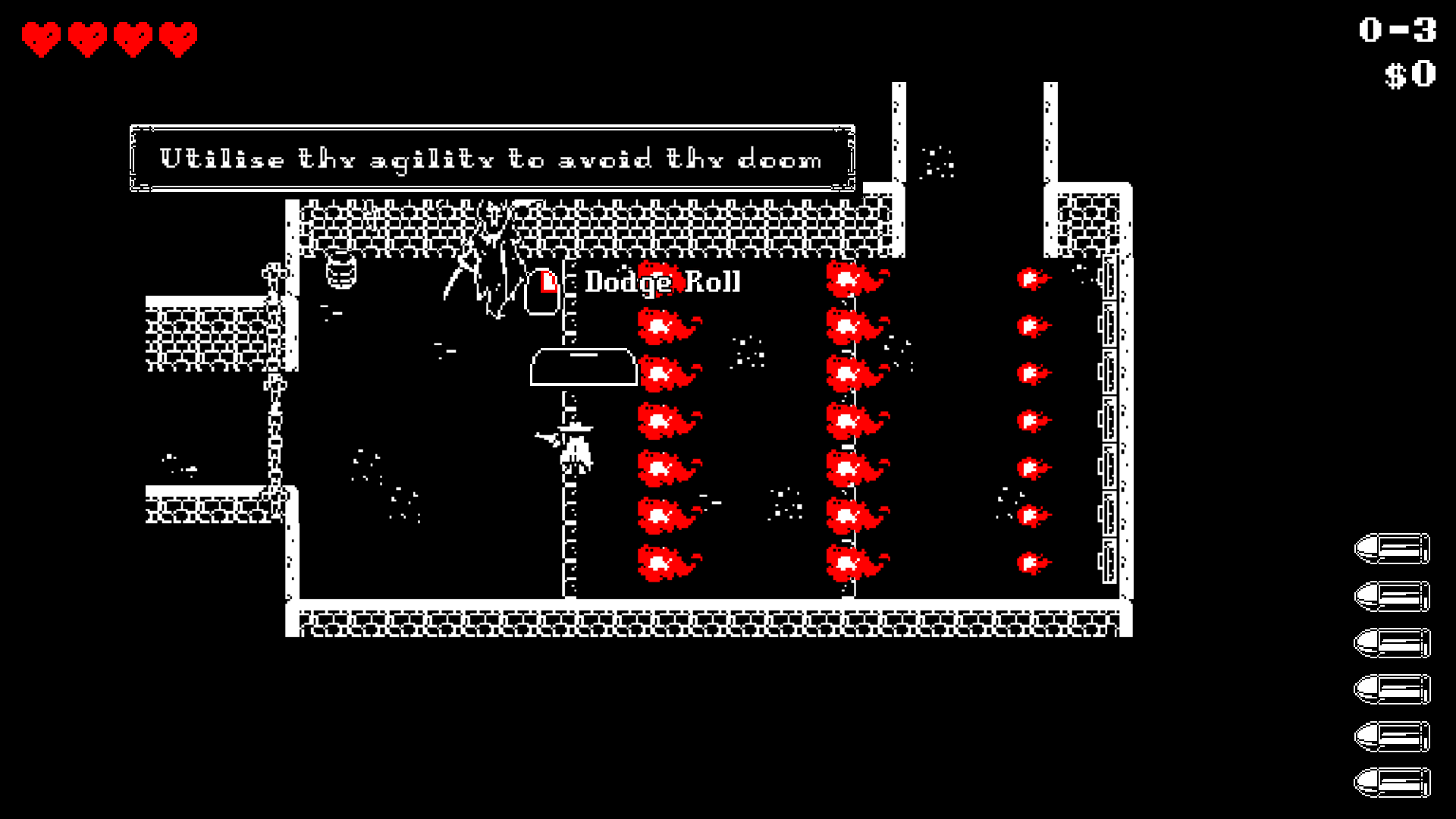
Choose enemy projectile speed
Slow enemy shots to give yourself more time to react, or increase their speed for a challenge. Shown with projectile speed set to 50%.
Instant ReloadPremium
Get back to firing without waiting for an active reload to finish.
Turn Instant Reload on to remove the remaining reload wait. Turn it off to return to normal reload timing.
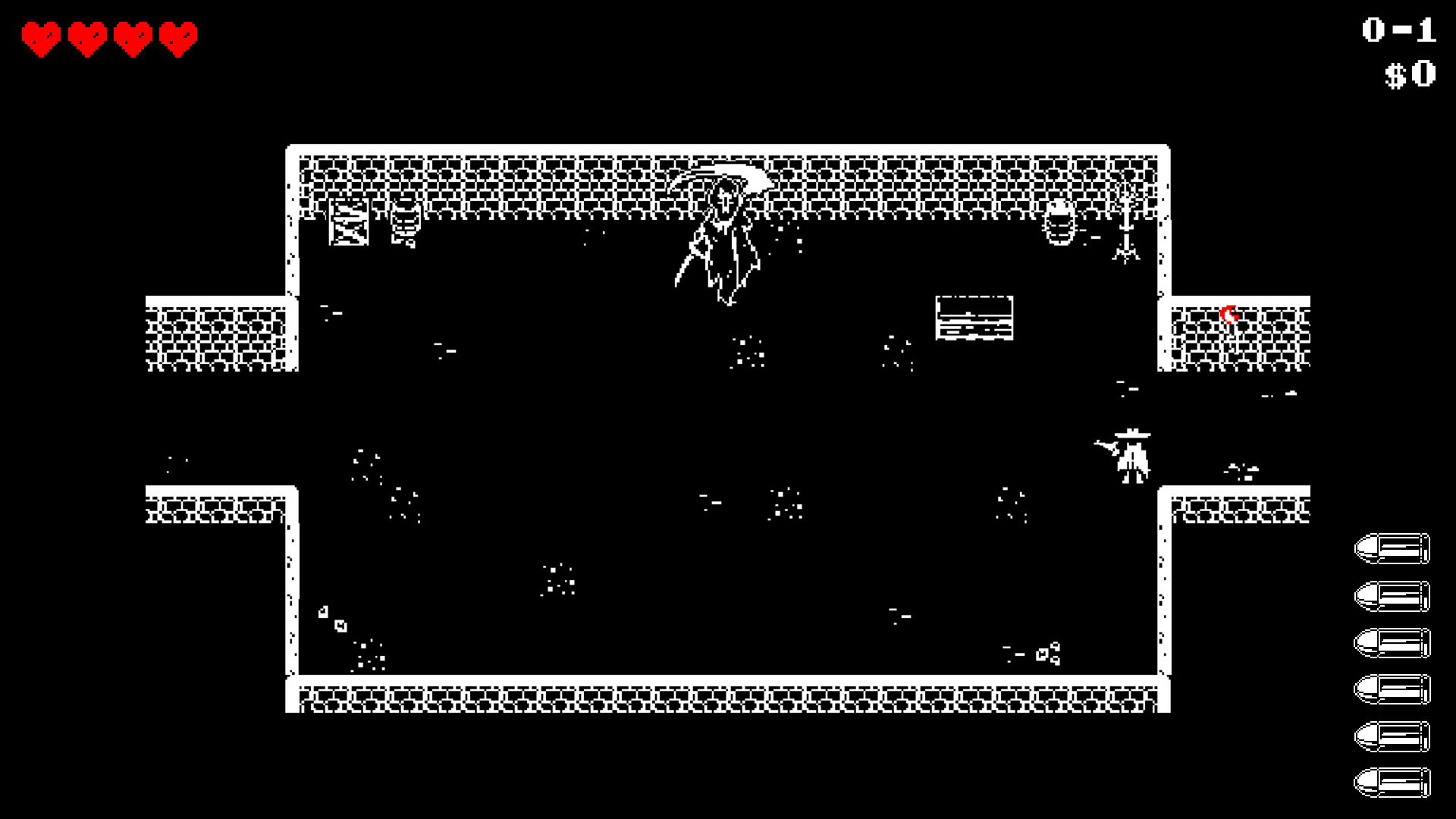
Full magazine after instant reload
Finish your weapon reload without waiting. The ammunition display shows the refilled magazine after the reload completes.
More ways to customise Undead West
- Undead West resources
Refresh, set, add or remove souls.
- Undead West ability modifiers
Explore through walls with editable movement controls.
Using these features
Choose the feature in the Windows app after connecting your game. Check its requirements before making a change.
Setup for Undead West →