


Change the way you travel
Movement speed makes walking faster, while Fly lets Ouji hover and move above the ground. Choose the travel style that suits your exploration.

Set your walking pace
Expand Movement speed to adjust the percentage. Its starting setting is 200%, and you can choose a value from 100% to 400%. Turn the toggle off to return to your normal movement speed.
Fly above the ground
With Fly enabled, use A and D for sideways movement, W and S or Space and Ctrl to rise and descend, and Shift for faster flight. Expand the card to change the controls and speeds. Release the movement keys to hover, and land safely before switching Fly off.
Available ability modifiers
FlyPremium
Let Ouji hover and move above the ground.
Use A/D sideways, W/S or Space/Ctrl up and down, and Shift for faster flight. Expand to customise the controls and speeds. Land safely before turning Fly off.

Hover above the glowing garden
Fly above the ground and move through Ultros at your own pace. Adjust the controls and flight speed to suit your exploration.
Movement speedPremium
Walk faster and cover ground at your preferred pace.
Expand the card to choose a speed percentage from 100% to 400%.
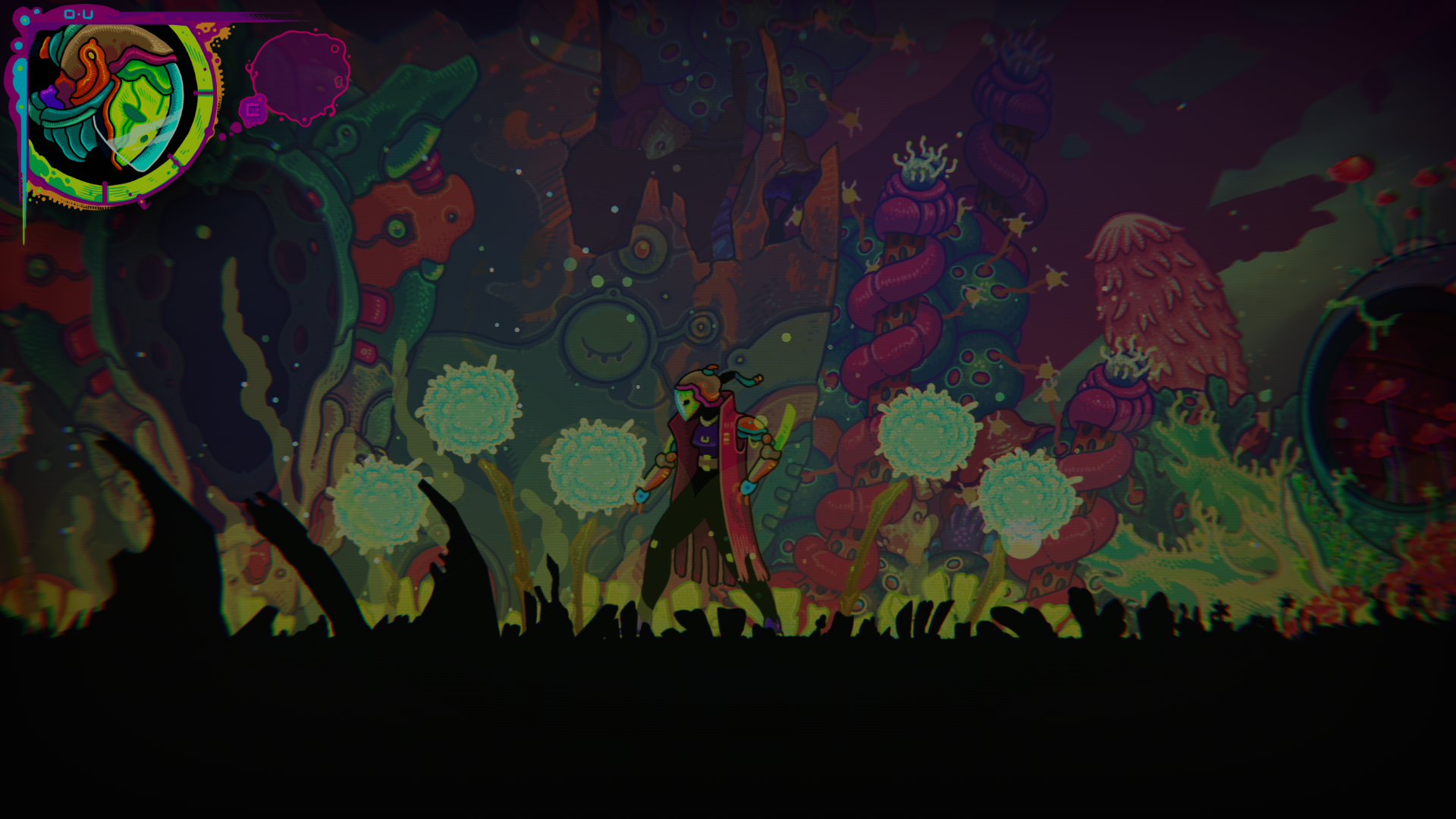
Explore at your own pace
Increase your walking speed to cover ground faster, and adjust the percentage to suit your exploration.
More ways to customise Ultros
- Ultros rule modifiers
Toggle protection against health loss from damage.
- Ultros game actions
Restore missing health with a single action.
Using these features
Choose the feature in the Windows app after connecting your game. Check its requirements before making a change.
Setup for Ultros →