
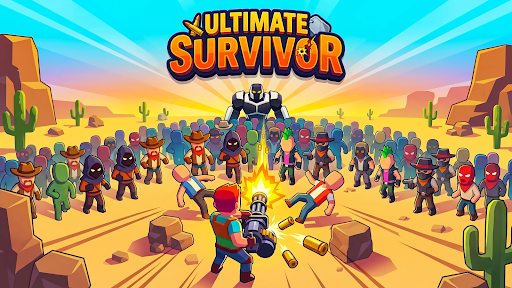
Put coins toward your next upgrade
Choose the coins in your wallet, open the character menu and spend them on the upgrades you want before your next room.
Requires the Windows app and the Bytonian Mods browser extension for Chrome or Edge. Browser setup guide

Spend coins through the character menu
Set the wallet balance you want, then use the game's normal upgrade buttons. Character unlock requirements still apply. Coins you collect inside a room are added to the wallet when the room ends.
Available resources
CoinsPremium
Choose the coins in your wallet and spend them on character upgrades between rooms.
Set your balance from the character menu, then choose your upgrades.
Character unlock requirements still apply. Coins collected during a room join the wallet when it ends.
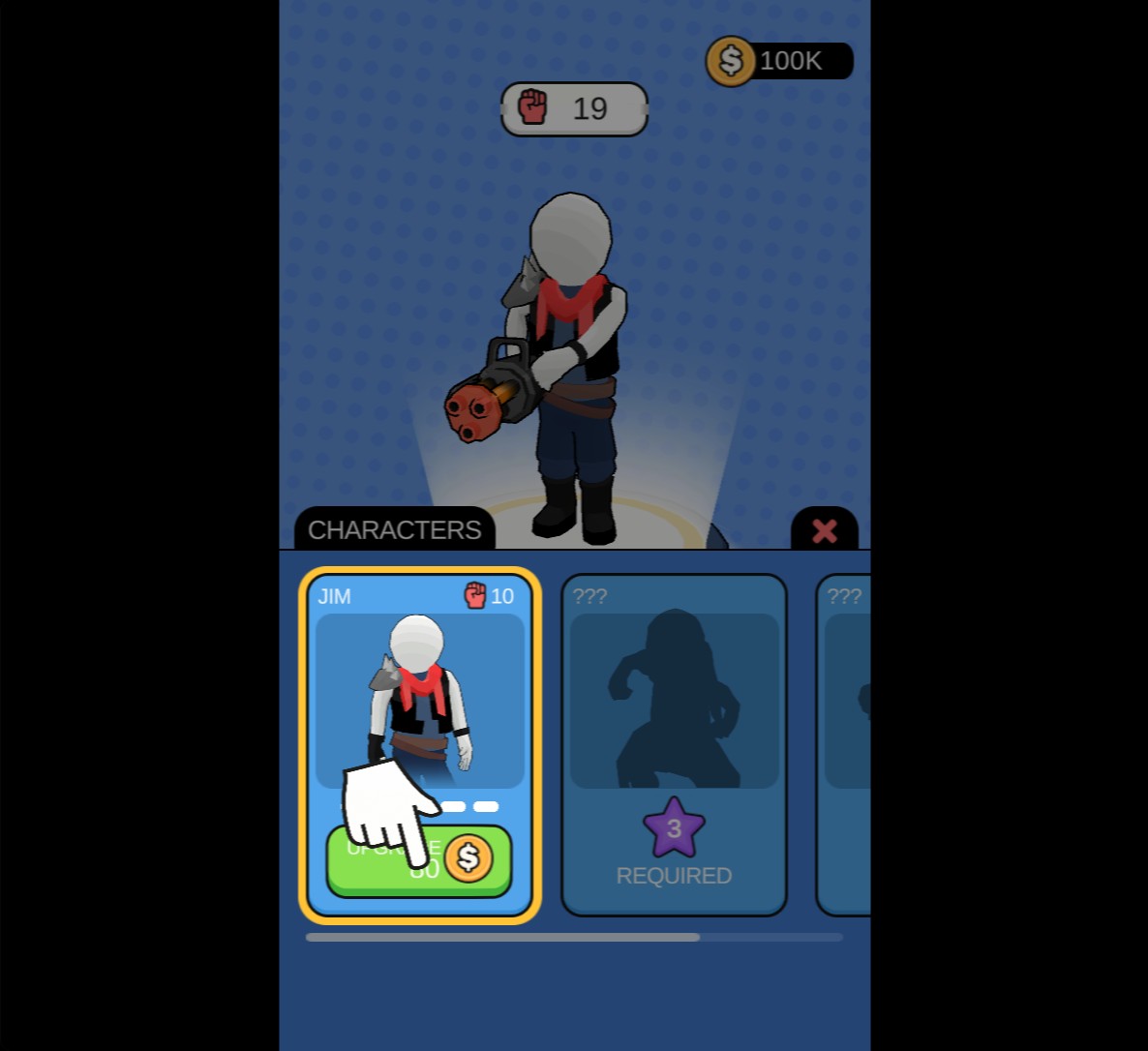
Coins for your next upgrades
Choose your wallet balance and spend coins on character upgrades between rooms.
More ways to customise Ultimate Survivor
- Ultimate Survivor stat modifiers
Adjust movement pace, including while aiming.
- Ultimate Survivor game actions
Recover a living character's health during a room.
Using these features
Choose the feature in the Windows app after connecting your game. Check its requirements before making a change.
Setup for Ultimate Survivor →