

Game Actions
2 optionsSet the clock and shuffle the current rope layout.
View game actions →Choose the time on the puzzle clock or shuffle the rope positions for a fresh arrangement. Move the pins to work through the crossing ropes.
Requires the Windows app and the Bytonian Mods browser extension for Chrome or Edge. Browser setup guide

Start with free mods
Download Bytonian Mods for Windows and try these free features. Choose one to see how it works and any requirements.
Set the puzzle clock to the time you choose.
Enter your chosen time in seconds, then apply the action.
Open Game Actions to find Time remaining and Shuffle ropes. Set the clock to the amount you want, or rearrange the ropes when you want to look at the puzzle another way.
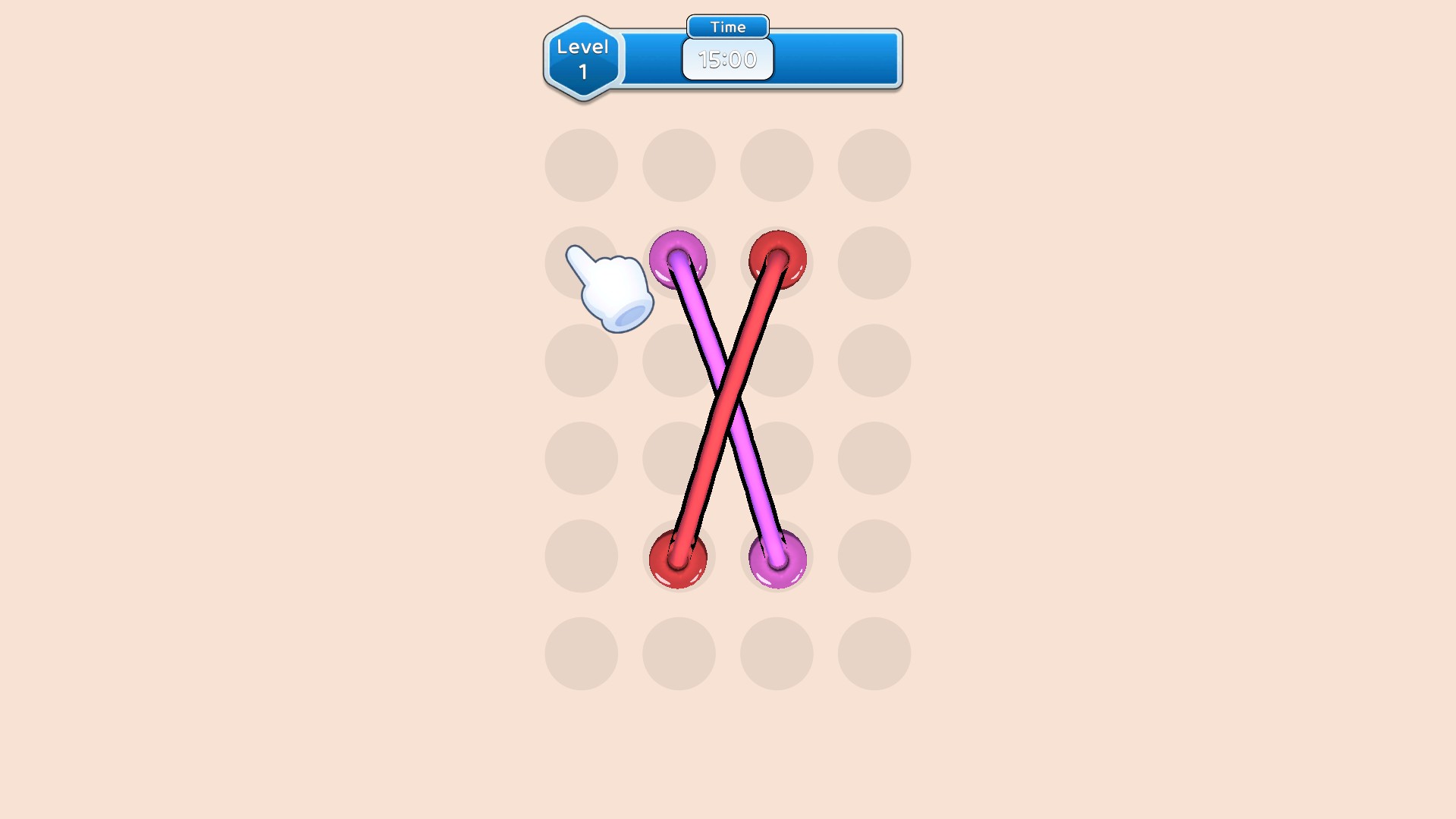
Choose your puzzle time
Set the puzzle clock to fifteen minutes with Time remaining.
Set the clock and shuffle the current rope layout.
View game actions →Download the Windows app and follow the setup prompts.
Set up the browser extension in Chrome or Edge, then open the supported YouTube Playable. Follow the connection guide if the game is already running.
Review the available options in the app and choose the ones that suit how you play.