
Customise
3 optionsThree controls for garage coins, six car paint colours and four track themes.
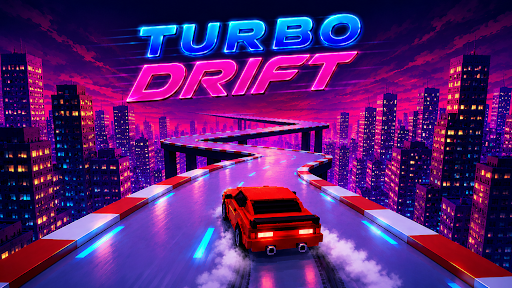
View customisation options →Drift around sharp bends on narrow roads above the city. Turbo Drift keeps the car moving forward, so timing each turn is what keeps you on the track.
Requires the Windows app and the Bytonian Mods browser extension for Chrome or Edge. Browser setup guide

Start with free mods
Download Bytonian Mods for Windows and try these free features. Choose one to see how it works and any requirements.
Set the coin balance used for paint colours and track themes in the garage.
Choose a coin amount, apply it, then open the garage and use UNLOCK on the item you want.
Garage purchases spend their displayed coin prices.
Coin Balance gives you a budget for normal garage purchases. The paint and theme unlocks open the complete selection so you can choose a new combination straight away.
Open the game and choose a customization in Bytonian Mods. Apply it, then use the car icon to open the garage.
Use CAR for paint colours or MAP for track themes. Press DONE to return to the main menu, then PLAY when you are ready.
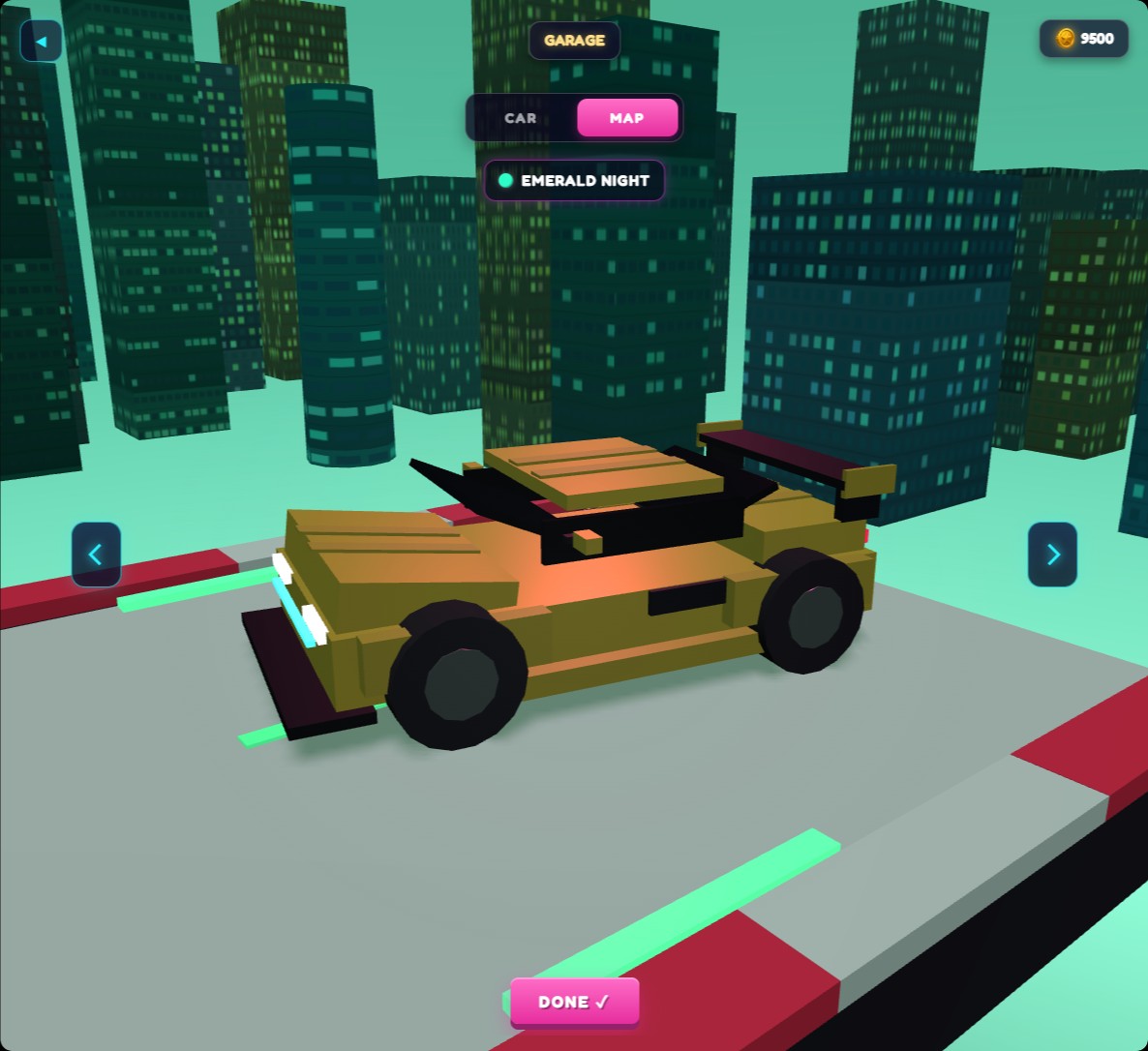
Turbo Drift garage
Choose your car colour and city theme in the garage before heading back to the track.
Three controls for garage coins, six car paint colours and four track themes.
View customisation options →Download the Windows app and follow the setup prompts.
Set up the browser extension in Chrome or Edge, then open the supported YouTube Playable. Follow the connection guide if the game is already running.
Open Customise in Bytonian Mods, choose an option and follow its instructions. Check the available values and any limits before making your change.