

Unlocks
1 optionOpen more puzzles and choose what to play next.
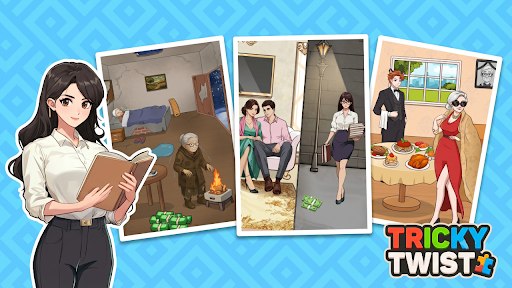
View unlocks →Tricky Twist turns illustrated everyday scenes into puzzles with a surprise. Look closely at each scene, follow the prompt and work out what the characters need.

A new puzzle at every turn
Explore Tricky Twist's illustrated puzzle selection.
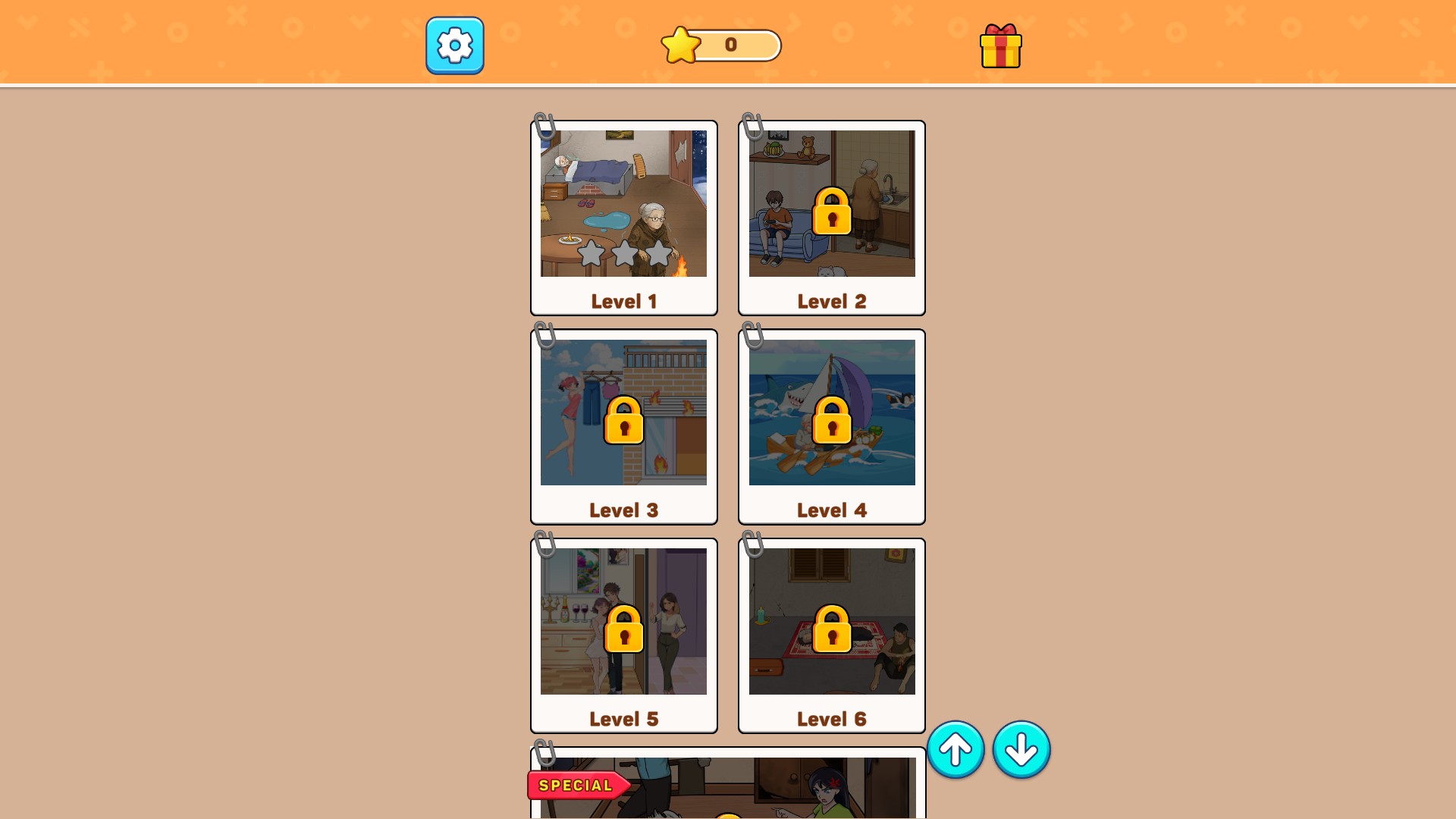
Level access opens more puzzles to choose from. Three-star ratings add a gold-star finish to your puzzle cards. Choose either control to suit how you want to play.
Open Tricky Twist: Brain Puzzle on YouTube Playables with Bytonian Mods connected. Use Open levels from the level-selection screen, or choose Three-star ratings in Customise and apply your change.
Open more puzzles and choose what to play next.
View unlocks →Set three-star ratings for your puzzle cards.
View customise →Download the Windows app and follow the setup prompts.
Set up the browser extension in Chrome or Edge, then open the supported YouTube Playable. Follow the connection guide if the game is already running.
Review the available options in the app and choose the ones that suit how you play.