

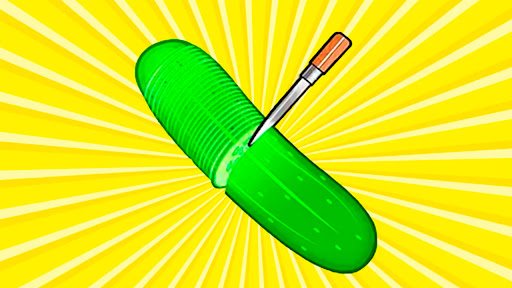
Game Actions
1 optionNext Challenge.
View game actions →Slice a cucumber, time a football stop, catch eggs or solve a small code puzzle. When you want to move on from the current round, Next Challenge loads the next minigame.
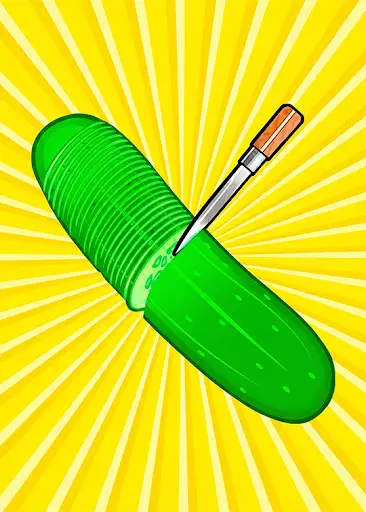
Use Next Challenge to leave the current minigame and move forward. The new challenge keeps its own controls and instructions, so you can play it normally.
Next Challenge stops at the final challenge instead of wrapping back to the beginning.
Next Challenge.
View game actions →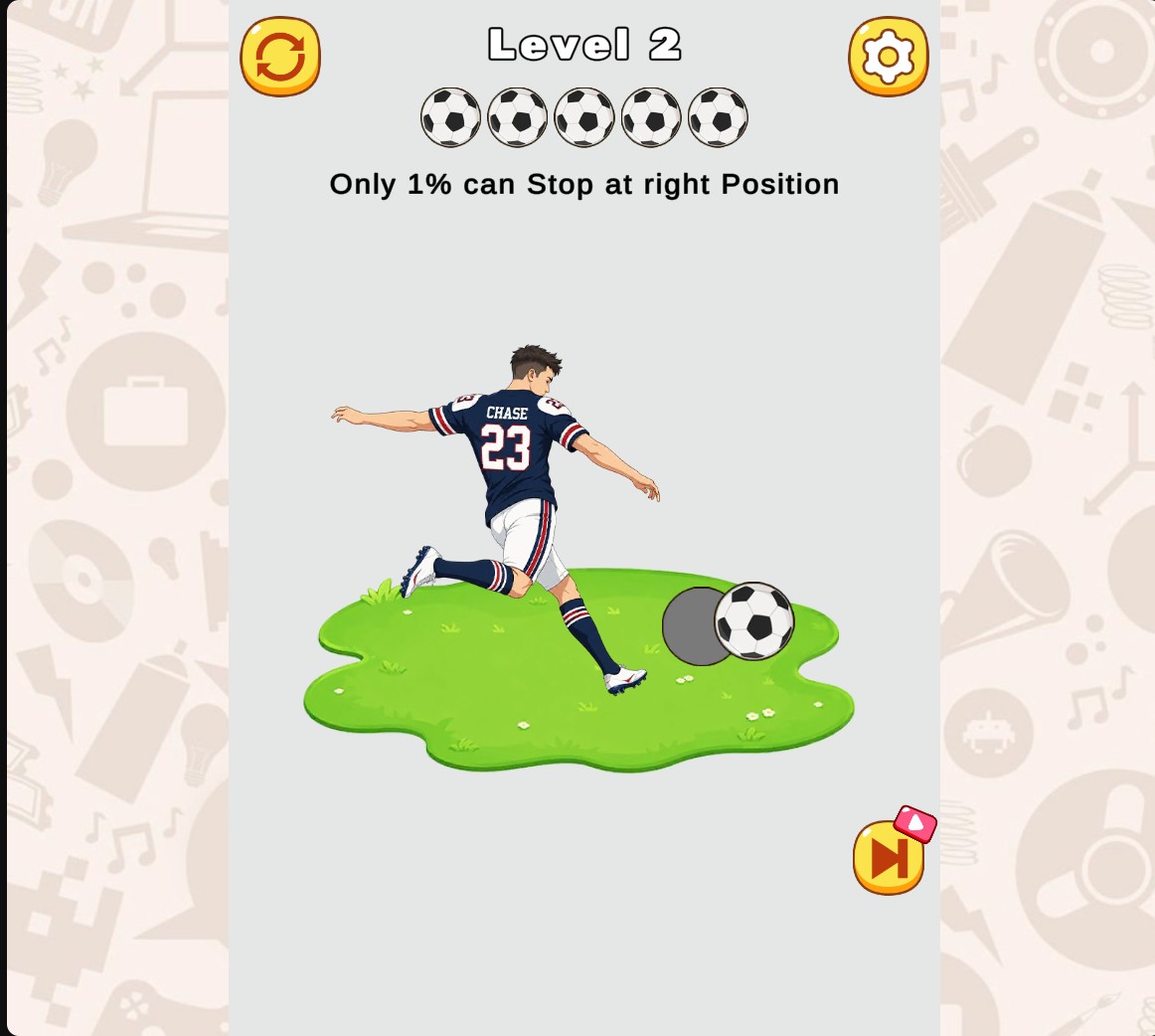
Try a different timing challenge
Tricky Challenges mixes quick reactions, timing and small puzzles across its minigames.
Download the Windows app and follow the setup prompts.
Set up the browser extension in Chrome or Edge, then open the supported YouTube Playable. Follow the connection guide if the game is already running.
Review the available options in the app and choose the ones that suit how you play.