
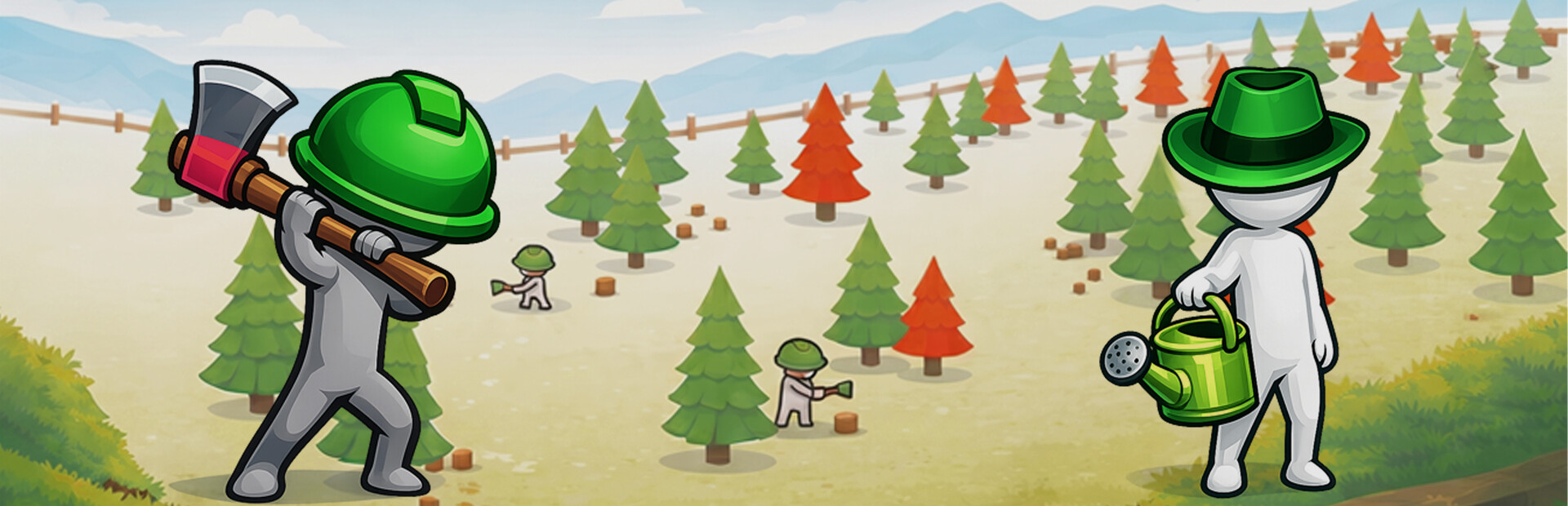
Choose the wood available for your next expansion
Use the Wood card to set a balance, add more wood or subtract an amount. Give yourself room to buy trees and workers without changing their normal prices.

Adjust wood when you need it
Refresh the card to see your balance, then enter the amount you want to set, add or subtract. You can choose a balance from 0 to 1,000,000,000. Close dialogs and menus before applying a change.
Keep normal purchases
Return to the forest's resource purchases to choose what to buy. This changes your spendable wood balance; it does not add to cumulative wood earned.
Available resources
WoodFree
Choose how much wood you can spend on trees and workers. Set a balance or add and subtract wood as you expand your forest.
Refresh the card, enter an amount and choose the change you want. Use it on the active forest board with dialogs and menus closed.
Normal purchase costs still apply. This changes spendable wood without adding to cumulative wood earned.
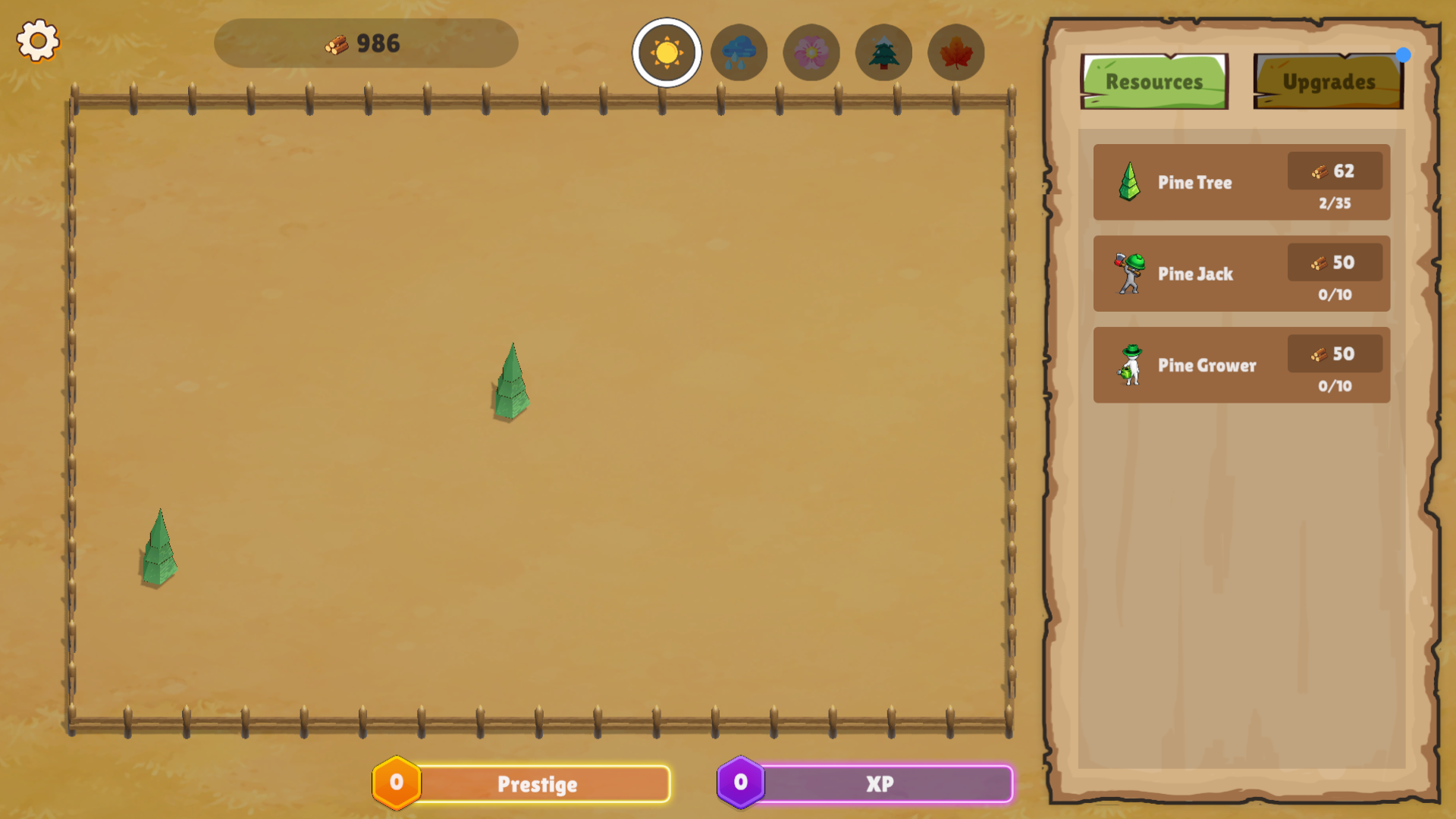
Wood available for forest purchases
The forest board shows 986 wood remaining after a normal pine-tree purchase, with tree and worker purchase options visible.
Questions about resources
- Will wood refill automatically?
- The card applies the change you request. It does not keep refilling your balance, and purchases continue to use wood normally.
Using these features
Choose the feature in the Windows app after connecting your game. Check its requirements before making a change.
Setup for Trees Inc →