
Set your train upgrades and coins
Set your saved coins and choose how many speed or capacity upgrades your train has. Each control can be applied separately.
Requires the Windows app and the Bytonian Mods browser extension for Chrome or Edge. Browser setup guide
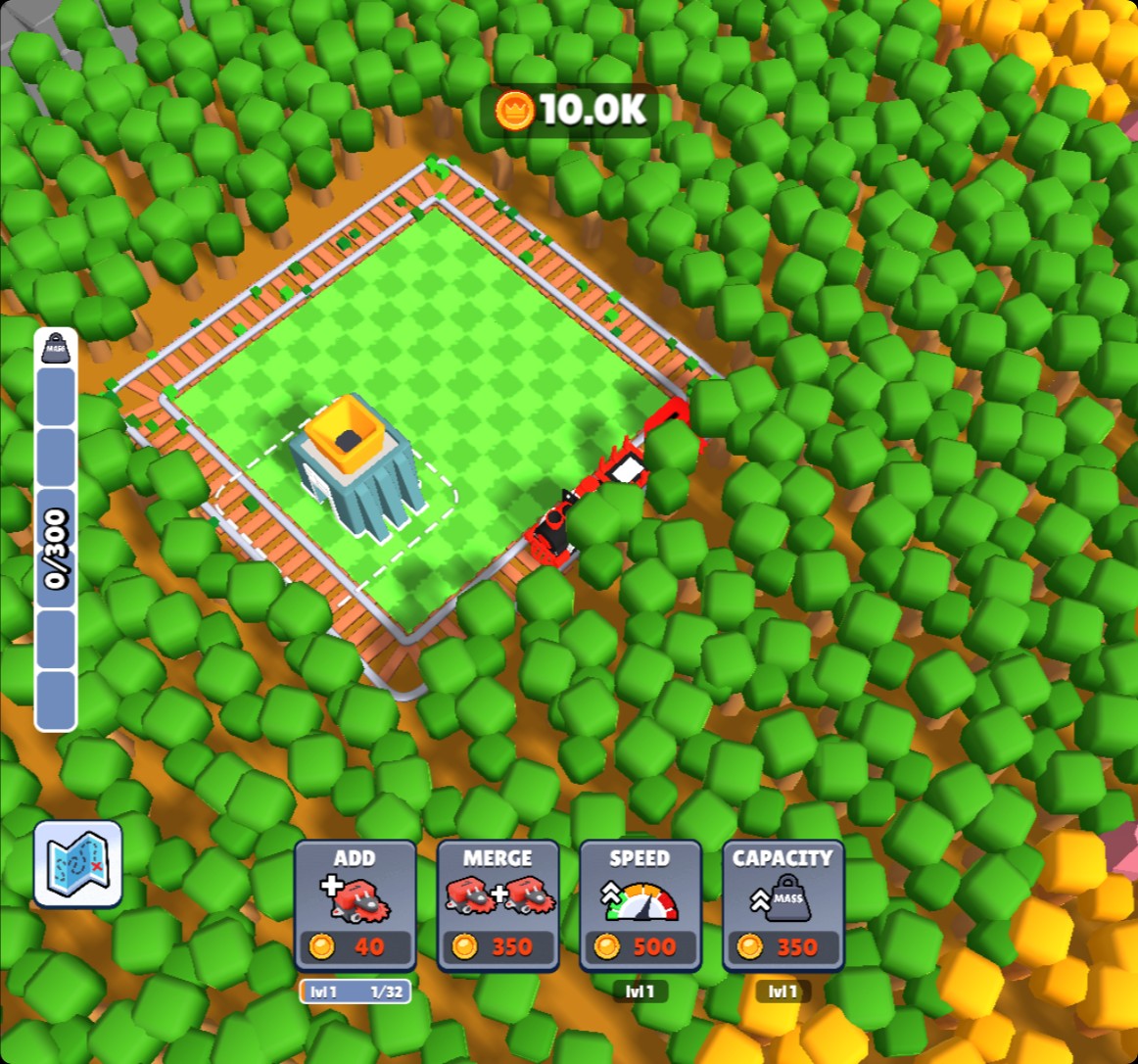
10,000 Coins
A saved balance of 10,000 coins shown in the Train Miner coin display.
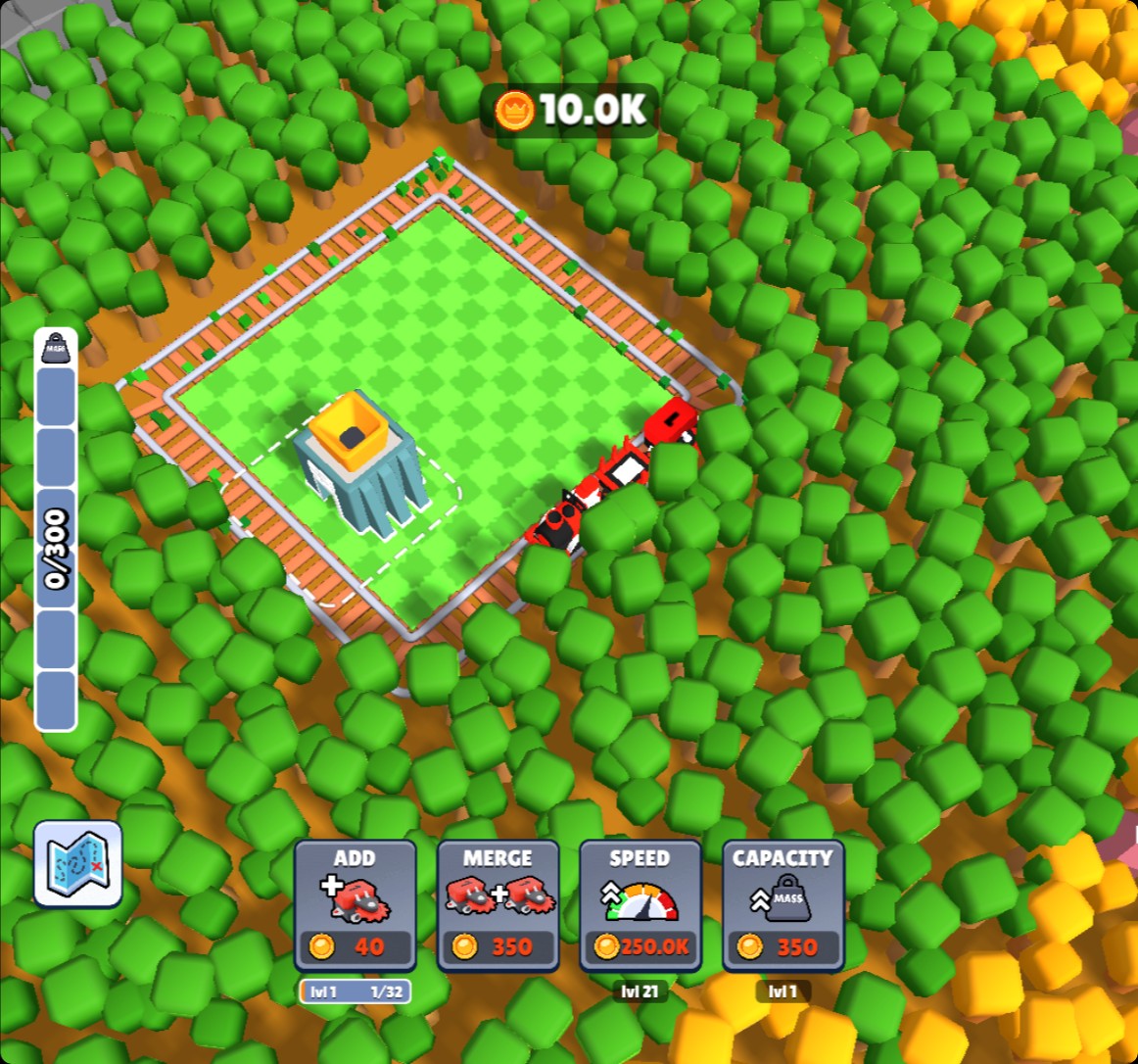
Speed Level 21
Twenty saved speed upgrades shown as level 21 on the normal Speed control.
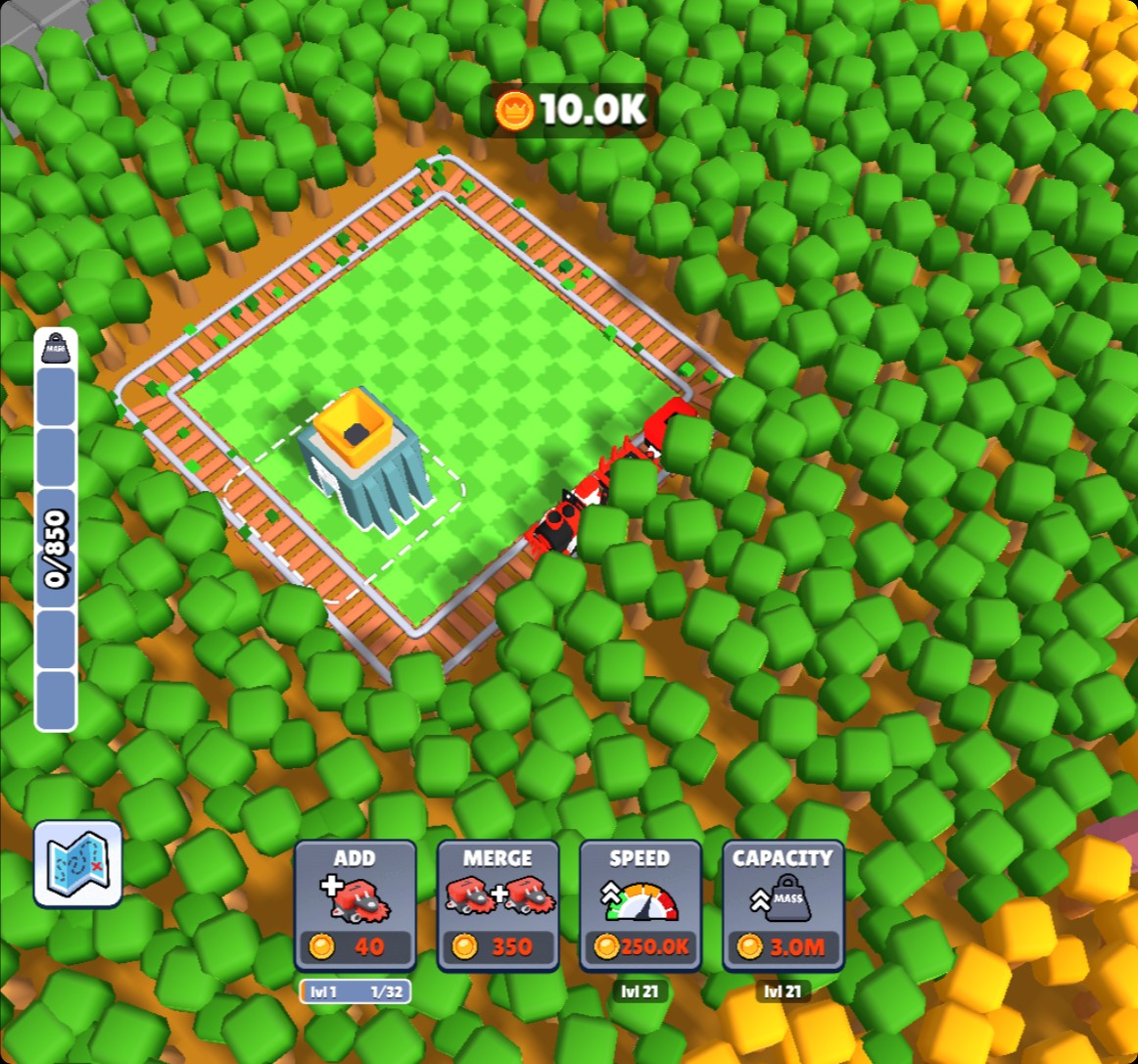
Cargo Capacity 850
Twenty capacity upgrades shown as level 21, with an 850 cargo limit.
Coins
Choose a saved balance from 0 to 10,000,000 coins. The coin display shows your balance when the game reloads.
Speed and cargo upgrades
Choose from 0 to 39 speed upgrades or capacity upgrades. The game displays one more than the number of upgrades: 20 upgrades appears as level 21. Capacity upgrades also increase the cargo limit shown on the left.
Apply your changes
Choose a value and apply that control. The game reloads to read the saved change, then you can continue along the rails.
Available customisation options
CoinsFree
Choose your saved Train Miner coin balance, from 0 to 10,000,000.
Enter the balance and apply. The game reloads with the chosen amount.
Speed UpgradesFree
Choose from 0 to 39 saved train speed upgrades.
Enter an upgrade count and apply. The game reloads; 20 upgrades shows as level 21 on the Speed control.
Capacity UpgradesFree
Choose from 0 to 39 saved cargo capacity upgrades.
Enter an upgrade count and apply. The game reloads with the chosen capacity level and cargo limit.
Questions about customisation options
- Why does zero upgrades show level 1?
- The train starts at level 1. Each saved upgrade adds another level, so 20 upgrades shows level 21.
Using these features
Connect your game, then open Customise in the Windows app. Choose an option, check its available values and follow its instructions. Each option lists its own requirements and limits.
Setup for Train Miner →