
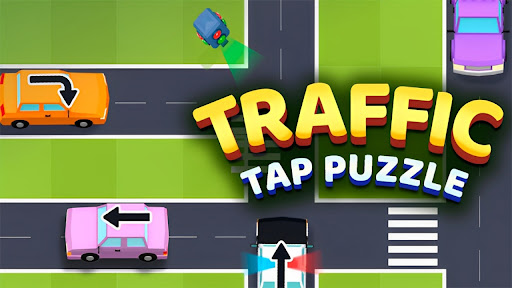
Customize Traffic Tap Puzzle
Choose separate counts for Coins, Hints and Bombs. All Cars adds the complete 15-car collection and equips every style, with the equipped selection available to change in the normal shop.
Requires the Windows app and the Bytonian Mods browser extension for Chrome or Edge. Browser setup guide
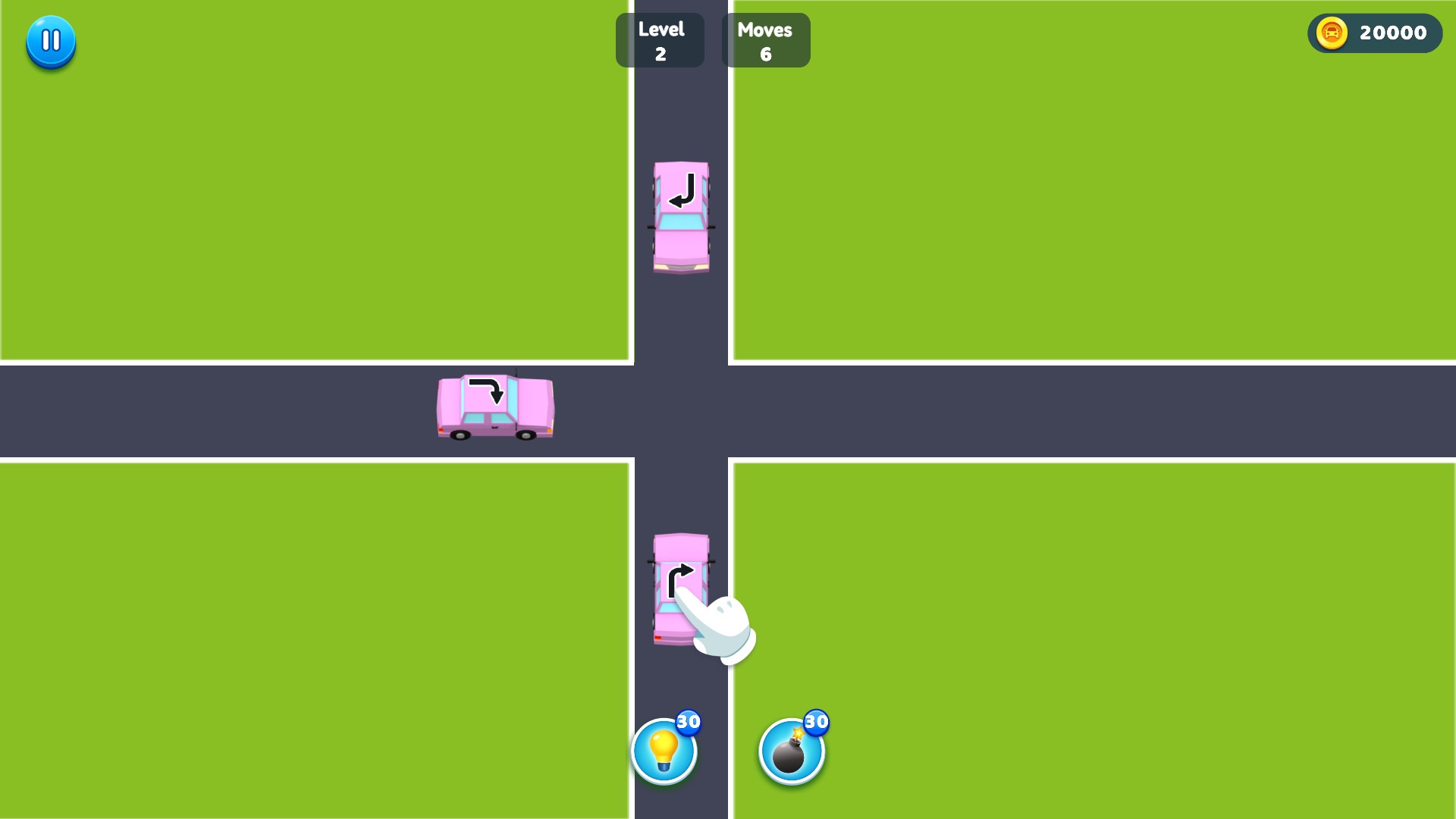
Set your Bomb stock
Choose your saved Bomb booster count. This puzzle shows a stock of 30 Bombs.
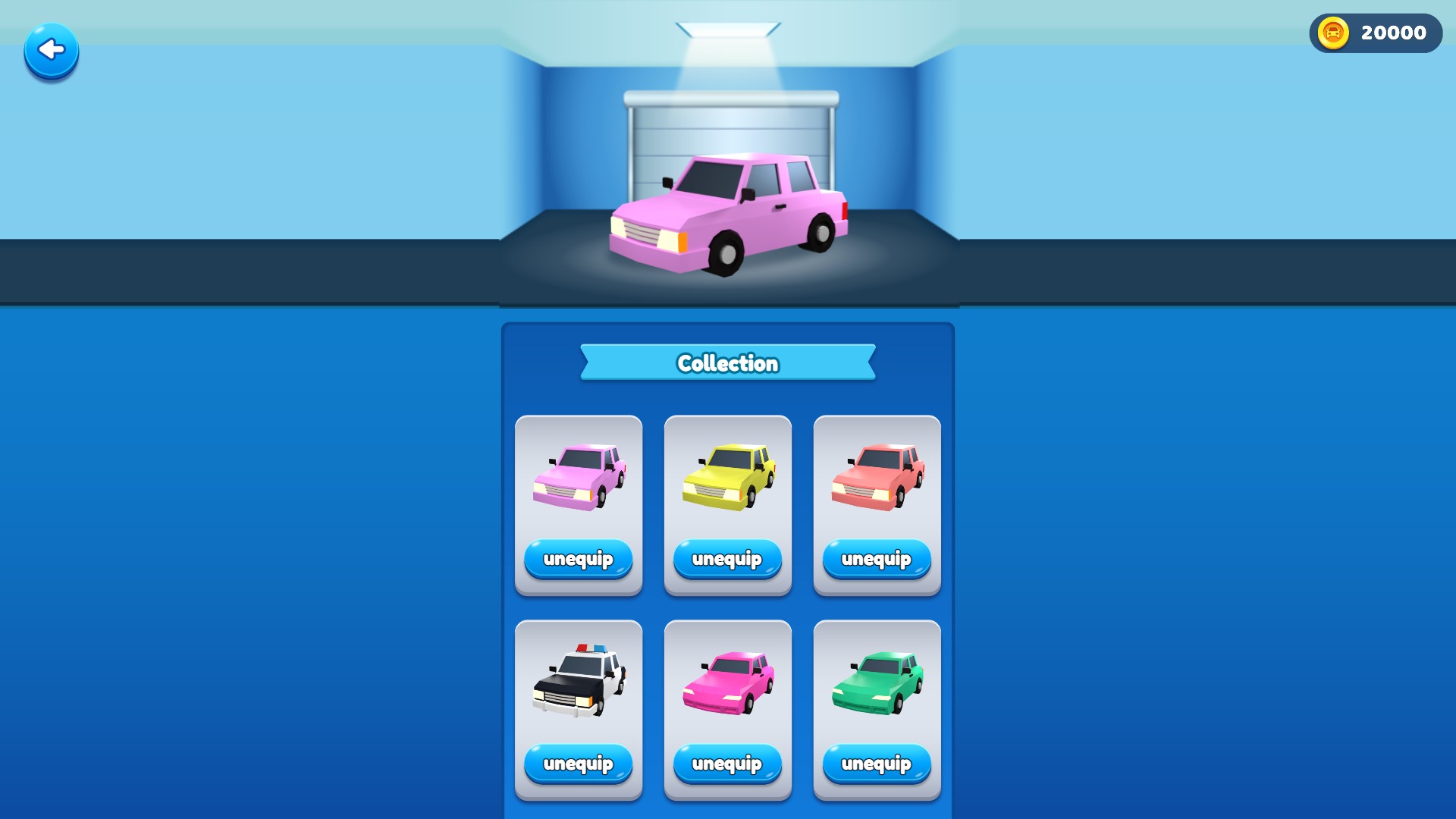
More cars in your Collection
All Cars adds and equips the game's 15 car styles. The normal shop lets you change your equipped selection.
Coin and booster settings
Coins changes your balance. Hint Stock and Bomb Stock each set the count for that booster. Apply the change before entering your puzzle.
All Cars
Add and equip all 15 cars with one action. Visit the normal shop afterward if you prefer a smaller equipped selection.
Available customisation options
CoinsPremium
Set your coin balance.
Enter your desired balance and apply the change before playing.
Hint StockFree
Choose your Hint booster count.
Choose the Hint stock count you want, apply the change, then enter your puzzle.
Bomb StockPremium
Choose your Bomb booster count.
Choose the Bomb stock count you want, apply the change, then enter your puzzle.
All CarsPremium
Add all 15 cars to your Collection and equip them.
Apply All Cars, then use the normal shop to change the equipped selection if you prefer.
All Cars changes your equipped selection to all 15 cars.
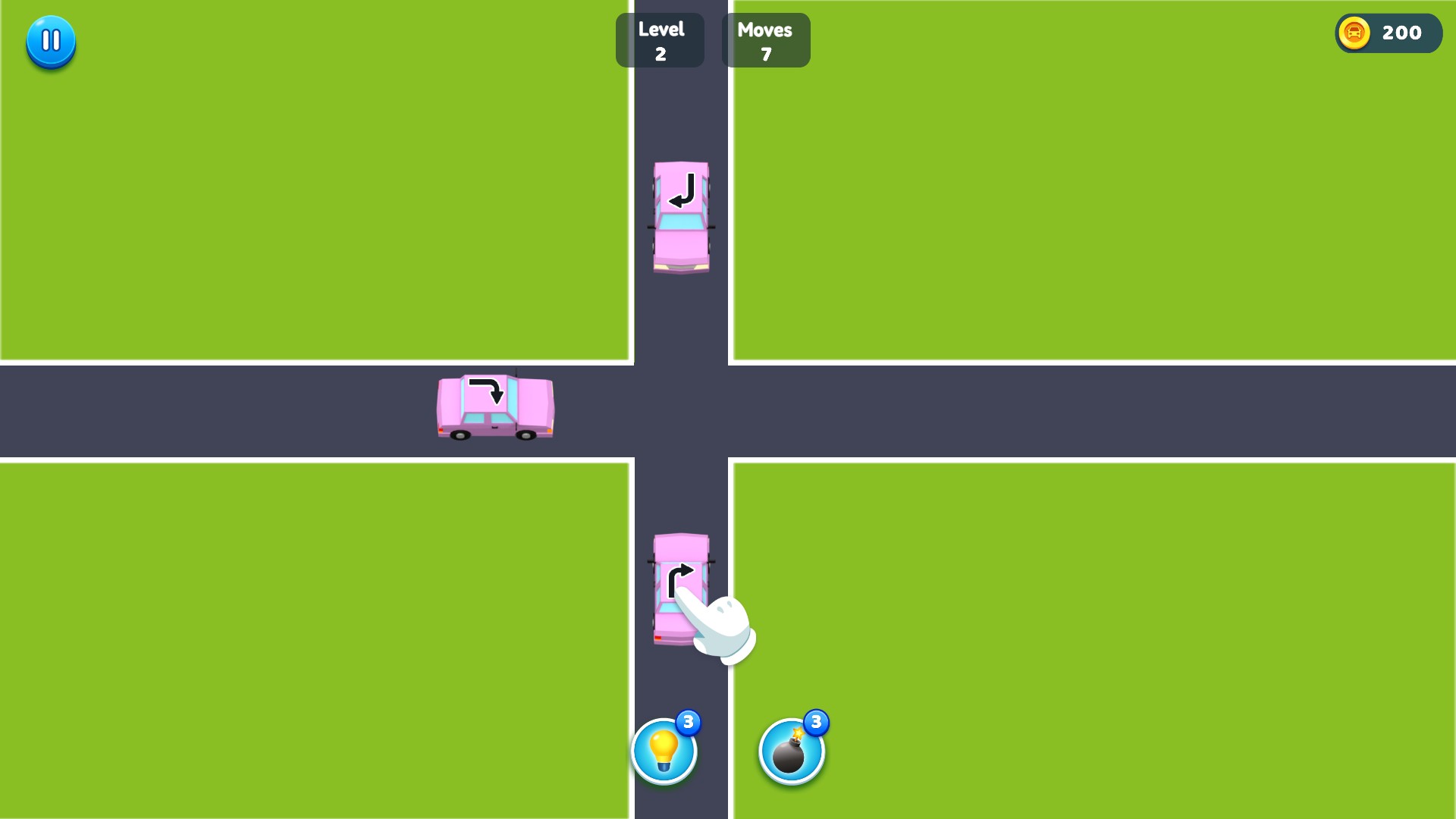
Traffic Tap Puzzle before coin customization
The Level 2 puzzle board with a 200-coin balance before applying the Coins setting.
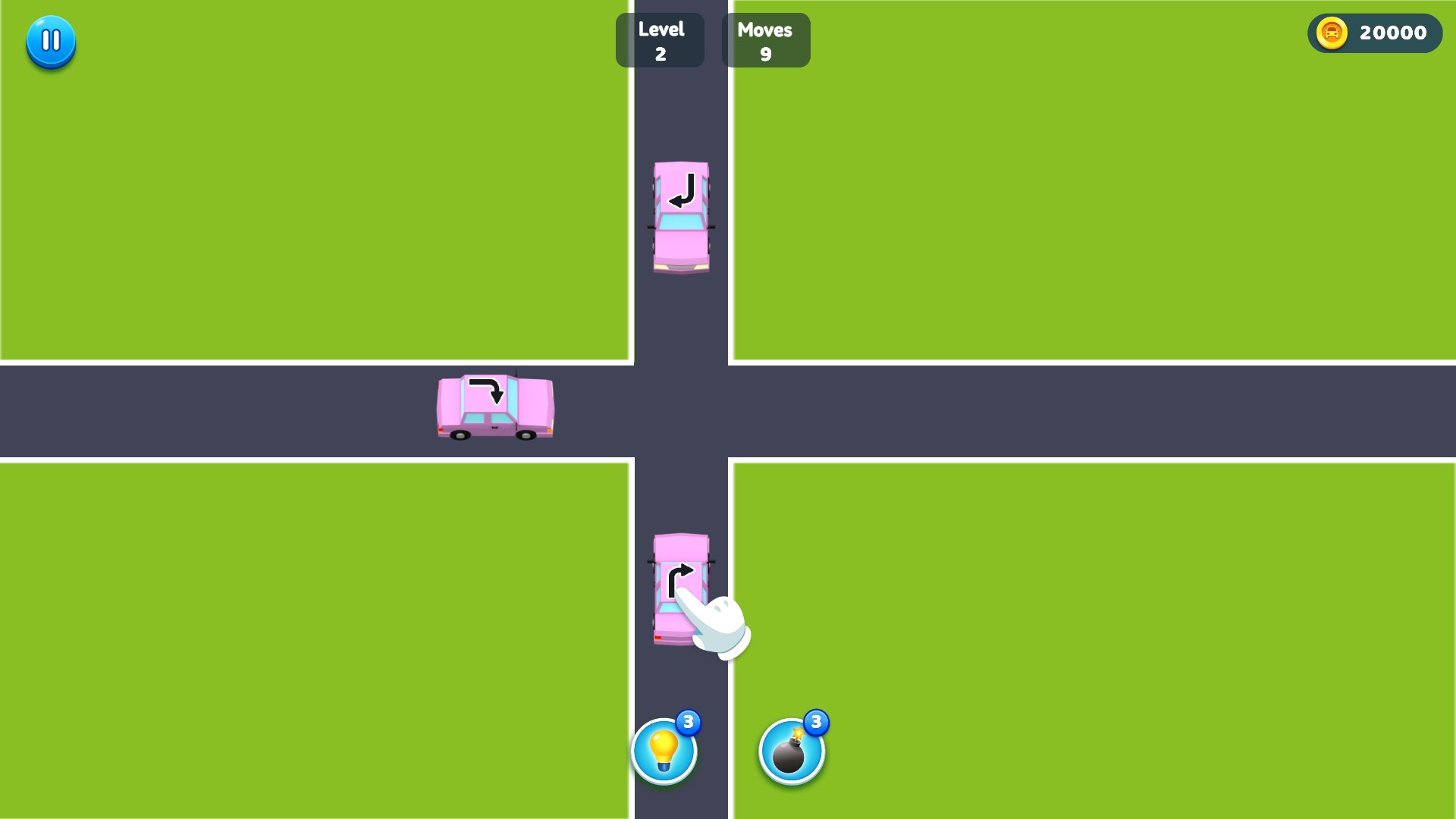
Traffic Tap Puzzle with 20,000 coins
The live Level 2 puzzle board after applying a 20,000-coin balance.
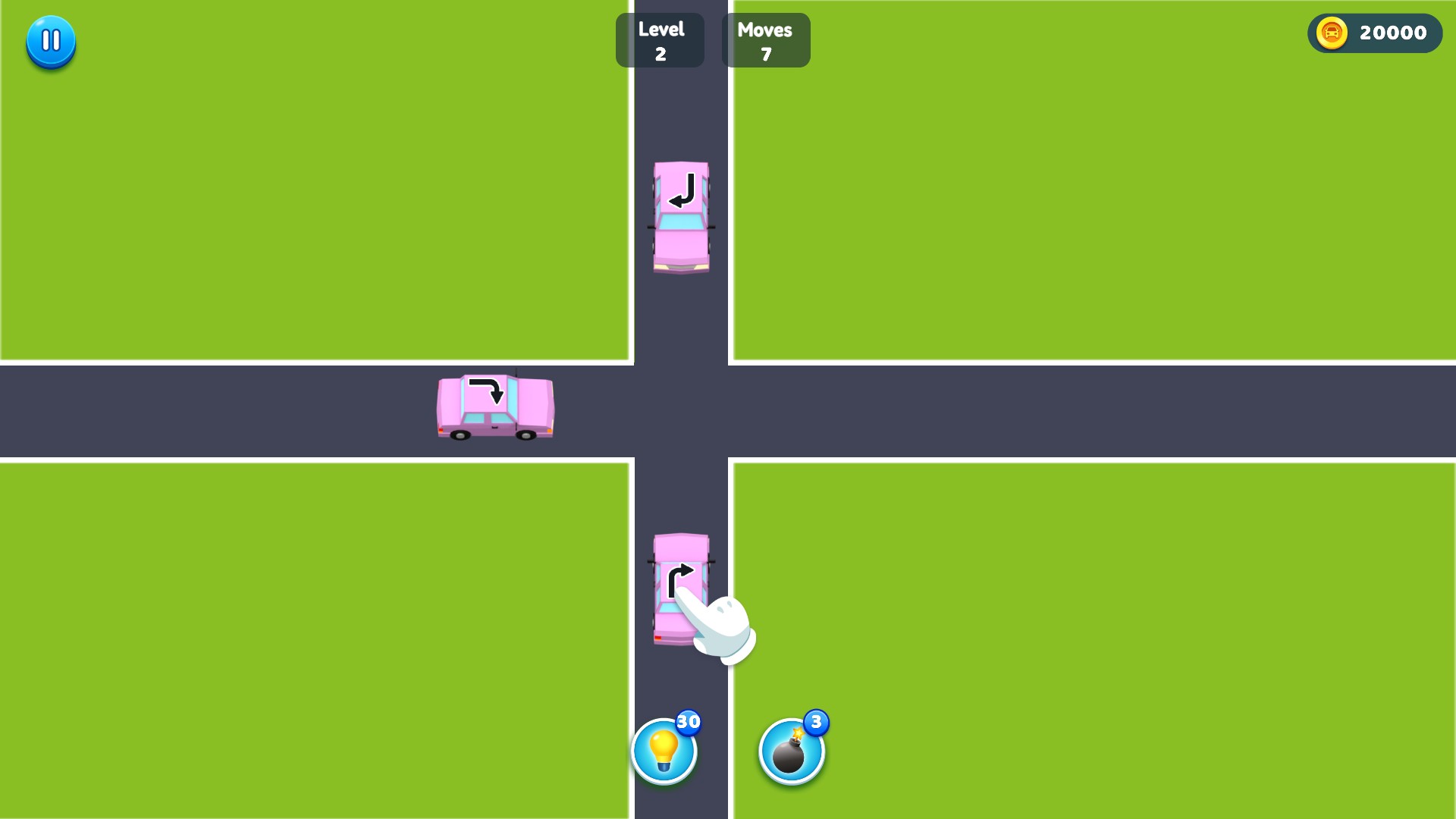
Traffic Tap Puzzle with 30 Hints
The live puzzle board showing 30 Hints after applying the Hint Stock setting.
Questions about customisation options
- Does All Cars change my equipped selection?
- Yes. It equips all 15 cars as well as adding them to your Collection. You can change that selection in the normal shop.
Using these features
Connect your game, then open Customise in the Windows app. Choose an option, check its available values and follow its instructions. Each option lists its own requirements and limits.
Setup for Traffic Tap Puzzle →