
Customize your Traffic Racer Bike coins
Choose a coin balance, apply it and visit the garage to make your next bike purchase.
Requires the Windows app and the Bytonian Mods browser extension for Chrome or Edge. Browser setup guide
Buy bikes with your chosen coins
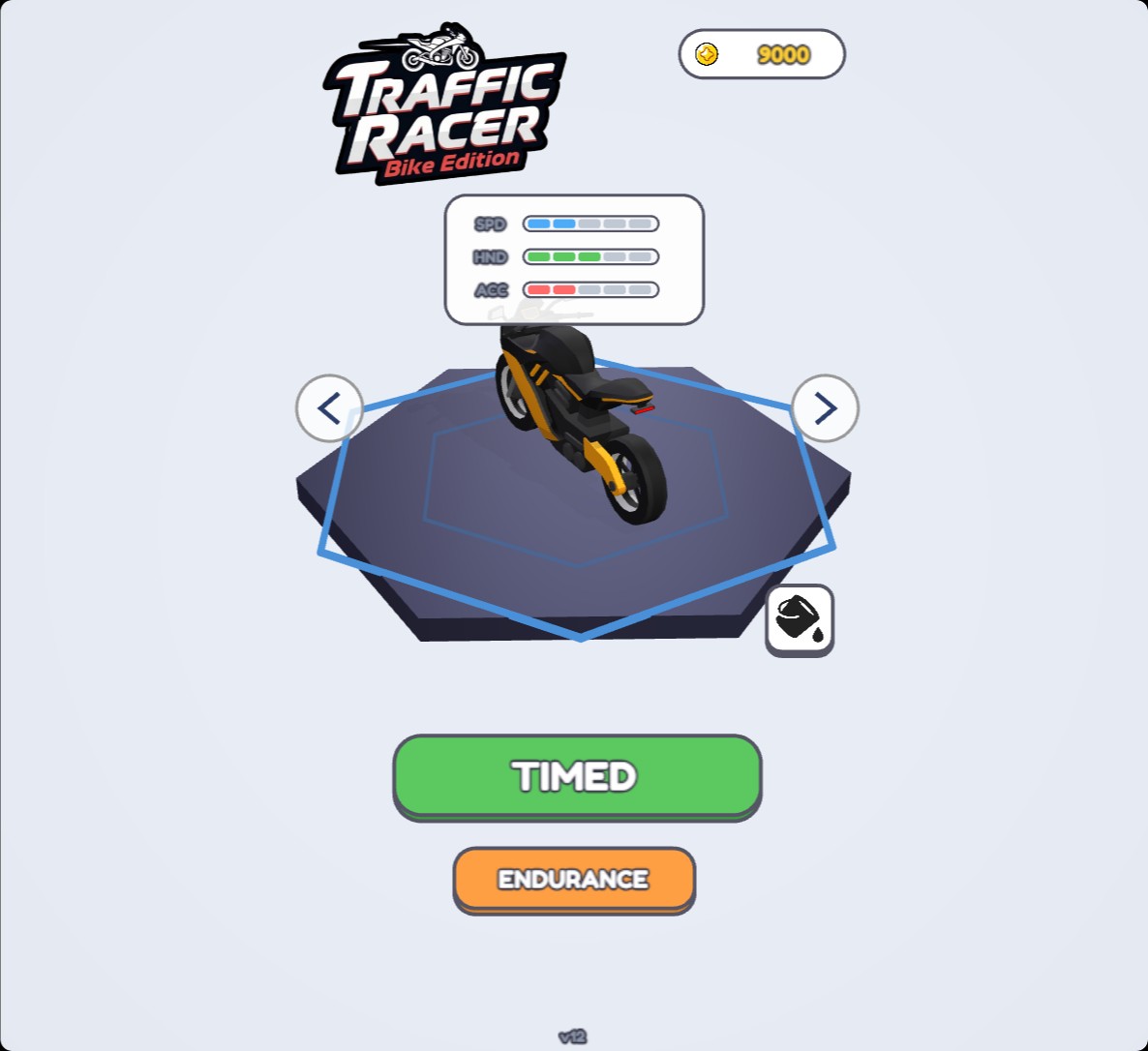
A normal 1,000-coin Road Hawk purchase leaves 9,000 coins and makes its Timed and Endurance buttons available.
Buy through the garage
Once the game reopens with your balance, browse to a locked bike. Its Buy button shows the required coins. The Road Hawk is available for 1,000 coins.
Ride the bike you choose
A purchased bike offers Timed and Endurance buttons in place of its Buy button. Select your preferred mode to take it onto the road.
Available customisation options
CoinsFree
Set coins to buy bikes from the garage.
Apply a balance, browse to the bike you want and press Buy. Choose Timed or Endurance once you own it.
Questions about customisation options
- Do I need premium membership?
- No. The coins control is free.
- Will applying coins purchase bikes automatically?
- No. Browse the garage and buy each bike you want through its normal button.
Using these features
Connect your game, then open Customise in the Windows app. Choose an option, check its available values and follow its instructions. Each option lists its own requirements and limits.
Setup for Traffic Racer Bike Edition →