
Customize Your Traffic Racer 3D Garage
Set your coin balance or unlock the full seven-car garage. Both controls are free and reload Traffic Racer 3D when applied.
Requires the Windows app and the Bytonian Mods browser extension for Chrome or Edge. Browser setup guide

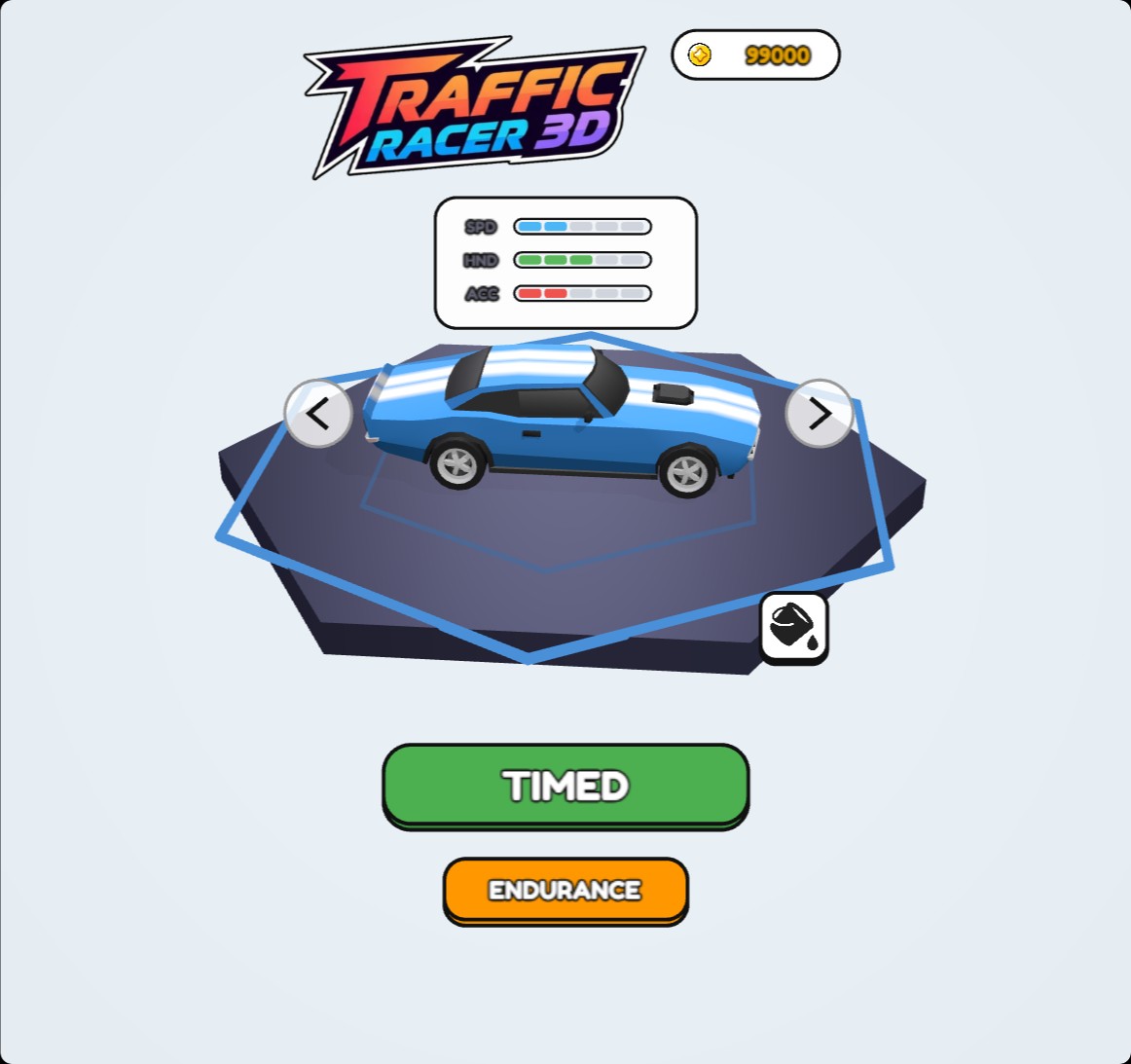
Coins for your garage
Choose a coin balance and spend it through the normal garage. Here, buying a 1,000-coin car leaves 99,000 coins and opens its play options.
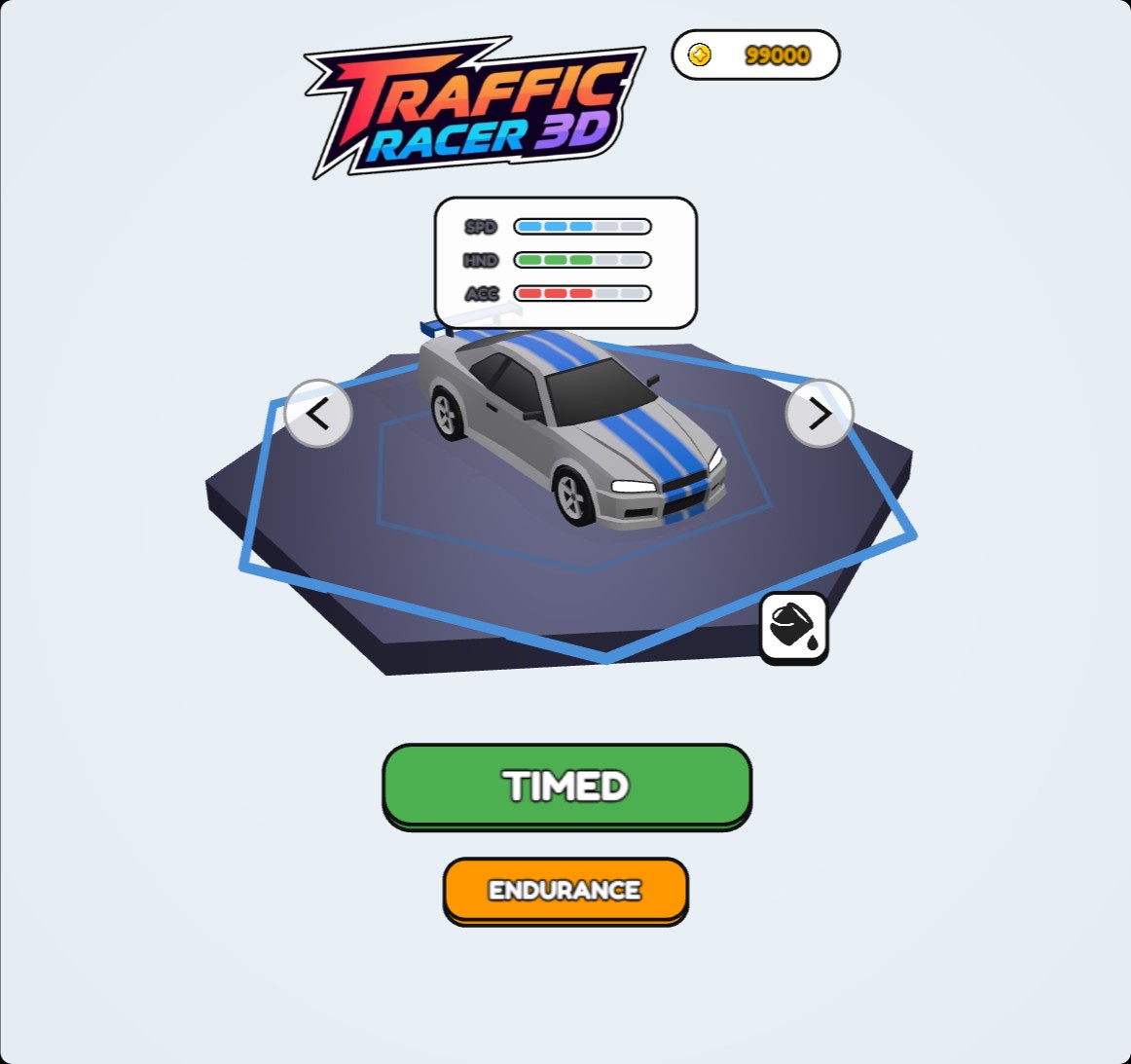
More cars to choose from
Unlock all seven cars, then browse the garage and choose Timed or Endurance with the car you want.
Coins
Enter a whole-number balance from 0 to 1,000,000, then apply it. Spend the coins through the garage's normal Buy button.
Unlock All Cars
Apply Unlock All Cars to open the seven cars in the current garage. Use the arrows to browse them and choose Timed or Endurance with your selected ride.
Available customisation options
CoinsFree
Choose your coin balance to spend in the garage.
Enter a whole number from 0 to 1,000,000 and apply. The game reloads; use the normal garage to buy a car.
Unlock All CarsFree
Open all seven cars in the current garage.
Apply to reload the game, then browse the garage and choose Timed or Endurance with the car you want.
Questions about customisation options
- Do I need coins to use Unlock All Cars?
- No. Unlock All Cars opens the cars directly without spending your coins.
- What happens when I apply a control?
- The game reloads with your selected coin balance or unlocked cars.
Using these features
Connect your game, then open Customise in the Windows app. Choose an option, check its available values and follow its instructions. Each option lists its own requirements and limits.
Setup for Traffic Racer 3D →