
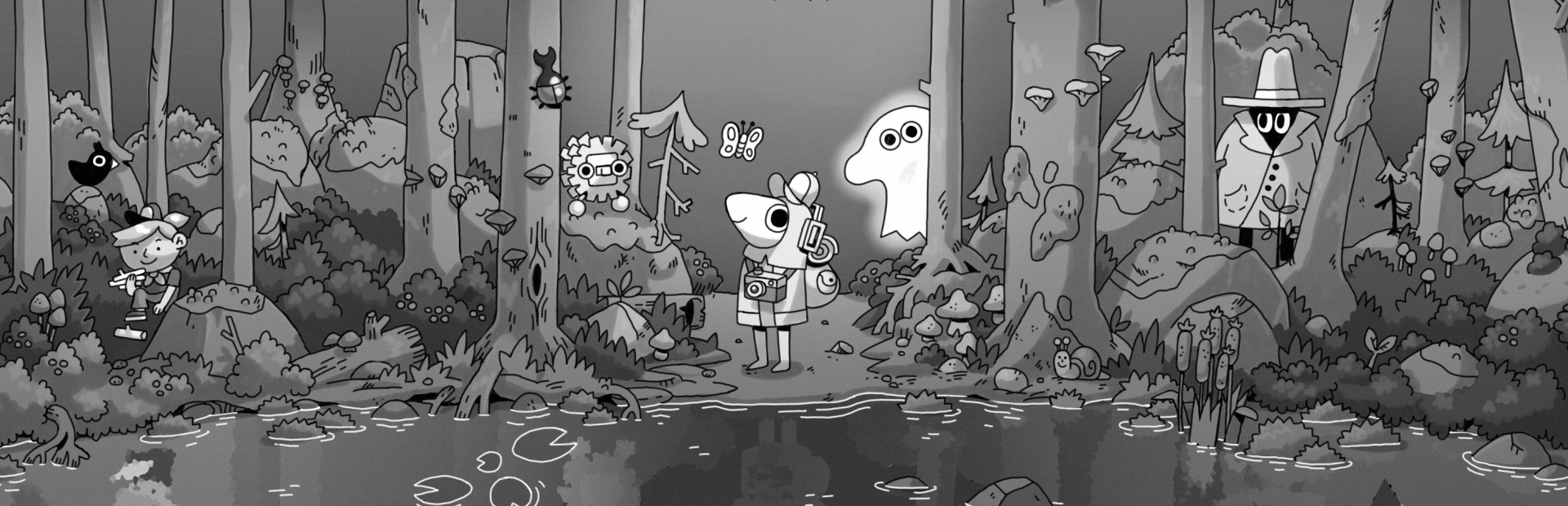
Choose equipment for your traveller
Browse 35 equipment items grouped into hats, face accessories, shoes, body items and special equipment. Add a missing item to your inventory, then equip it in the game.
Add and equip
Return to exploration with menus and dialogue closed, then choose an item in Spawn Equipment. Each request adds one item. Items already in your inventory cannot be added again. Open the game's inventory to equip your choice.
Available game actions
EquipmentFree
Choose equipment to add to your inventory, then equip it in the game.
Close menus and dialogue before adding one item.
Items already in your inventory cannot be added again.
What you can spawn
- Hat (16)
- Including Beret, Cowboy Hat, Diving Helmet, Fishing Hat, Hard Hat.
- Face (2)
- Including Ski Goggles, Ghost Glasses.
- Shoe (7)
- Including Clogs, Flip-flops, Foot Cast, Rubber Boots, Sneakers.
- Body (4)
- Including Lei, Royal Cape, Scarf, Vacation Shirt.
- Special (6)
- Including Award Mask, Foam Finger, Monster Mask, Photo Challenger Flag, Royal Cane.
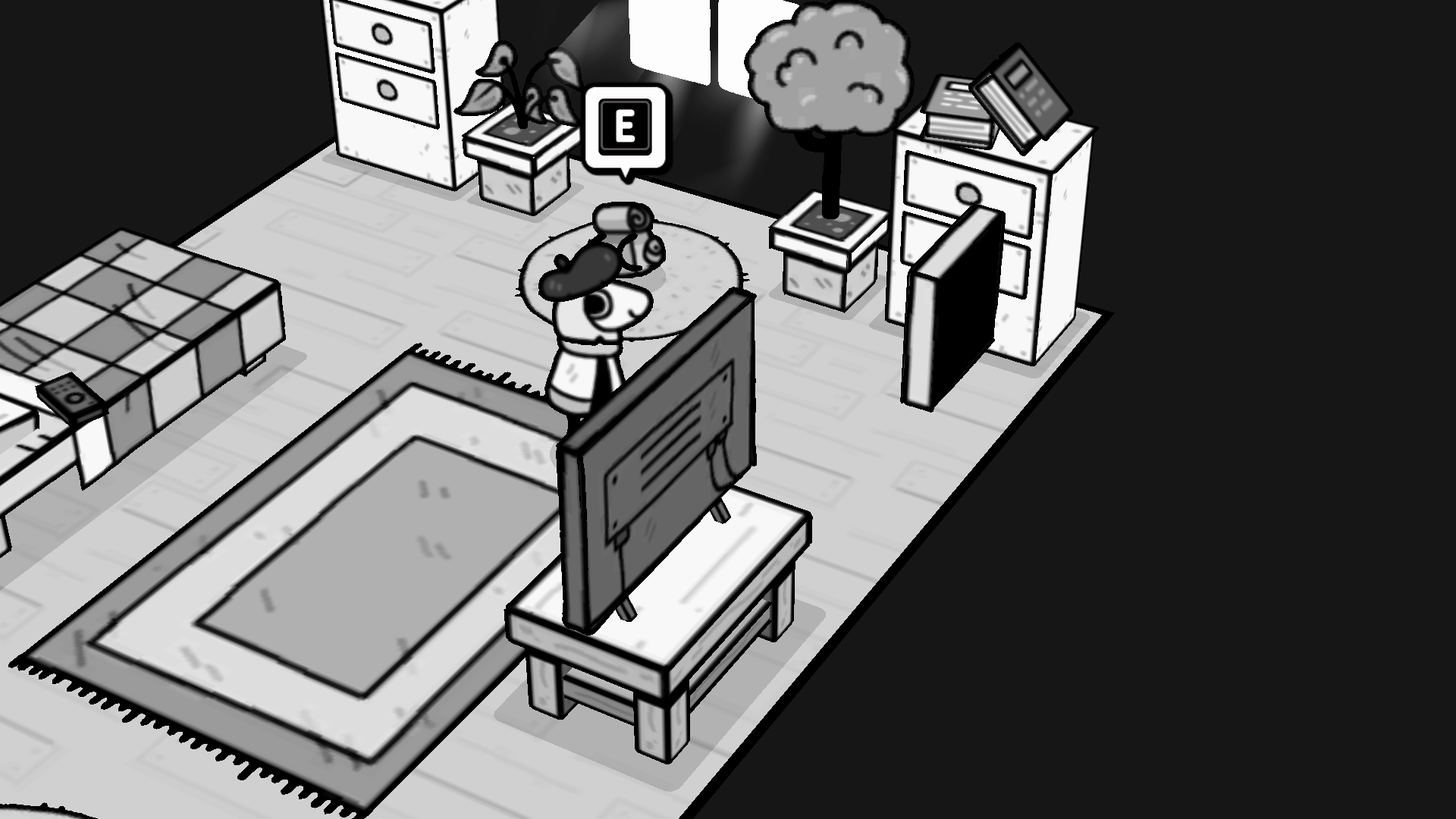
Try a new look
Add equipment to your inventory and equip it in the game. This Beret gives your traveller a new look.
More ways to customise TOEM: A Photo Adventure
- TOEM: A Photo Adventure stat modifiers
Adjust running speed from half to three times the normal pace.
- TOEM: A Photo Adventure perspective modifiers
Set a closer or wider exploration view.
Using these features
Choose the feature in the Windows app after connecting your game. Check its requirements before making a change.
Setup for TOEM: A Photo Adventure →