
Resources
3 optionsAdjust gold, keys and normal bombs independently.
View resources →Choose your supplies, adjust your running pace and add regular weapons while fighting through Tiny Rogues' room-by-room dungeons.

Start with free mods
Download Bytonian Mods for Windows and try these free features. Choose one to see how it works and any requirements.
Browse regular weapons by type and spawn one at your character.
Open Spawn, filter by weapon type or search by name, then spawn one weapon for your run. Resume gameplay and close menus before spawning.
Regular weapons only. Equipment, consumables and special form attacks are not listed.
Choose your gold balance, or add and subtract gold as you explore.
Start a run and refresh the displayed amount. Choose a total from 0 to 999, or enter how much to add or remove. Resume gameplay and close menus before applying a change.
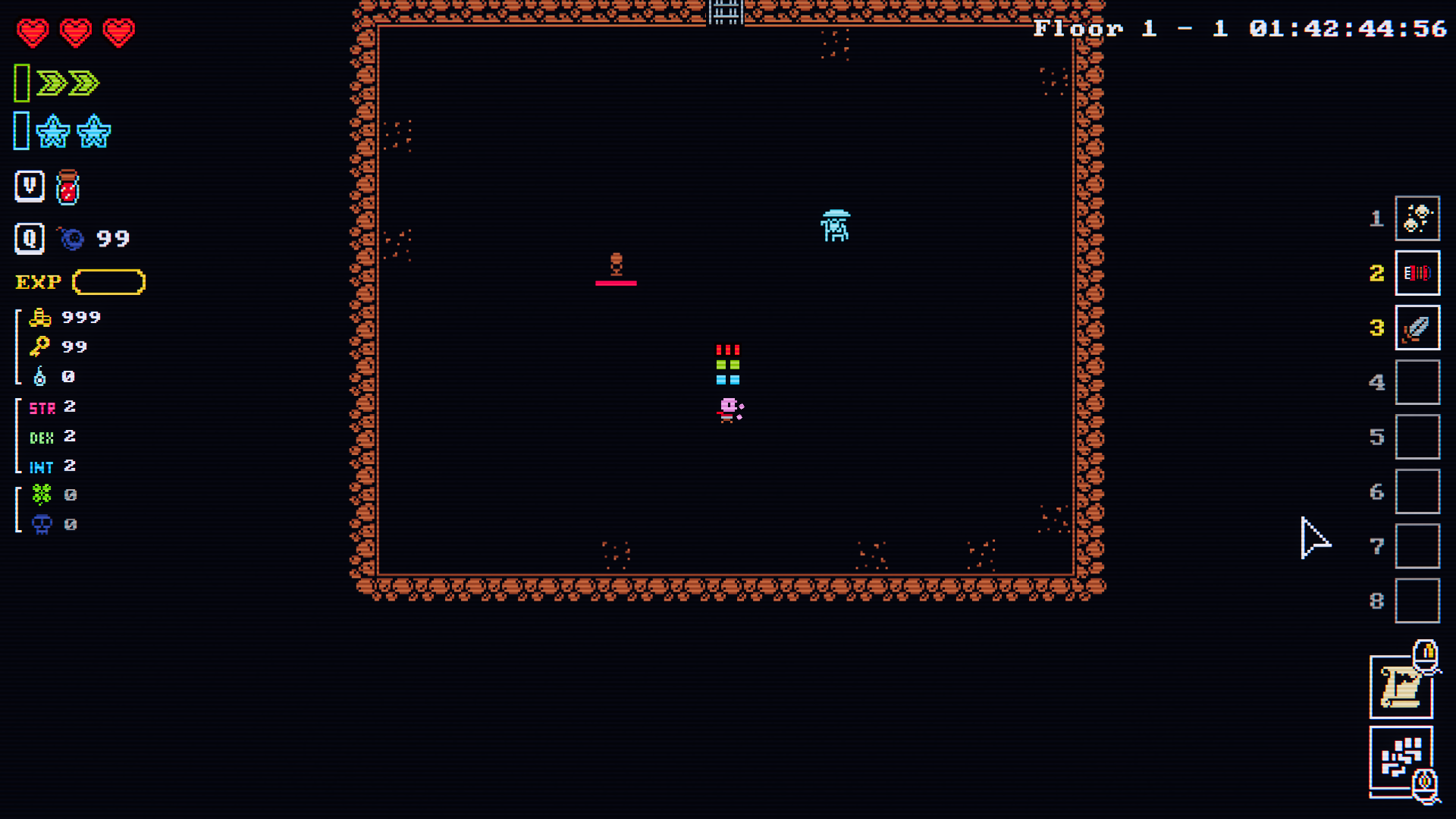
Set your resources and choose your weapons
Adjust gold, keys and normal bombs, then add weapons from the free Spawn catalogue.
Resources gives you separate controls for gold, keys and normal bombs. Running Speed changes your movement pace, while Spawn Weapons lets you browse weapons by type and name.
Install Bytonian Mods for Windows and launch Tiny Rogues from the app. Start a run, then enable the controls you want. Resume gameplay and close game menus before editing resources or spawning a weapon.
Adjust gold, keys and normal bombs independently.
View resources →Choose a slower or faster running pace.
View stat modifiers →Browse weapons by type and spawn one at a time.
View game actions →Browse the Steam achievement names and descriptions for Tiny Rogues. Choose and unlock achievements for free with Bytonian Mods in the Windows app.
View all achievements →Download the Windows app and follow the setup prompts.
Open Tiny Rogues and select it in Bytonian Mods. Follow the app’s connection prompts.
Review the available options in the app and choose the ones that suit how you play.