

Set your Tiger Tank gold
Choose how much gold you want for your next purchases.
Requires the Windows app and the Bytonian Mods browser extension for Chrome or Edge. Browser setup guide

Buy your next tank
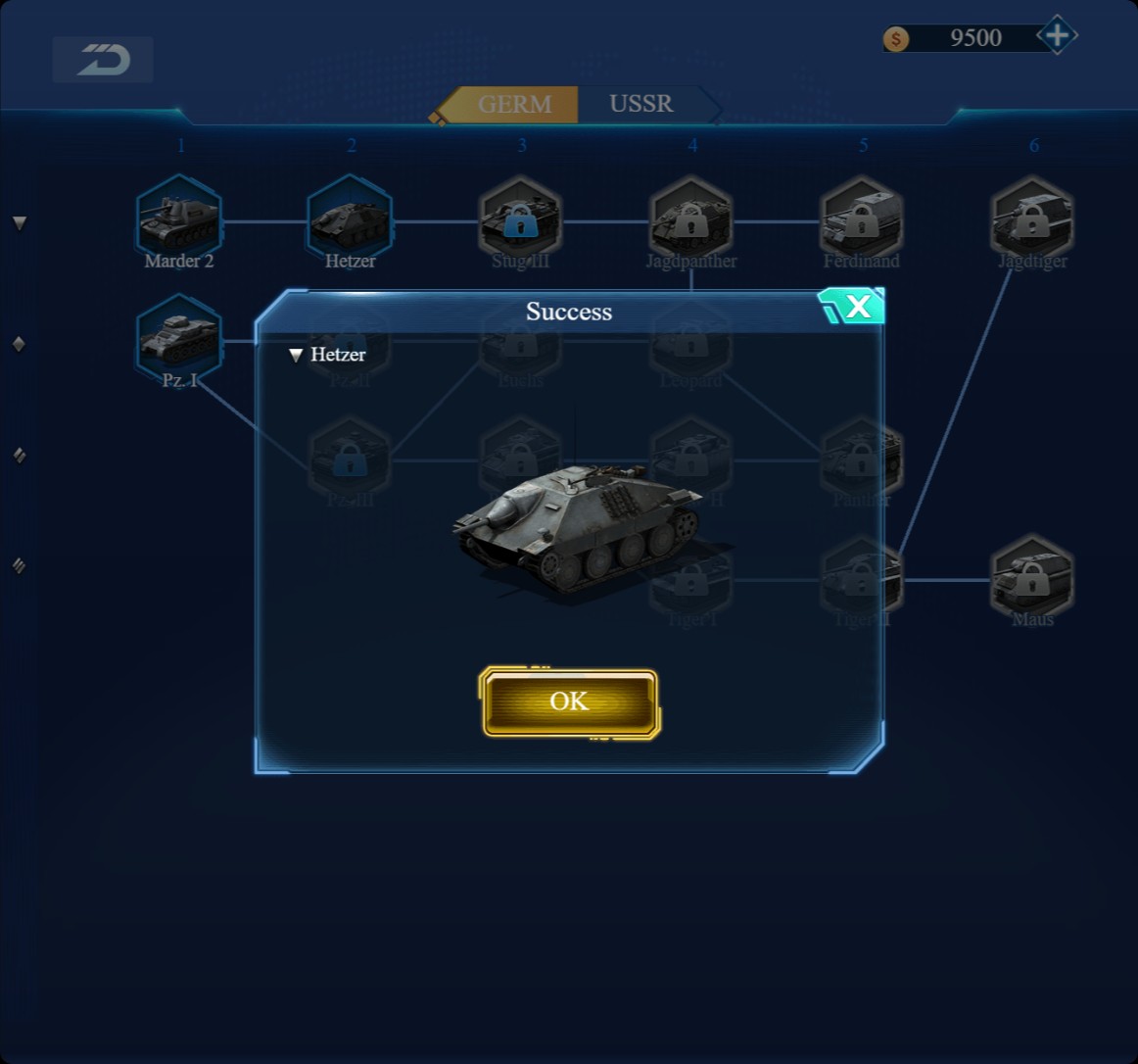
Set your gold balance and purchase tanks through the research trees. Hetzer joins the collection after a 500-coin purchase.
Buy your next vehicle
Set Gold to your chosen balance and apply the change. When the game reloads, open the shop and select an available tank in the research tree.
Keep progressing through research
Gold pays the purchase price; it does not bypass connected research prerequisites. Buying a tank adds it to your collection and opens its next research steps.
Available customisation options
GoldFree
Set your gold balance to buy tanks through the research trees.
Choose a balance and apply it. After the game reloads, open the shop and buy an available tank along its normal research path.
Questions about customisation options
- Is Gold free?
- Yes. The Gold control is free.
- Why is a tank still locked?
- Buy an available tank earlier in its research path, then return to the next connected vehicle.
Using these features
Connect your game, then open Customise in the Windows app. Choose an option, check its available values and follow its instructions. Each option lists its own requirements and limits.
Setup for Tiger Tank →