
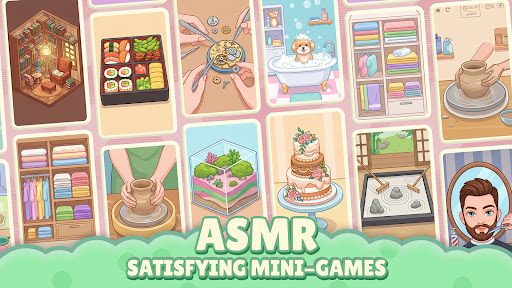
Keep your puzzle helpers ready
A tricky arrangement can take a few extra tries. Choose your coin total, refill your hints or build a reserve of extra time boosters, then use those helpers through the game's usual buttons.
Requires the Windows app and the Bytonian Mods browser extension for Chrome or Edge. Browser setup guide
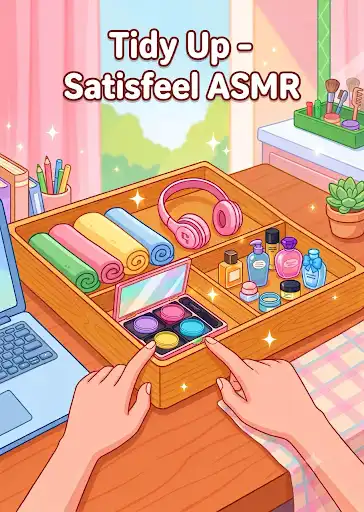
Coins for helpful purchases
Choose your coin balance before picking up hints from the shop. Set a new total whenever you want to adjust how much you have available.
A picture to work toward
Keep hints ready for the moments when a layout will not quite click. In the plant puzzle, the lightbulb button shows a reference picture of the completed shelf.
A little more breathing room
Choose your extra time booster stock, then tap the game's +30-second button to extend the clock. Each use spends one booster.
Available resources
CoinsFree
Choose your coin balance and spend it on hints when a puzzle has you stuck.
Refresh the amount, set the total you want and apply it before visiting the shop.
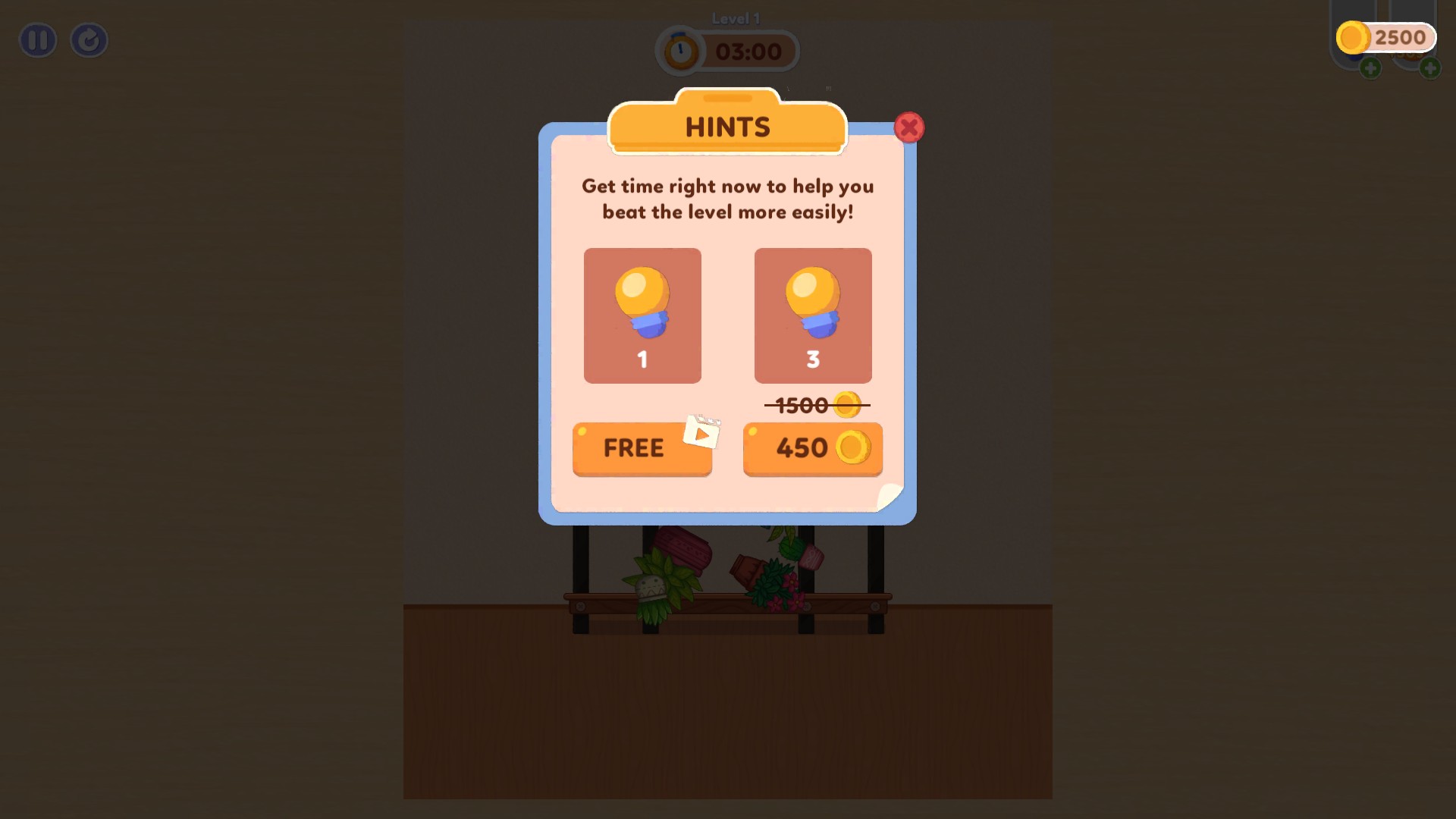
Coins for puzzle hints
A balance of 2,500 coins with a three-hint offer in the shop.
Extra time boostersPremium
Stock up on extra time boosters so you can give a tricky puzzle another 30 seconds.
Choose your booster stock, then use the +30-second button during a puzzle.
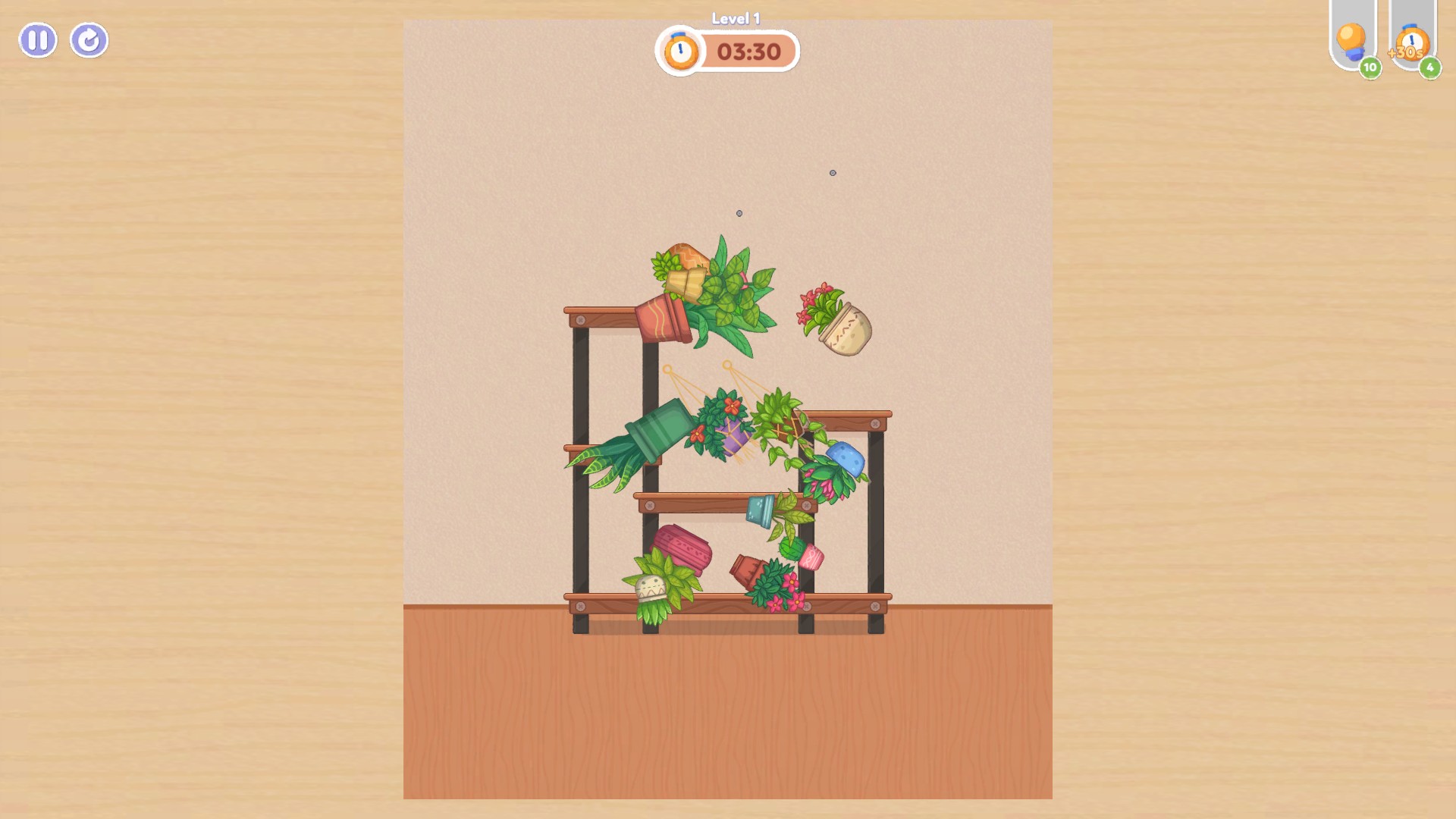
More time to tidy up
Use an extra time booster to add 30 seconds to the puzzle clock.
HintsPremium
Keep hints on hand to check a puzzle's finished arrangement when you need a nudge.
Set your hint stock, then use the lightbulb button in the game.
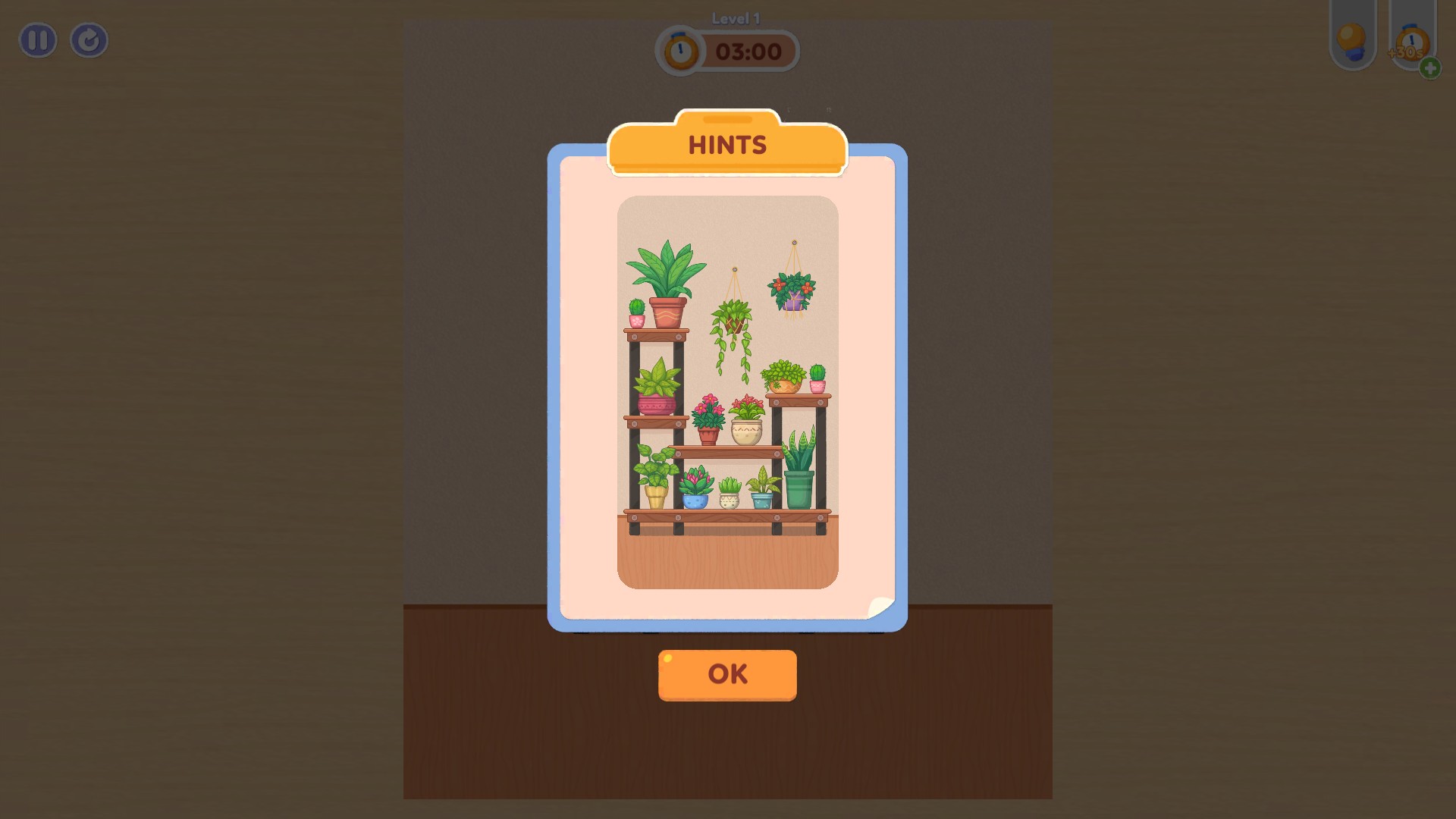
See the finished arrangement
Keep hints on hand to check the finished arrangement when you need a nudge.
Using these features
Choose the feature in the Windows app after connecting your game. Check its requirements before making a change.
Setup for Tidy Up - Satisfeel ASMR →