

Customise
1 optionFree coin control for the game's normal hint system.
View customisation options →Set your coin balance for hints when an object is hard to spot. Pan across busy scenes, zoom in on the details and tap the objects on your list.
Requires the Windows app and the Bytonian Mods browser extension for Chrome or Edge. Browser setup guide
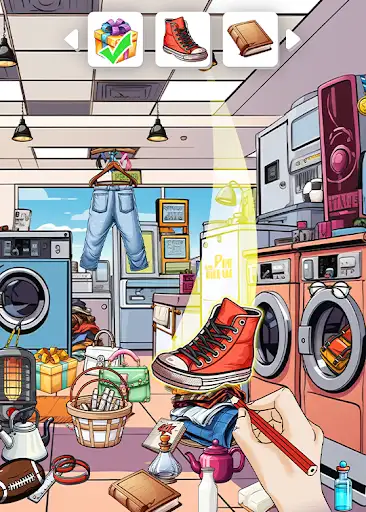
Start with free mods
Download Bytonian Mods for Windows and try these free features. Choose one to see how it works and any requirements.
Set your coins for hints that zoom toward and circle a hidden object.
Choose a whole-number balance, apply it, enter a puzzle and tap the normal 100-coin hint button. Tap the highlighted object to collect it.
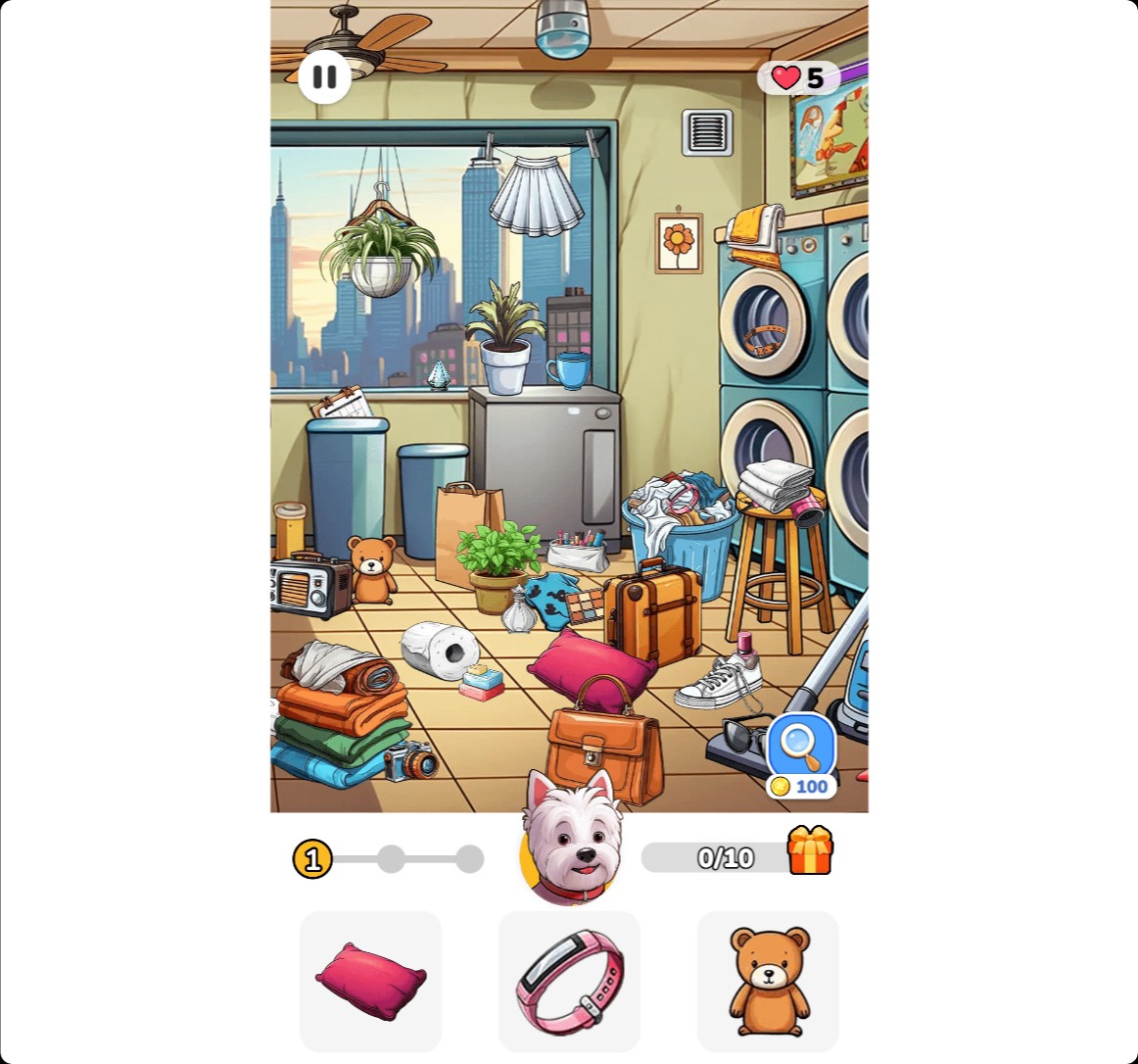
Search a room full of hidden objects
Look for the pictured objects, pan and zoom around the scene, and use a hint when you need help.
A hint costs 100 coins and zooms toward an object with a visible circle. You still tap the object to collect it and continue the search.
Open Tidy Master in YouTube Playables, choose a coin amount in Save Customization, and apply the change. Enter the puzzle and use its normal hint button.
Free coin control for the game's normal hint system.
View customisation options →Download the Windows app and follow the setup prompts.
Set up the browser extension in Chrome or Edge, then open the supported YouTube Playable. Follow the connection guide if the game is already running.
Open Customise in Bytonian Mods, choose an option and follow its instructions. Check the available values and any limits before making your change.