

Customise
3 optionsApply your chosen save changes, then use the game's normal buttons to shuffle, open slots or enter a challenge.
View customisation options →Refill shuffles for a crowded board, open more board slots or choose more solo challenges. Sort matching coins into stacks and merge them into higher values as you make room for the next deal.
Requires the Windows app and the Bytonian Mods browser extension for Chrome or Edge. Browser setup guide

Start with free mods
Download Bytonian Mods for Windows and try these free features. Choose one to see how it works and any requirements.
Refill up to three shuffles for a full merge board.
Set stock to three, apply, then use Shuffle in the full-board dialog. Later shuffles keep normal video requirements.
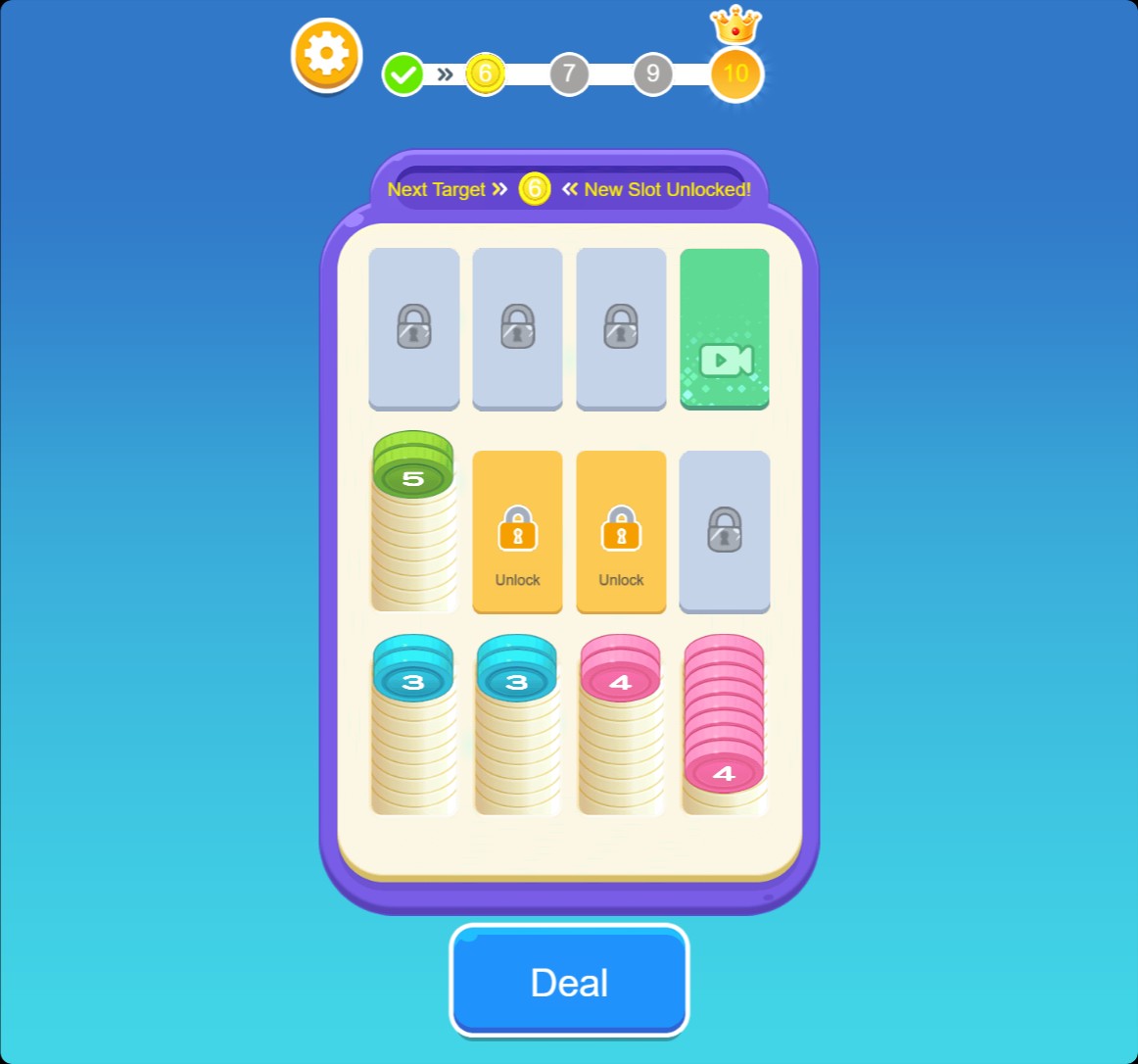
Make room to keep merging
A normal shuffle groups the coins and gives a crowded board room to continue.
When the board runs out of space, a shuffle regroups the coins so you can keep sorting. Refill the stock up to the game's three-shuffle limit, then use Shuffle in the full-board dialog. Later shuffles keep their normal video requirements.
Challenge mode offers a separate set of coin-sorting boards. Make more challenges available and choose one from the title screen's Challenge menu. This opens access without completing the puzzles or changing best times.
Apply your chosen save changes, then use the game's normal buttons to shuffle, open slots or enter a challenge.
View customisation options →Download the Windows app and follow the setup prompts.
Set up the browser extension in Chrome or Edge, then open the supported YouTube Playable. Follow the connection guide if the game is already running.
Open Customise in Bytonian Mods, choose an option and follow its instructions. Check the available values and any limits before making your change.