


Resources
1 optionPremium repeated health refill with a lethal-hit limit.
View resources →Build up your wizard's spells while taking on the creature hordes in The Spell Brigade. The available Windows options give you two ways to adjust a run: add experience to reach upgrades sooner, or keep health refilling while you focus on the fight.

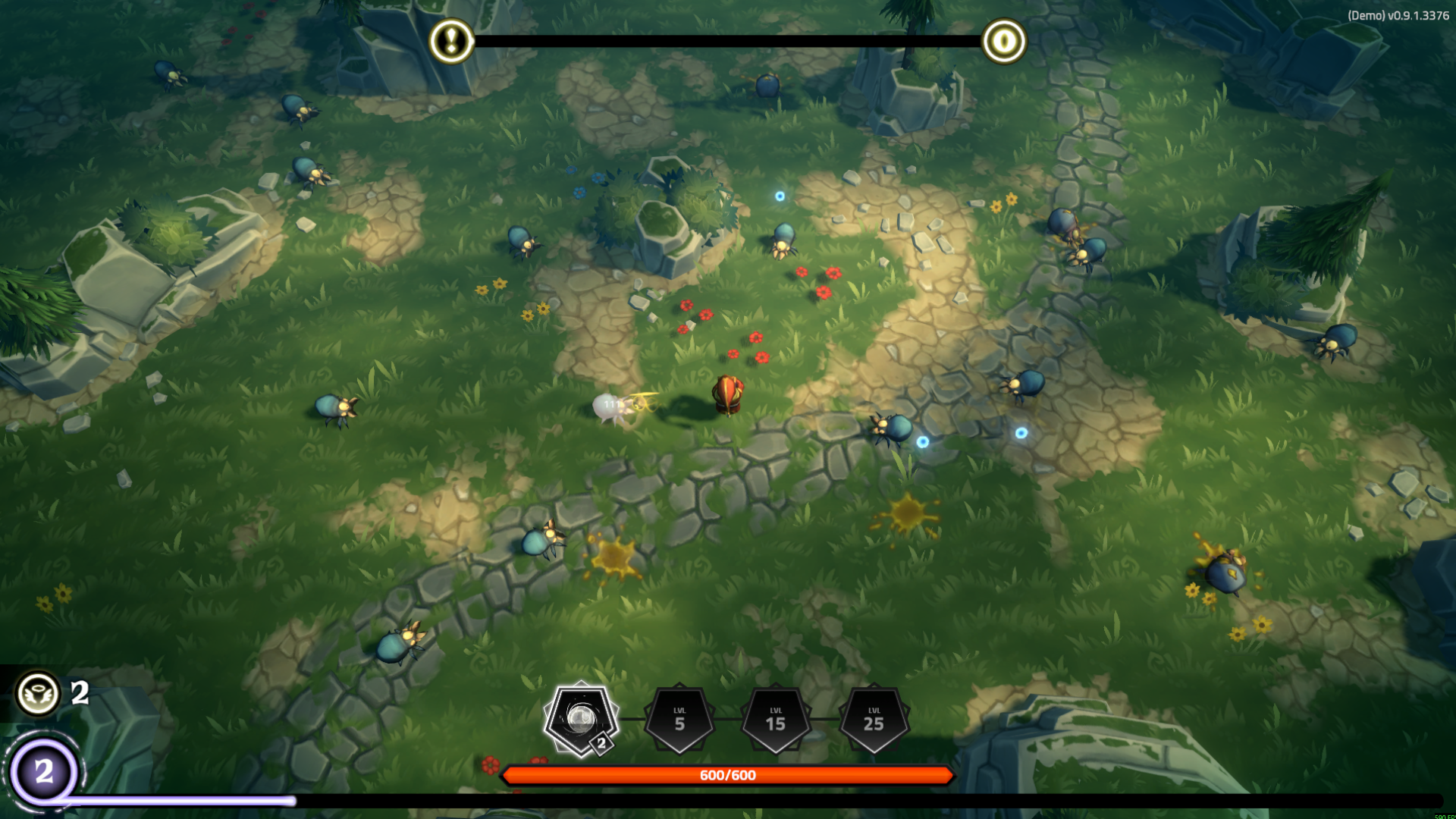
Face the swarm
A wizard fights through swarming creatures among the ruined stone paths.
Game Actions contains Give Experience, with an Amount setting for each grant. Resources contains Always have full health, a toggle for repeated healing. Experience grants are restricted to play outside matchmaking; the health option still leaves you vulnerable to lethal single hits.
Install Bytonian Mods, open The Spell Brigade and select it in the app. Follow the connection prompts, then review the option you want to use. Start a run before attempting an experience grant.
Premium repeated health refill with a lethal-hit limit.
View resources →Grant a chosen amount of experience in an active run outside matchmaking.
View game actions →Download the Windows app and follow the setup prompts.
Open The Spell Brigade and select it in Bytonian Mods. Follow the app’s connection prompts.
Review the available options in the app and choose the ones that suit how you play.