
Survival actions
Refresh Needs and Add Money give you manual help when you choose. Use them separately while your living character is on foot and the game menus are closed.

Refresh Needs
Select Refresh Needs to bring hunger, thirst and fatigue back to zero. These values represent needs building up, so zero means they are cleared. They begin increasing normally again after the refresh.
Add Money
Choose a whole-number Amount from 1 to 1,000,000, then select Add Money. The selected amount is added to your current balance. The resulting balance cannot exceed 16,000,000.
More control on foot
See Movement Controls for the separate walking-speed setting, or return to the overview for setup.
Available game actions
Add MoneyFree
Add the selected whole-number amount to your balance.
Choose Amount, then select Add Money.
Use 1 to 1,000,000 per press, with a resulting balance at or below 16,000,000. Get on foot and close game menus first.
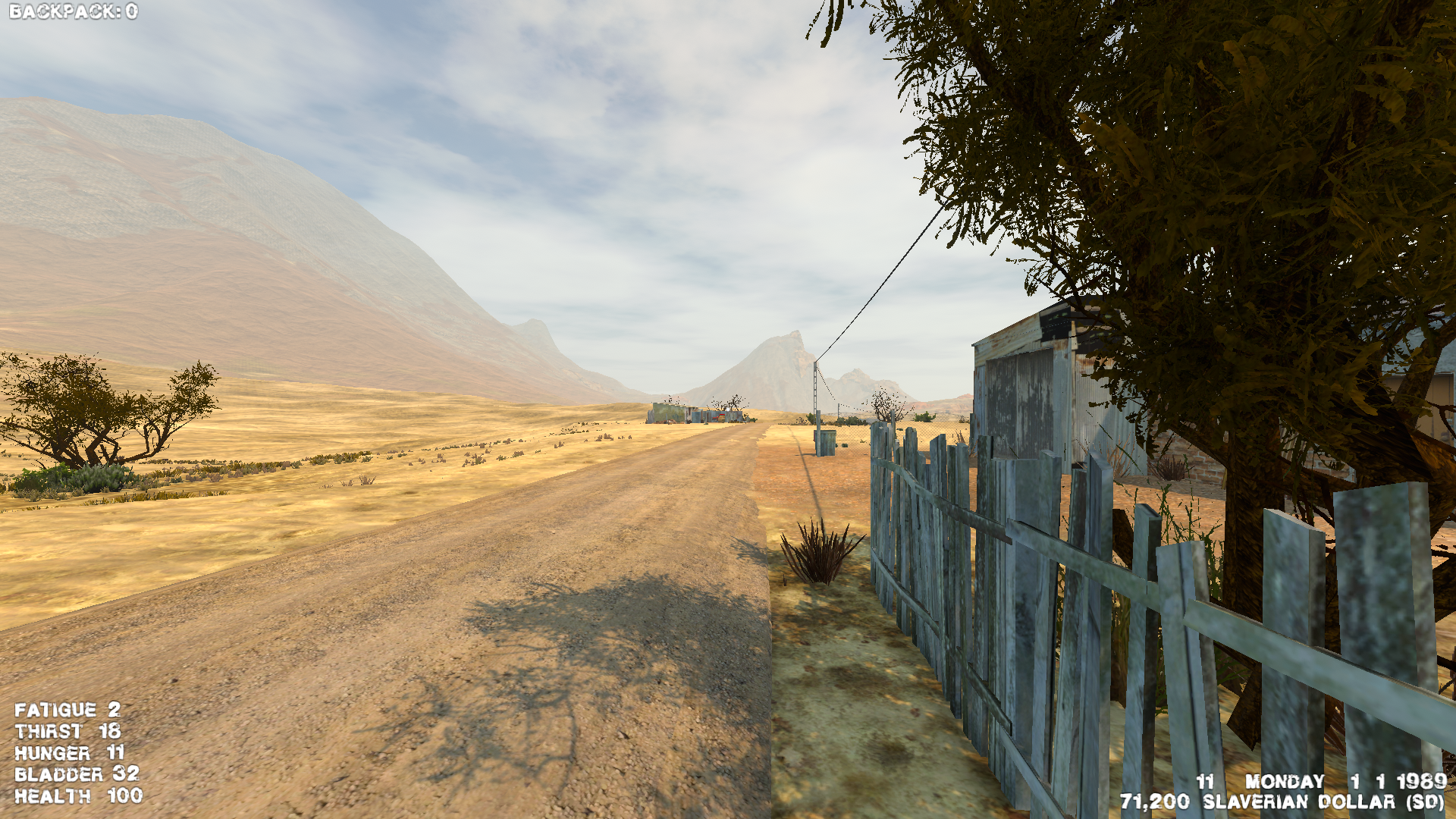
Top up your money
Add the amount you choose to your current balance. This example adds 10,000.
Refresh NeedsFree
Clear current hunger, thirst and fatigue.
Select Refresh Needs for a manual refresh. Needs then increase normally.
Requires a living character on foot with game menus closed.
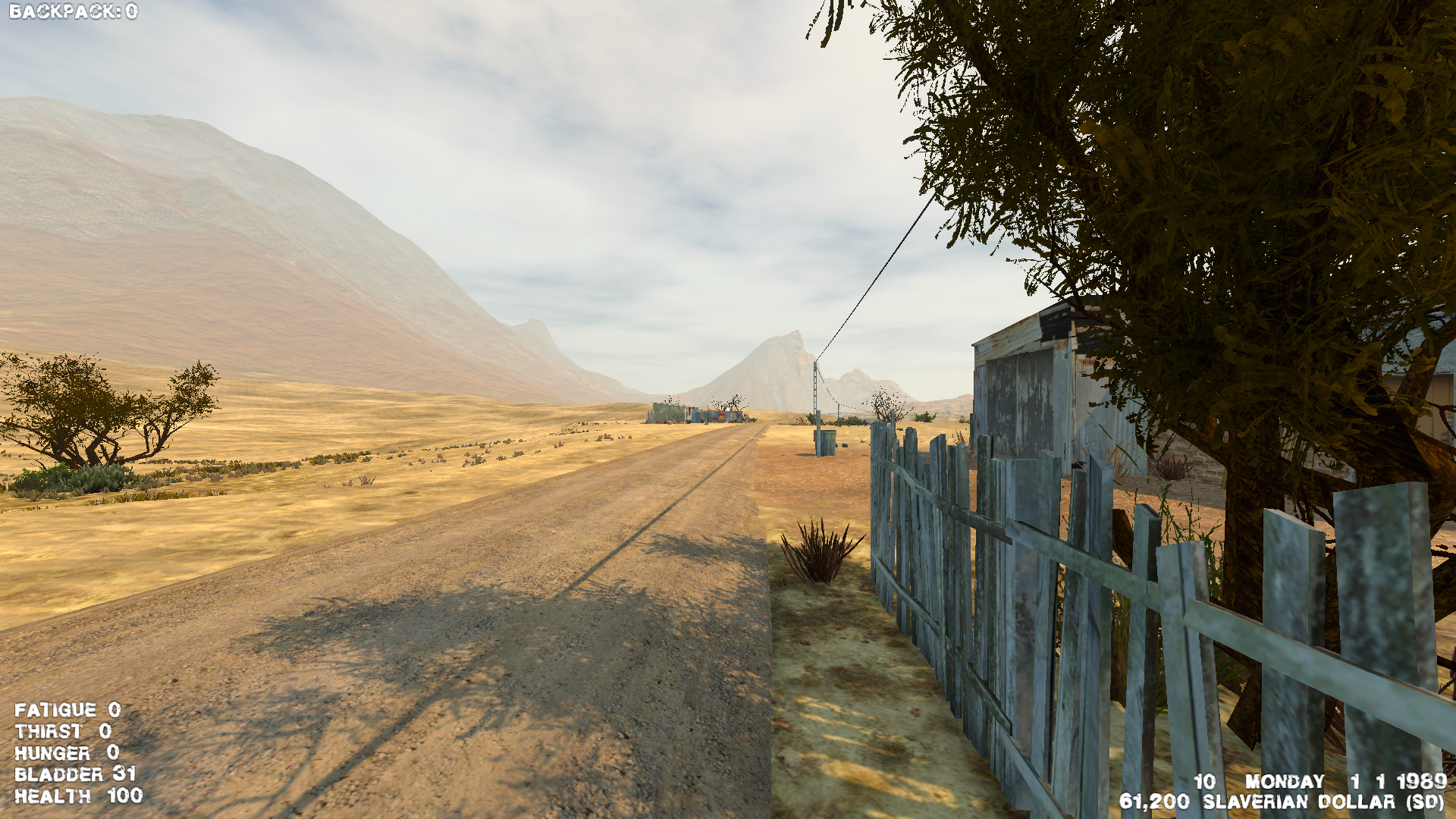
Set out refreshed
Clear your current hunger, thirst and fatigue before your next trip.
More ways to customise The Slaverian Trucker
- The Slaverian Trucker rule modifiers
Adjust on-foot movement with an immediate speed percentage.
Using these features
Choose the feature in the Windows app after connecting your game. Check its requirements before making a change.
Setup for The Slaverian Trucker →