

Set your island zoom
See more of the island's paths and building plots at once, or bring the camera closer for a better look at a smaller area. Island Zoom gives you a view-size setting and a separate Restore action.

Apply a closer or wider view
Choose View size, then press Set island view. Larger values show more of the island; smaller values bring the view closer. Changing the number alone does not apply it.
Return to your earlier zoom
Use Restore previous view to undo the applied zoom. Changes made by the game take precedence, so Restore keeps a view that has already changed. Apply Island Zoom during normal island exploration, with dialogs closed.
Available game actions
Set island viewFree
Choose a closer or wider view of the island's paths and building plots.
Select View size, then press Set island view during normal island exploration. Larger values show more of the town.
Close dialogs before applying. Game camera changes take precedence.
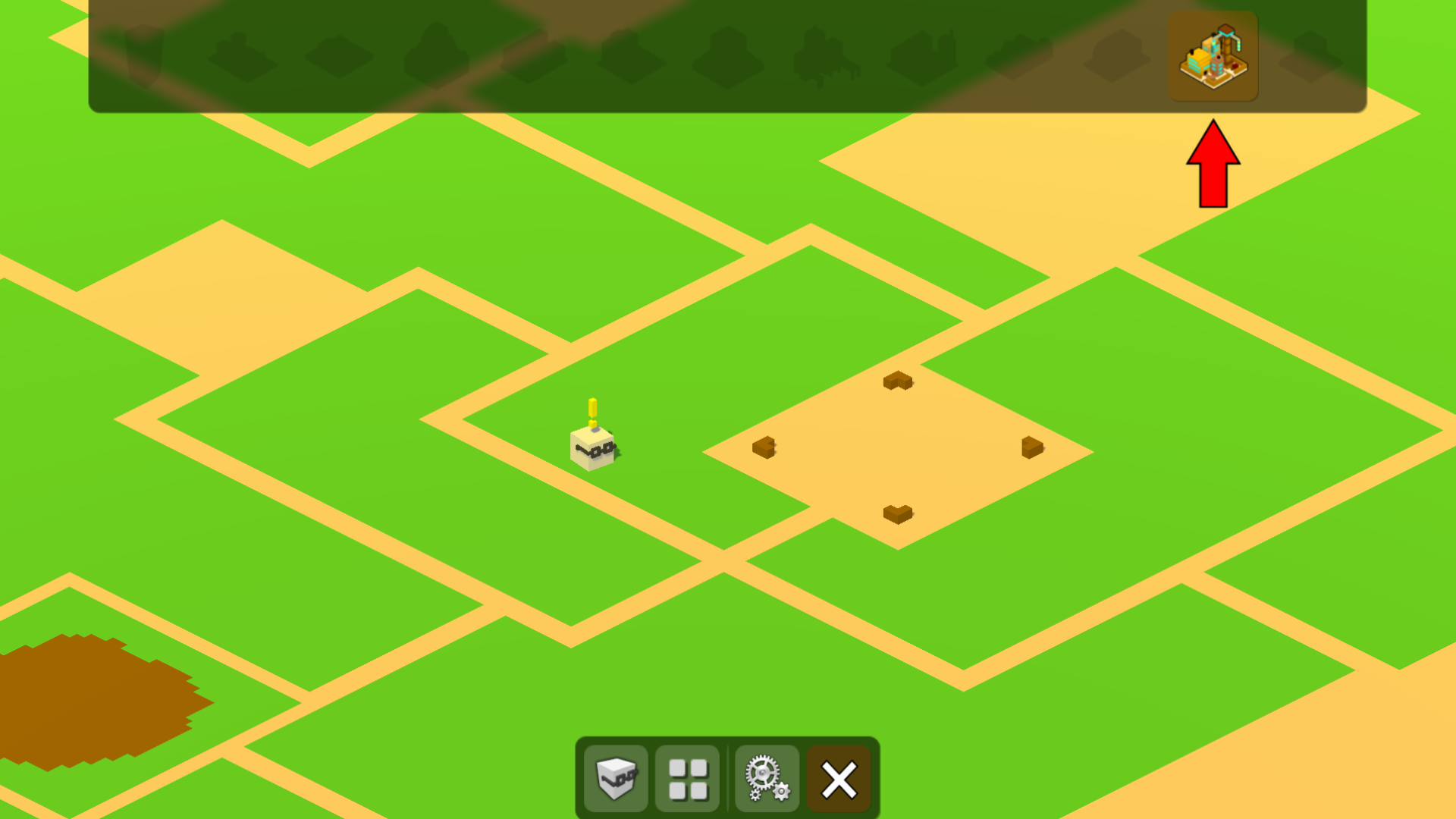
A wider view of your island
Zoom out to see more of your island's paths and building plots.
Using these features
Choose the feature in the Windows app after connecting your game. Check its requirements before making a change.
Setup for The Perfect Tower II →