
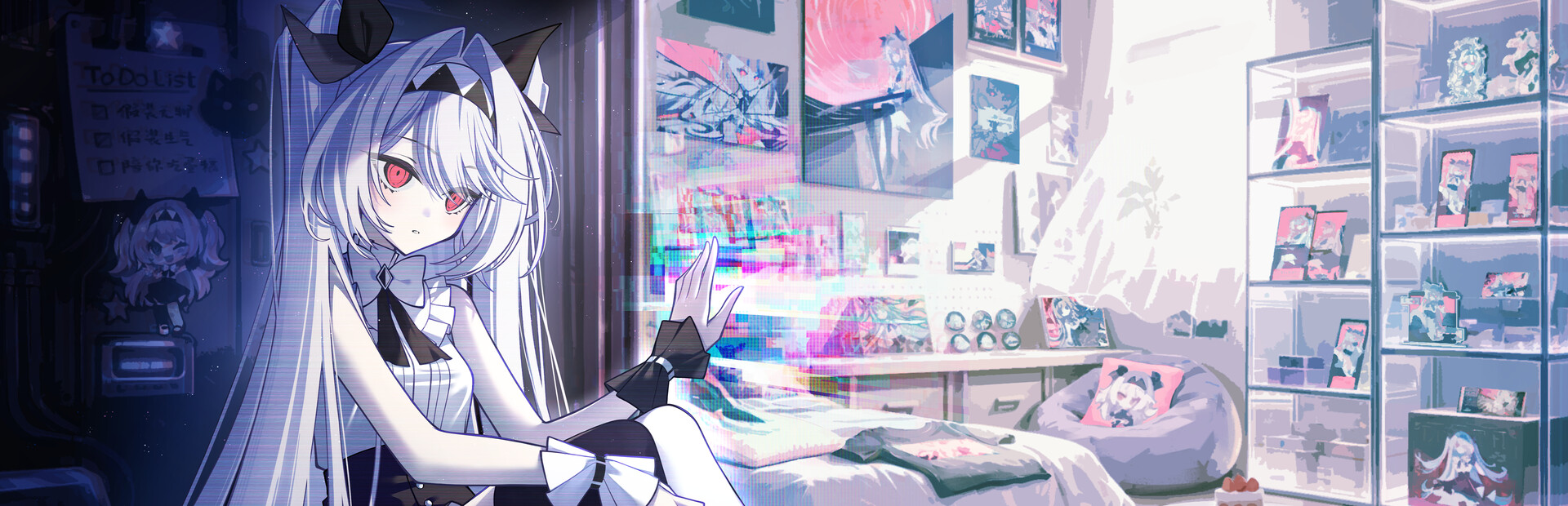
Presentation Modifiers
1 optionAdjust companion size within the game's normal screen-fit limit.
View presentation modifiers →Set up a quieter desktop companion and choose a comfortable size with two simple controls.
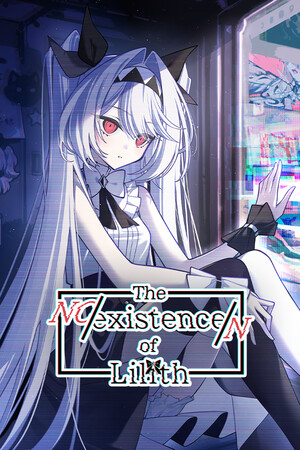
Start with free mods
Download Bytonian Mods for Windows and try these free features. Choose one to see how it works and any requirements.
Turn the game's Quiet Mode on or off.
Quiet Mode follows the game's own settings and may not silence every sound.
Enable the size slider to adjust the companion's size.
Explore this free feature →Turn on the game's Quiet Mode when you want fewer interruptions. This follows the game's own quiet settings and may not silence every sound.
Adjust the size slider to make the companion smaller or larger. The game's normal screen-fit limit still applies.
Adjust companion size within the game's normal screen-fit limit.
View presentation modifiers →Switch the companion into the game's Quiet Mode.
View utilities →Browse the Steam achievement names and descriptions for The NOexistenceN of Lilith. Choose and unlock achievements for free with Bytonian Mods in the Windows app.
View all achievements →Download the Windows app and follow the setup prompts.
Open The NOexistenceN of Lilith and select it in Bytonian Mods. Follow the app’s connection prompts.
Review the available options in the app and choose the ones that suit how you play.