

Ability Modifiers
1 optionAdjust how quickly your character walks and runs while you control them.
View ability modifiers →Explore Baervox, speak with locals and piece together clues in a pixel-art adventure. The Walking Speed mod lets you choose a comfortable pace for moving between rooms and revisiting places as you solve puzzles.
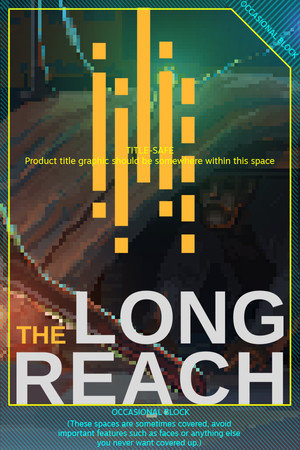
Start with free mods
Download Bytonian Mods for Windows and try these free features. Choose one to see how it works and any requirements.
Adjust how quickly you walk and run while exploring The Long Reach.
Enable Walking Speed and choose a value between 50% and 200%. At 100% you move at the usual pace.
The adjustment applies while you control the character.
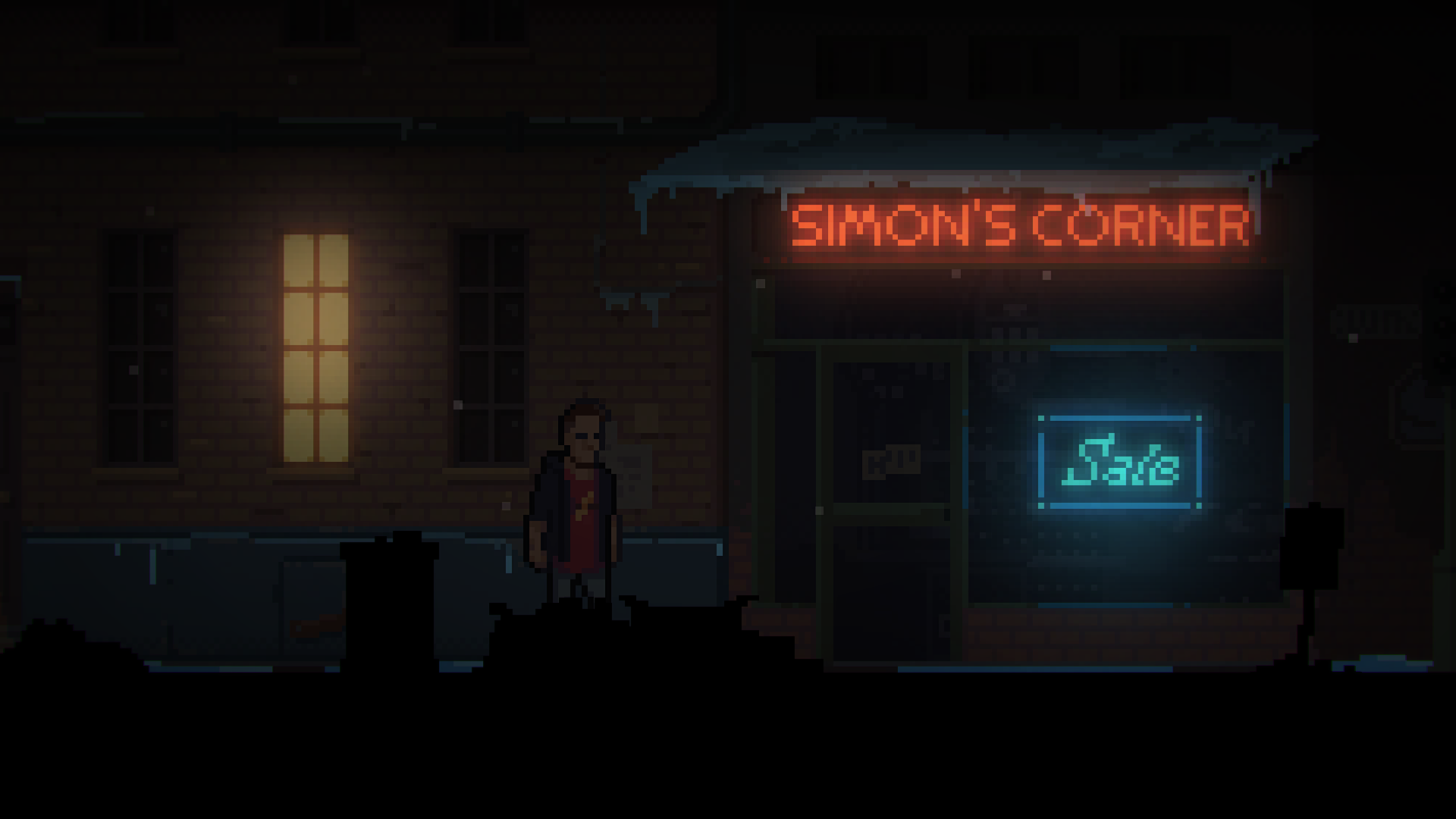
Outside Simon’s Corner
The neon sign lights the street outside Simon’s Corner in the town of Baervox.
Adjust how quickly your character walks and runs while you control them.
View ability modifiers →Browse the Steam achievement names and descriptions for The Long Reach. Choose and unlock achievements for free with Bytonian Mods in the Windows app.
View all achievements →Download the Windows app and follow the setup prompts.
Open The Long Reach and select it in Bytonian Mods. Follow the app’s connection prompts.
Review the available options in the app and choose the ones that suit how you play.