

Movement and torch timing
Choose a comfortable walking pace or keep a lit torch burning while Ember holds it. These two independent controls help you explore without changing puzzle or quest completion.

Movement and torch timing
Movement Speed adjusts ordinary walking and running from 50% to 300%, with 100% matching normal speed. Switch it off to return to the game's usual pace.
Steady Torch pauses the burn timer of a lit torch already in Ember's hands. Switch it off to resume burning normally; it does not provide or light a torch.
Available rule modifiers
Movement SpeedFree
Adjust normal walking and running to suit your preferred pace.
Enable Movement Speed and choose 50% to 300%. At 100%, Ember uses normal speed. Switch off to restore the usual pace.

Move at your own pace
Adjust Ember's movement speed as you explore the ruins.
Steady TorchFree
Keep a lit torch burning while Ember holds it by pausing its burn timer.
Turn on while holding a lit torch. Turn off to let its timer continue normally.
Does not create or light a torch.
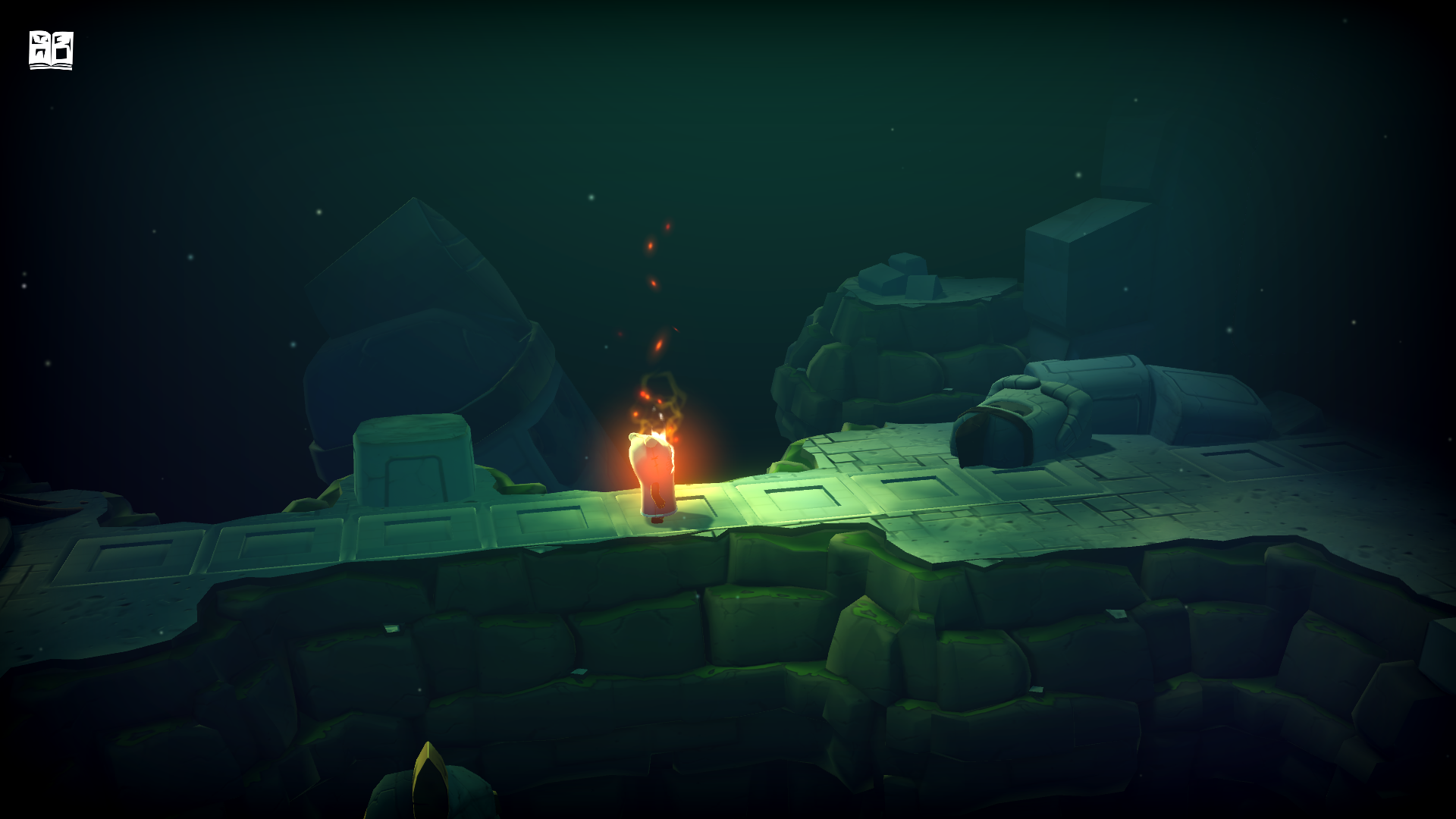
Keep your torch burning
Pause the burn timer of a lit torch while Ember holds it.
More ways to customise The Last Campfire
- The Last Campfire game actions
Fly within the current room with editable speed and movement controls.
Using these features
Choose the feature in the Windows app after connecting your game. Check its requirements before making a change.
Setup for The Last Campfire →