

Movement controls for Ember
Take your time along the stone paths or move more quickly between familiar places. Use the free Movement Speed control to choose the pace of normal walking and running.

One setting, easy to change
Enable Movement Speed and adjust its percentage beside the card title. Choose 100% for the usual pace or switch the control off whenever you want normal movement.
Available stat modifiers
Movement SpeedFree
Adjust Ember's normal walking and running pace.
Enable the control while freely exploring, then choose 50% to 300%. The default is 150%; 100% is normal speed. Switch off to restore normal movement.
Cutscenes and scripted actions keep their normal movement speed.
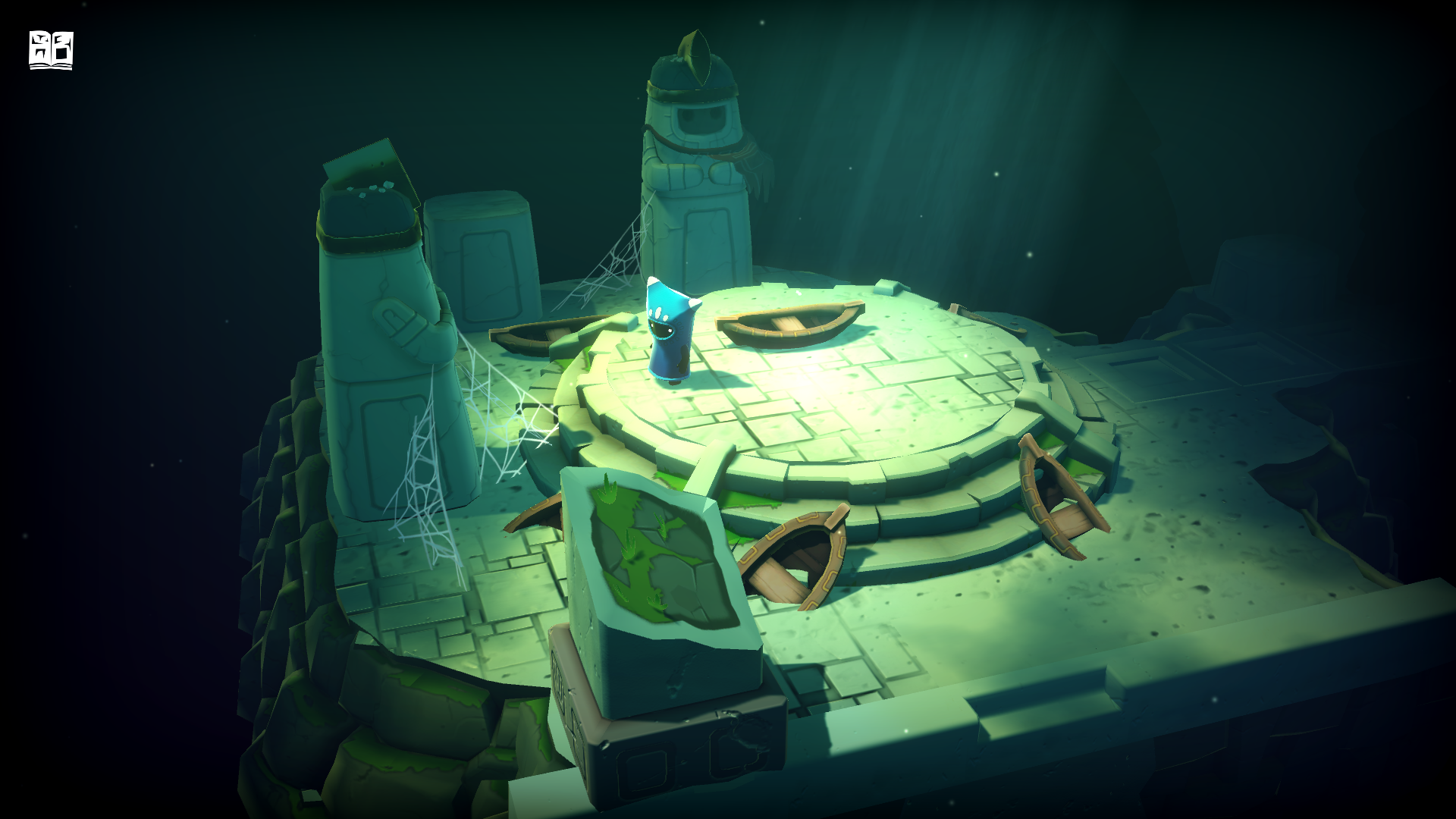
Explore at your own pace
Ember stands on a stone platform in the demo's opening area. Movement Speed lets you choose a comfortable pace for ordinary walking and running.
Using these features
Choose the feature in the Windows app after connecting your game. Check its requirements before making a change.
Setup for The Last Campfire Demo →