

Funds and trading-day pace
Give your trading account more room for buying positions, add to your personal spending balance, or change how quickly the office day moves. The two funds actions affect separate accounts, so choose the one you want before adding an amount.

Separate additions for separate accounts
Add Trading Funds increases your available trading balance. Add Personal Funds increases your personal balance and is available free. Choose a positive whole amount, then press the matching action.
Each press adds the selected amount once. These controls do not hold either balance at a fixed value.
Choose the pace of the day
Trading Day Pace ranges from 50% to 300%, with 100% matching the normal clock. Use a lower value for more time between changes or a higher value to let the day pass faster.
Pause still stops the clock. Coffee and tea continue to change its pace, with your selected percentage applied alongside those effects.
Available game actions
Add Personal FundsFree
Add the chosen whole amount to your personal spending account.
Enter an active trading day, set Amount and press Add Personal Funds.
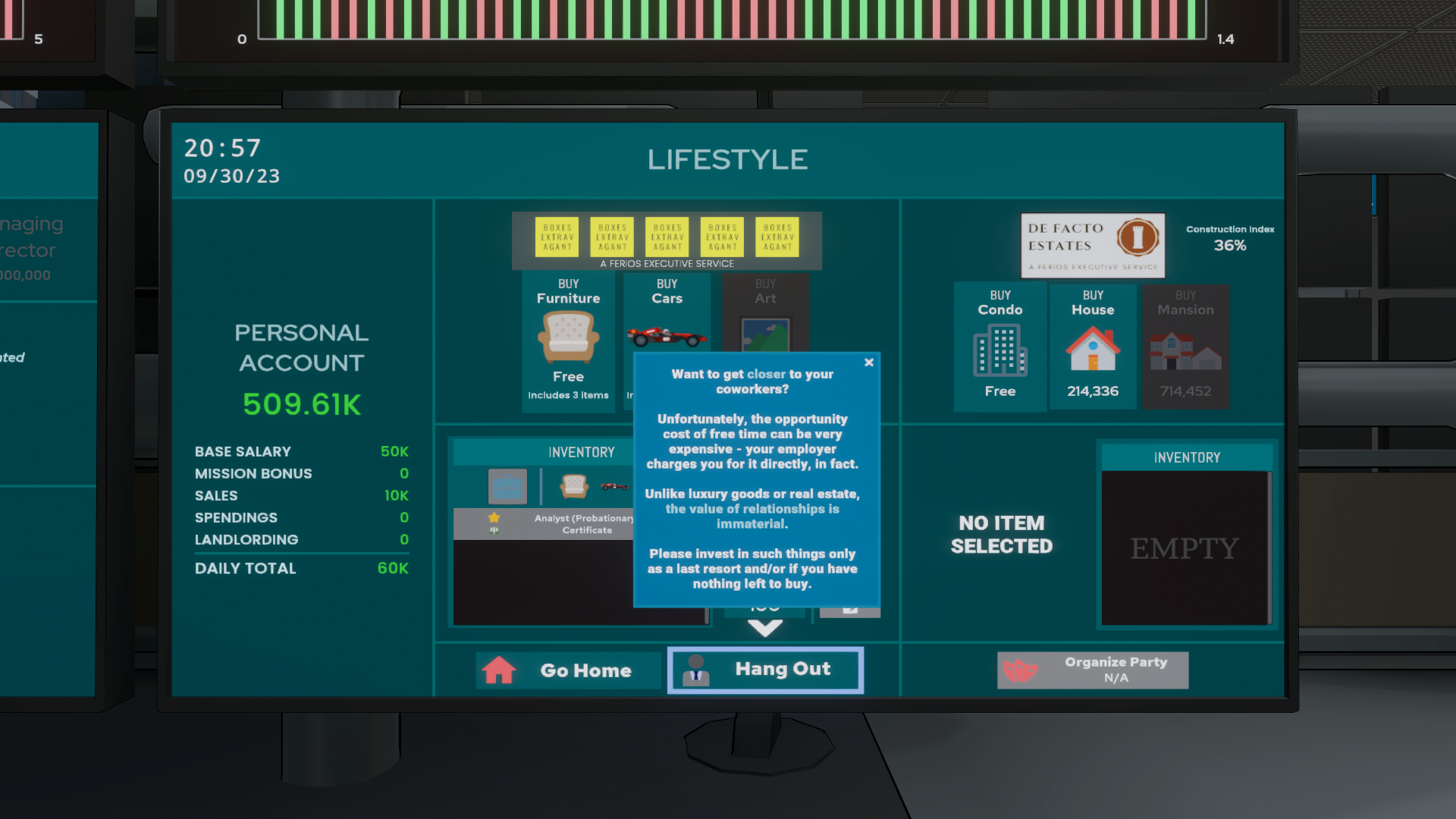
Add to your personal account
Choose a whole amount to add to your personal account for the game's lifestyle purchases.
Add Trading FundsPremium
Add the chosen whole amount to your trading account.
Enter an active trading day, set Amount and press Add Trading Funds.
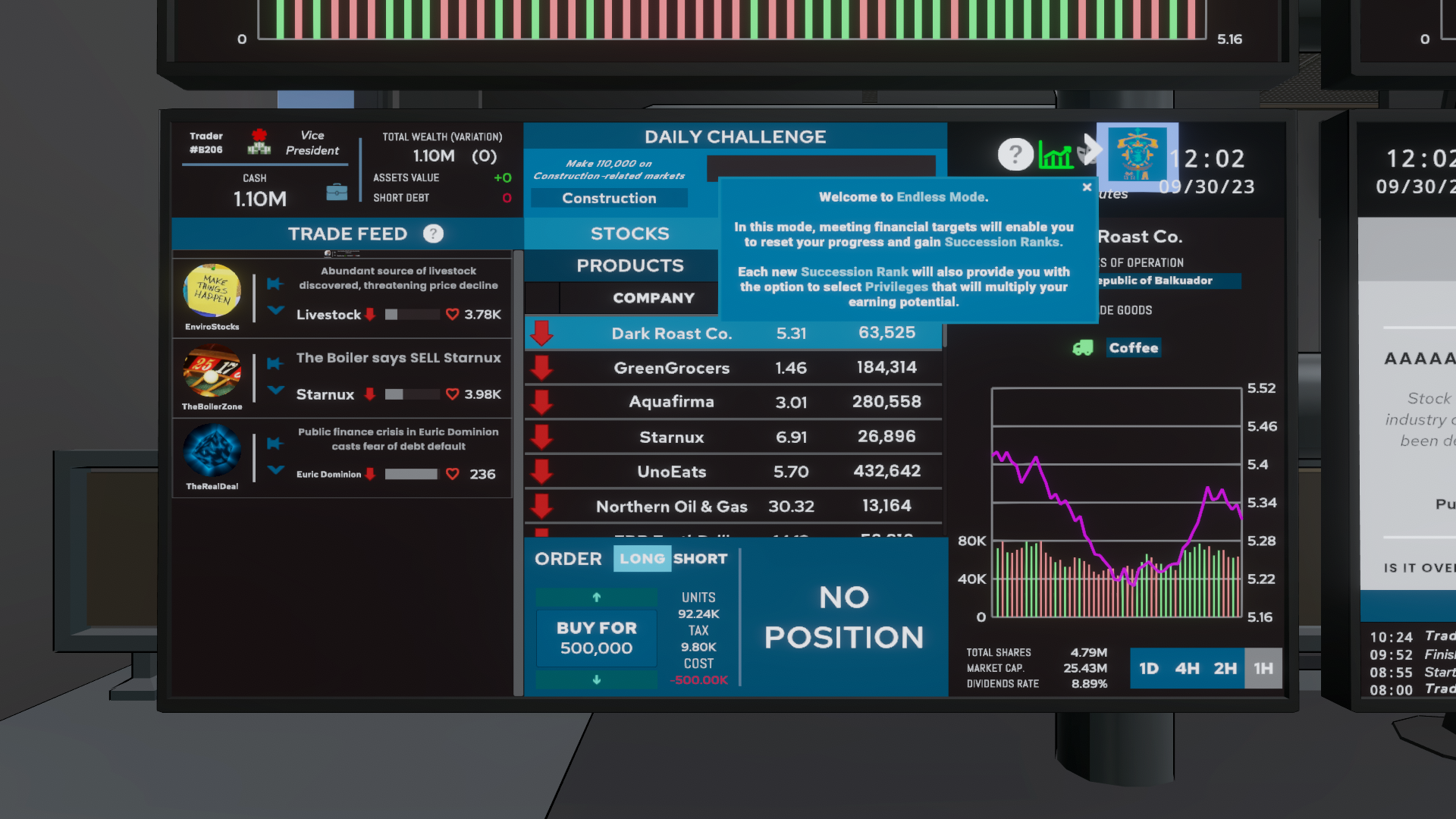
Add funds to your trading account
Choose a whole amount to add to your trading account during active trading.
Trading Day PacePremium
Set the trading-day clock to 50% to 300% of its normal pace.
Choose Pace and turn the control on during a trading day. Pause still stops the clock, and coffee and tea retain their effects.
More ways to customise The Invisible Hand
- The Invisible Hand stat modifiers
Set ordinary walking speed from half speed to three times normal.
- The Invisible Hand ability modifiers
Move freely above furniture with editable flight controls.
Questions about game actions
- Does adding personal funds also add trading capital?
- No. Use Add Trading Funds when you want to increase the trading account.
Using these features
Choose the feature in the Windows app after connecting your game. Check its requirements before making a change.
Setup for The Invisible Hand →